Participant
April 1, 2024
Question

Color grading looks different when exporting

  • April 1, 2024
  • 2 replies
  • 305 views

Hello, I know this isnt the first post on this but I couldn´t find anything to help me.

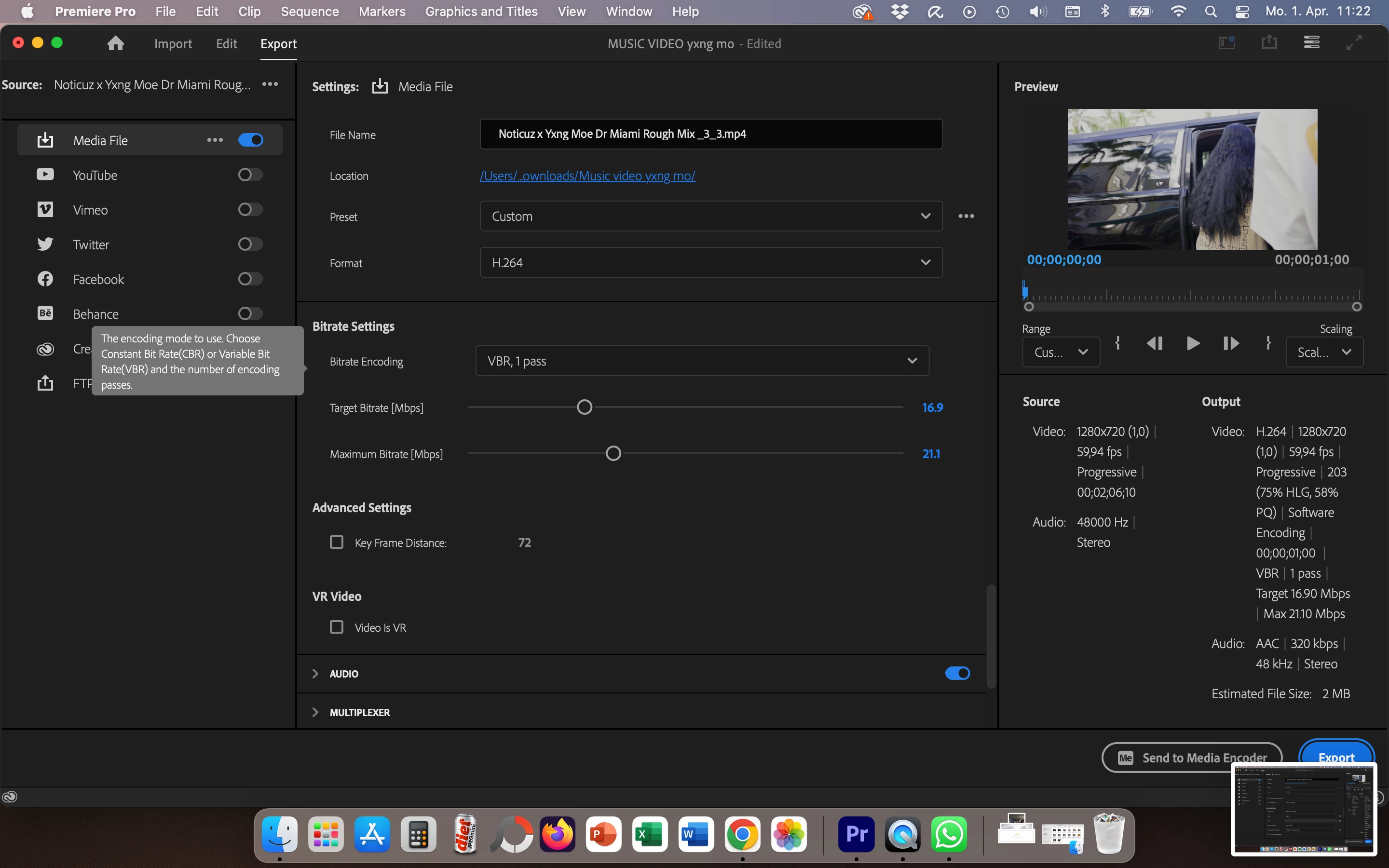
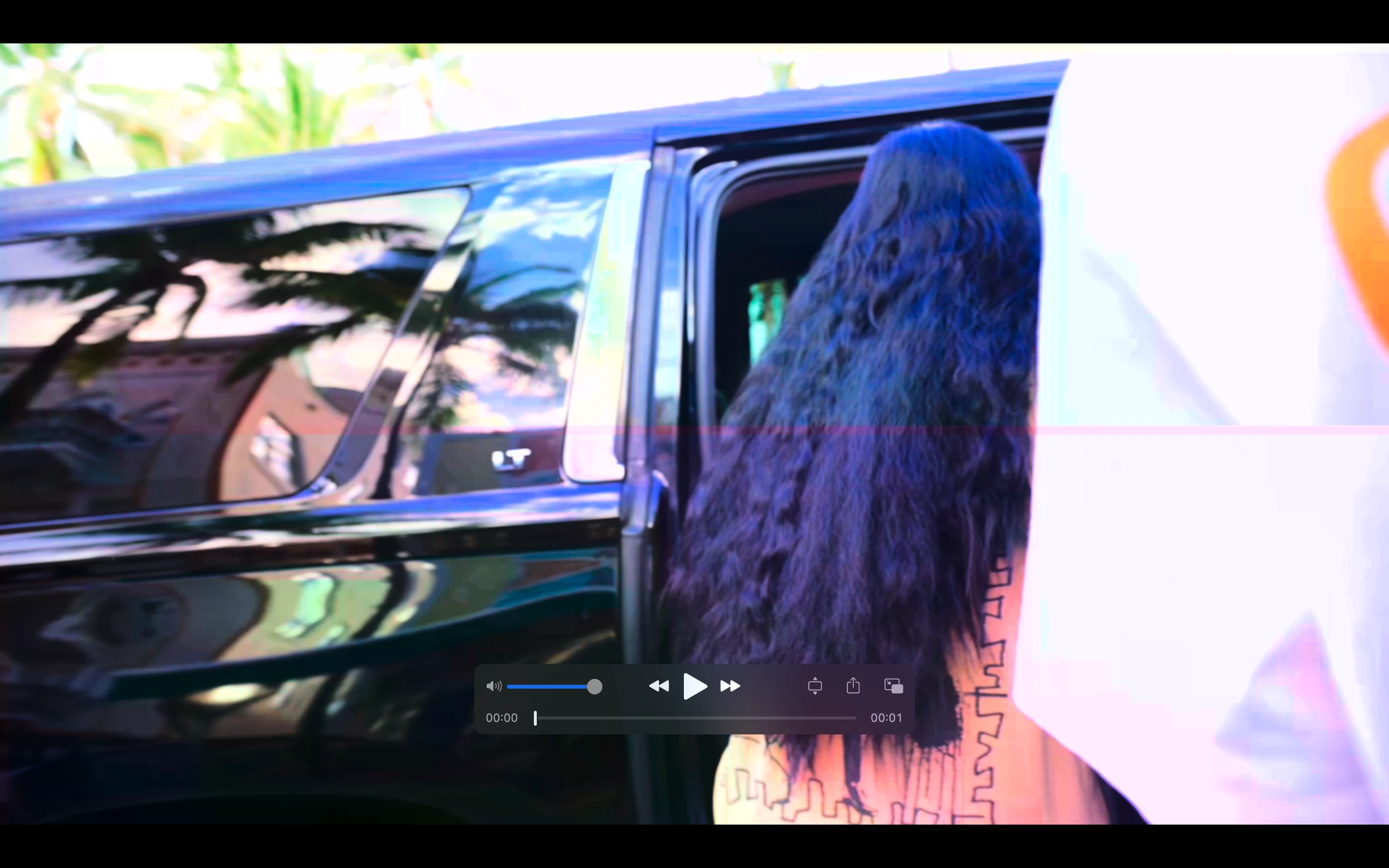
I have had a problem where the footage I color graded in premiere pro looks completely different than the footage that is exported.
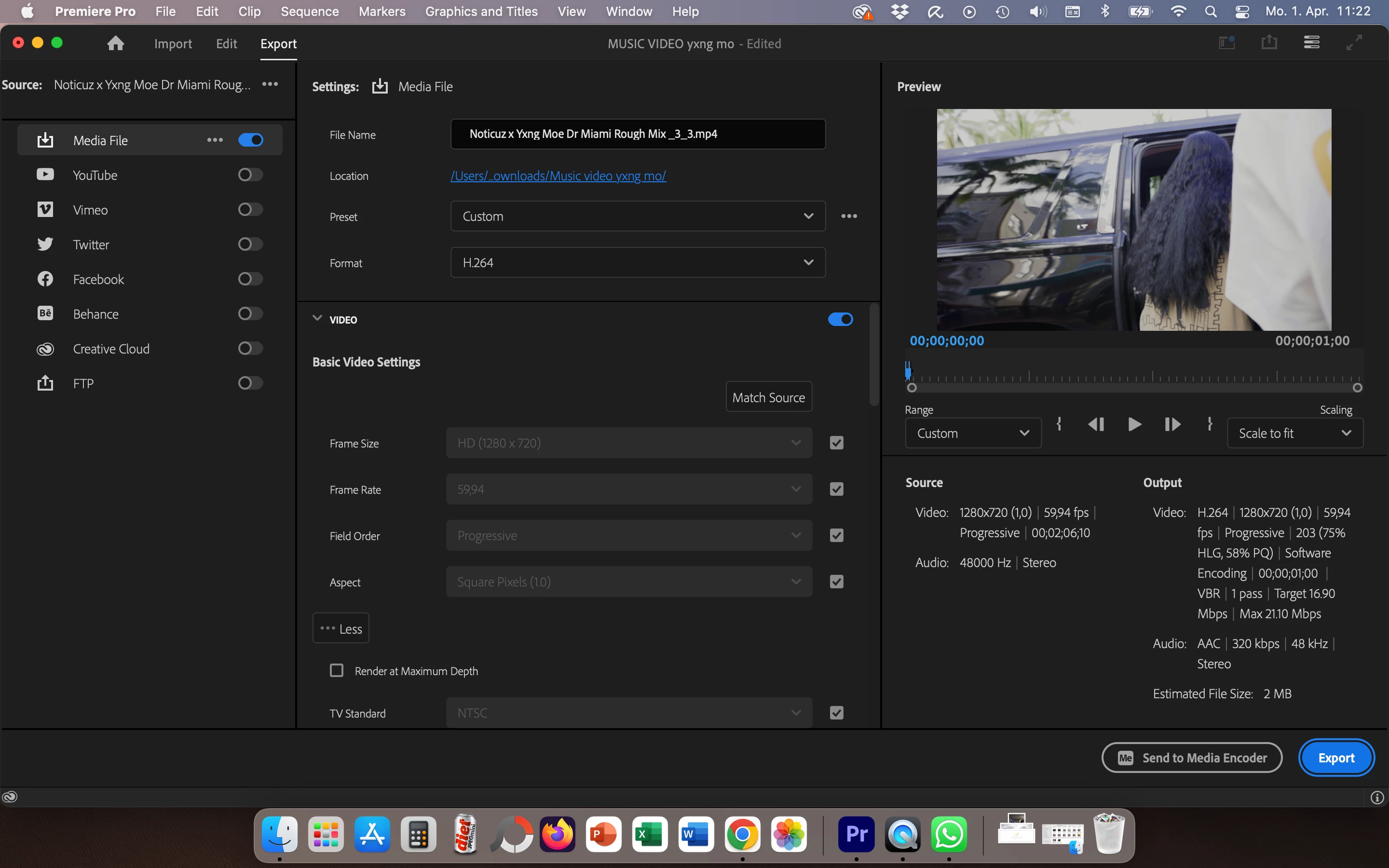
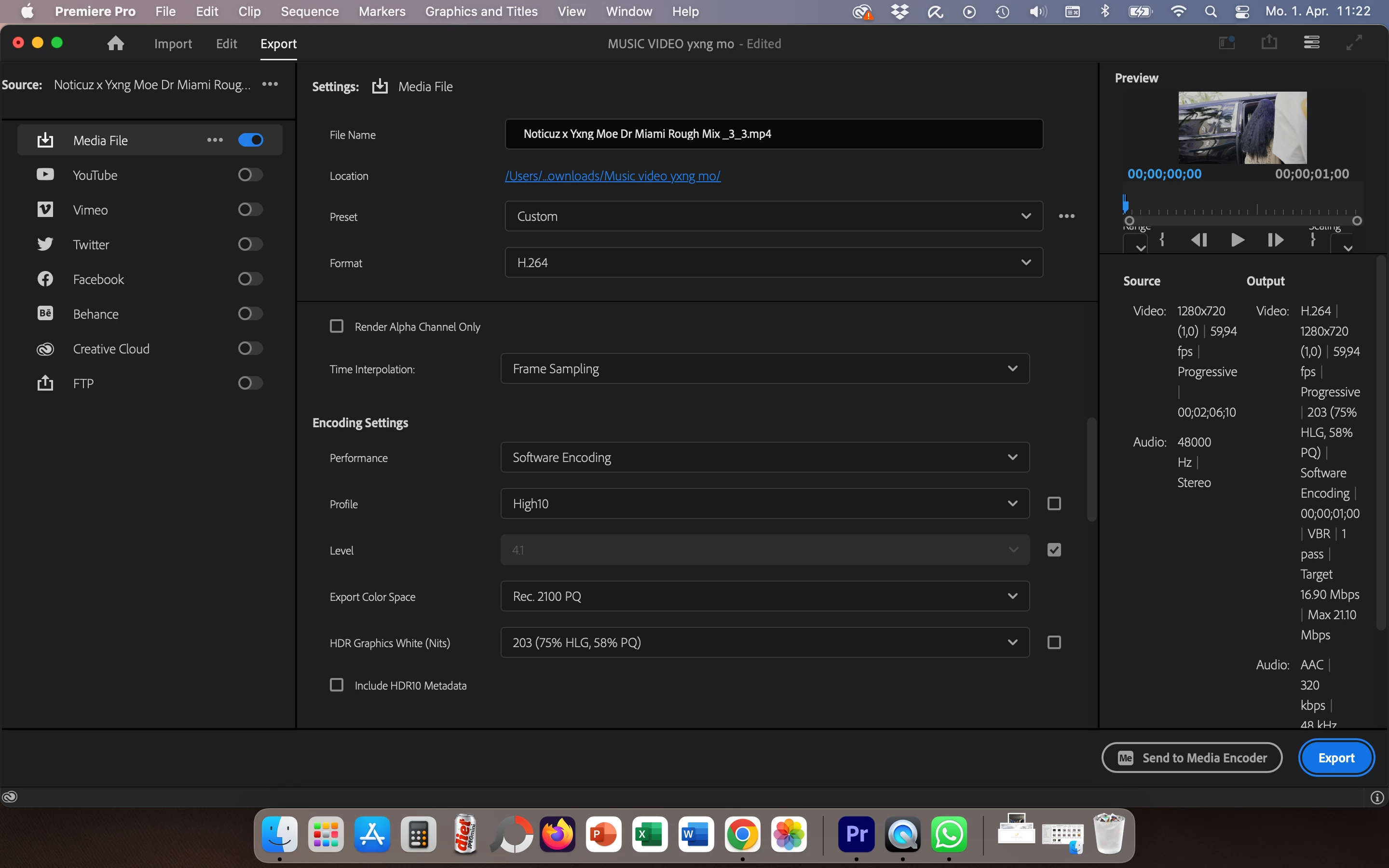
  This is how it looks in premiere vs exported
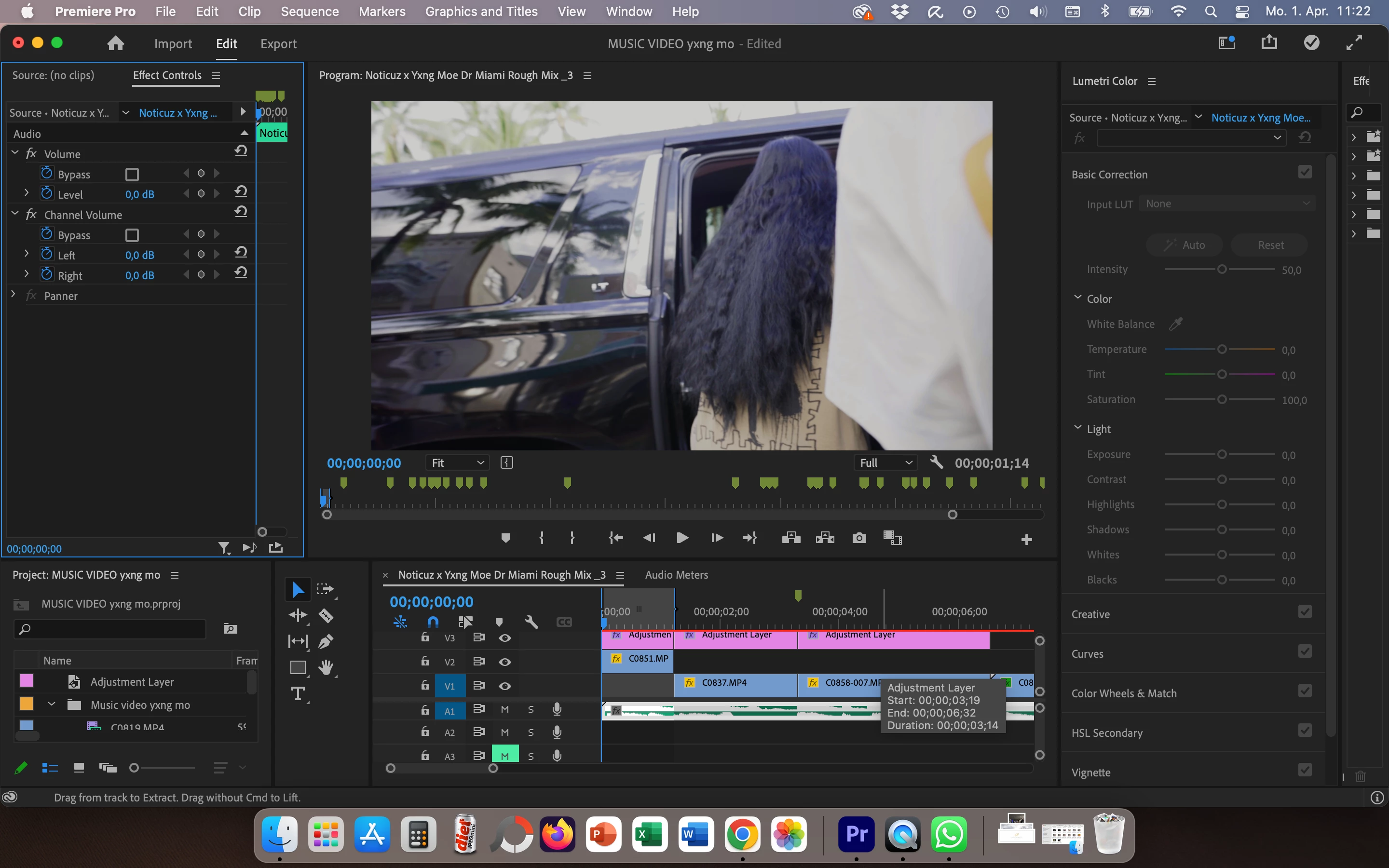
 

Can anyone help me? 

This topic has been closed for replies.

2 replies

R Neil Haugen
Legend
April 1, 2024

One of two things, maybe both involved.


You're trying to export a PQ clip, which is an HDR form, correct?


I would need to know what your OS is, I think a Mac? What is your Premiere CM settings set to?


In Premiere, to check/set color management, easiest is to go to the Color workspace, Lumetri panel, the Settings tab ... the one called the Settings tab! All of Premiere's controls show and can be set there.


Your viewer gamma is part of how things look inside Premiere versus outside, especially on a Mac. And what the clip CM, sequence CM, and then Export CM are is crucial.


To export properly in PQ, the clip, sequence, and export preset must all be set for PQ. So seeing the entire selection of CM settings in the Settings tab would help diagnose the trouble.


And ... I would add ... use only presets that Adobe created, which have PQ in the preset name, for any PQ exports. Trying to modify a non-PQ export preset successfully to work as a PQ export is difficult at best. Start with a preset matching you clip CM, and modify as needed.

Everyone's mileage always varies ...
Participant
April 1, 2024

I have removed the color grading layer it looks like this now when exported vs in the preview