Participant
June 7, 2024
Answered

Color on export looks completely different than in premiere

  • June 7, 2024
  • 2 replies
  • 6358 views

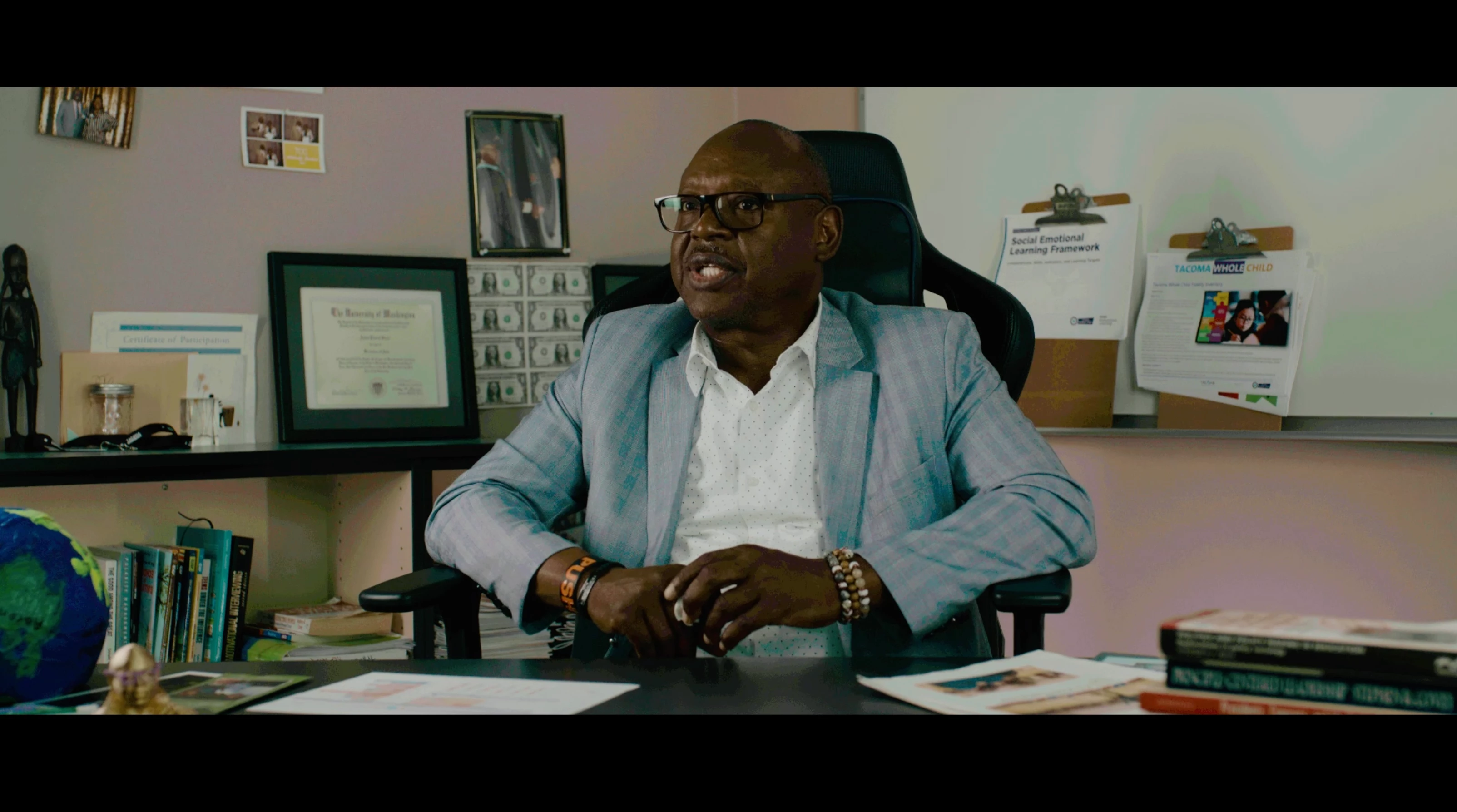
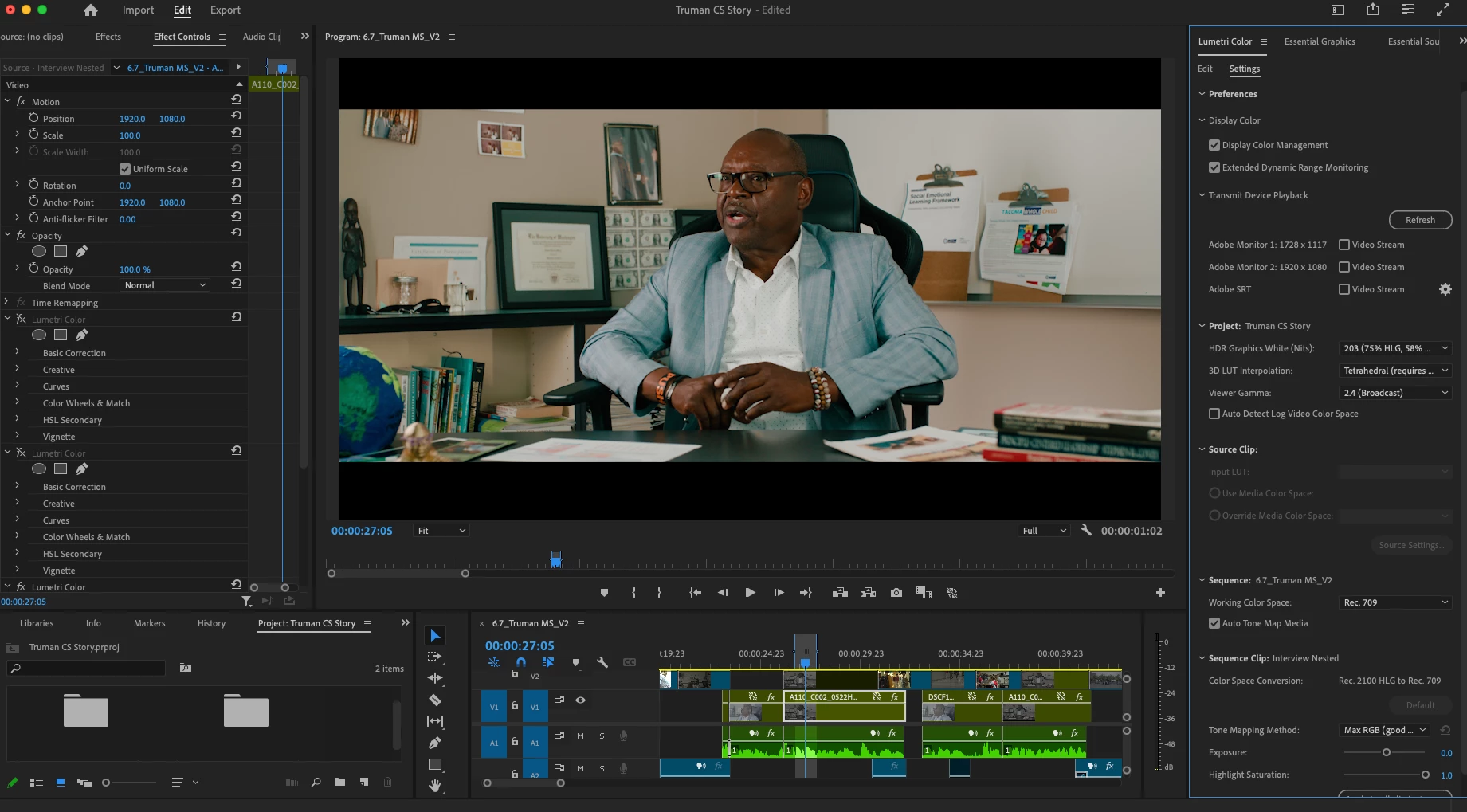
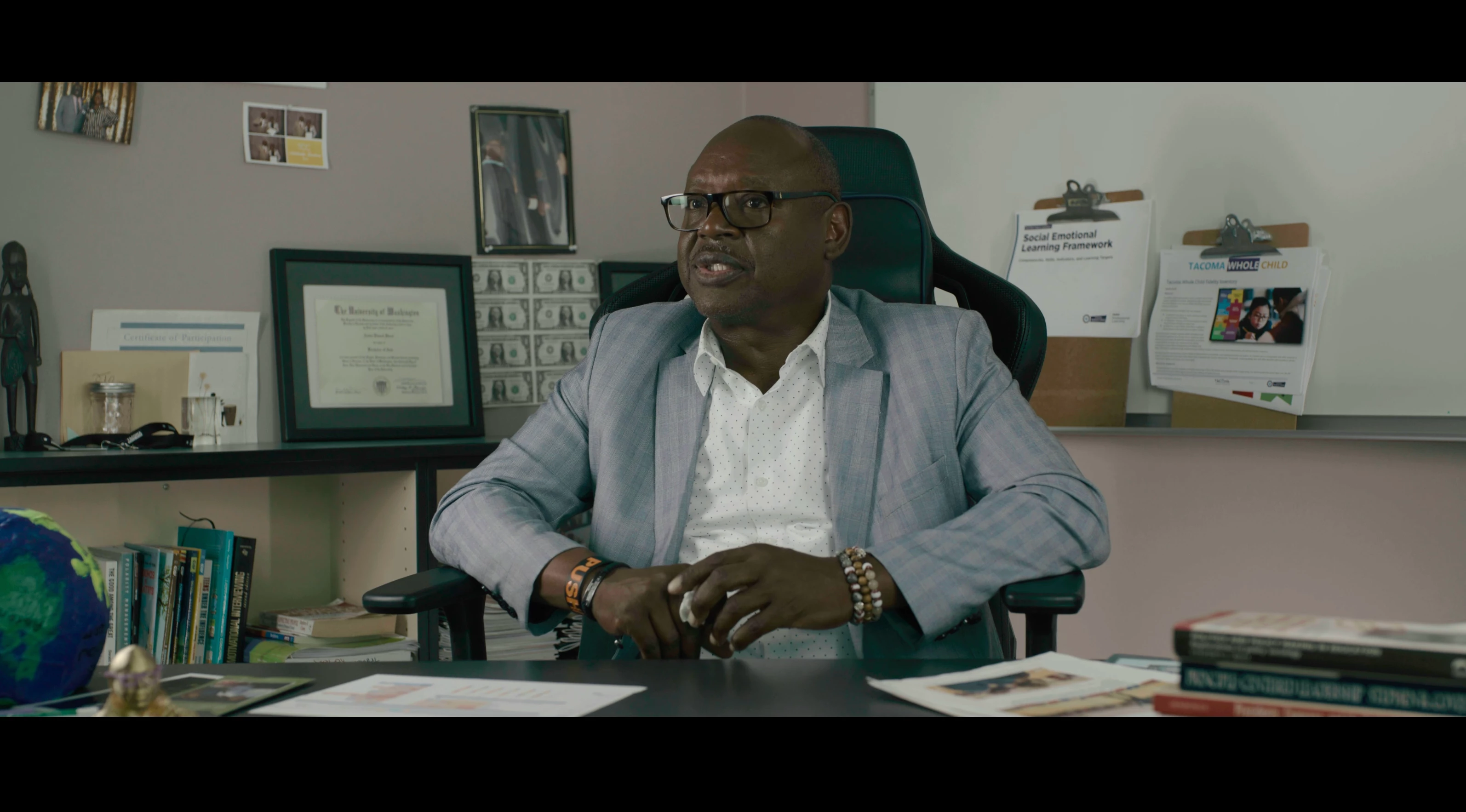
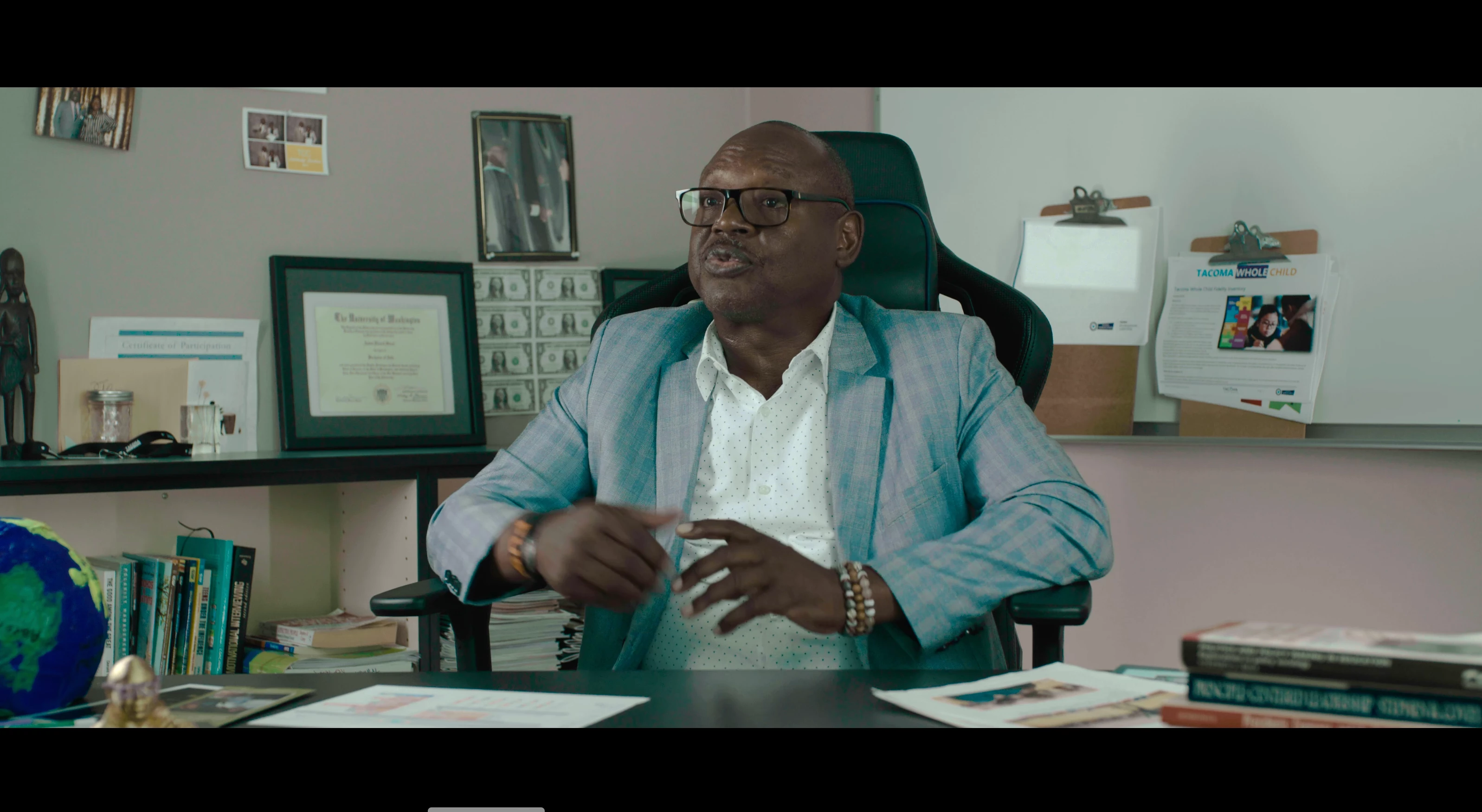
I have never really run into issues with colors looking all that different after exporting videos from premerie (other than the infamous slightly "washed out" look that is fairly easy to work around) but for whatever reason on one particular project I have been completely unable to export a video with color that looks even slightly similar to what it looks like in my timeline. I have tried tweaking SO many different settings and trying to export it in so many different ways and cannot for the life of me figure out what is going wrong. The color ends up looking really pink and green, noisy, too dark, too light, pretty much everything in thebook excpet what it's supposed to look like. This is the first time I have edited using R3D files, so I'm not sure if maybe that is the issue? I have attached a photo of the image in premiere and then some screenshots of what I have gotten in exports so that you can see the difference. Ive also attatched a screenshot of my color settings for context.
Correct answer R Neil Haugen

Maybe change the Red settings ... perhaps setting to Rec.709 color/gamma?

2 replies

R Neil Haugen
Legend
June 7, 2024

Try adding the Auto Detect Log setting.


And it would also be good to see what the Red settings are set to ...

Everyone's mileage always varies ...
Participant
June 7, 2024

I was hoping I'd get a response from you! Turned on the auto detect log setting and am still getting a similar image. Here are screenshots of the Red settings. I haven't tweaked their master settings at all  

R Neil Haugen
R Neil HaugenCorrect answer
Legend
June 7, 2024

Maybe change the Red settings ... perhaps setting to Rec.709 color/gamma?

Everyone's mileage always varies ...
Ann Bens
Community Expert
Community Expert
June 7, 2024
Participant
June 7, 2024

I've read through that and tweaked all my color managment settings to what I believe is correct and am still having the same issues. The color looks completely different. Can you be a little more specific on how to solve this issue? Here is what it looks like in premiere vs in my most recent export