imammarc
Participating Frequently
September 20, 2019
Question

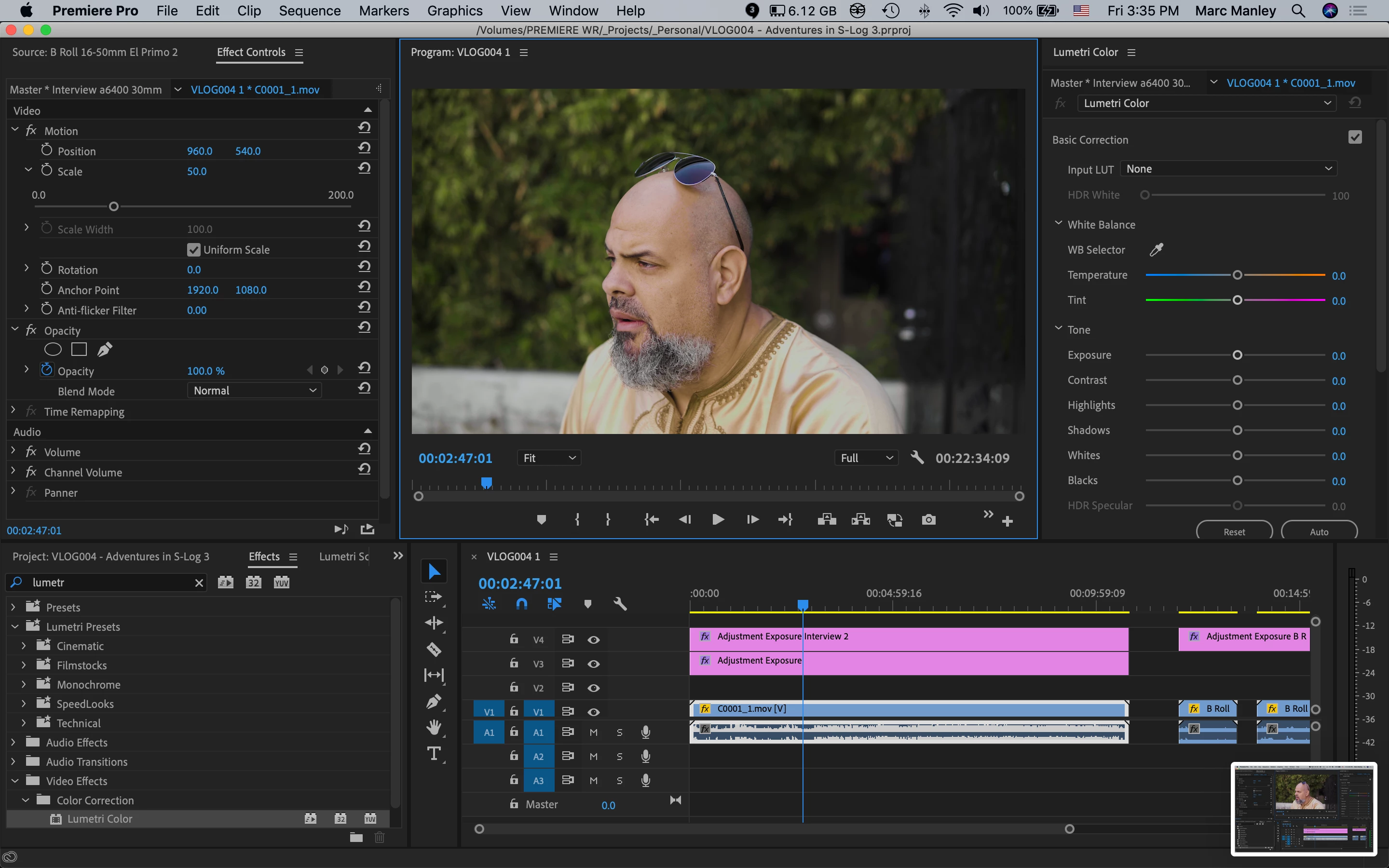
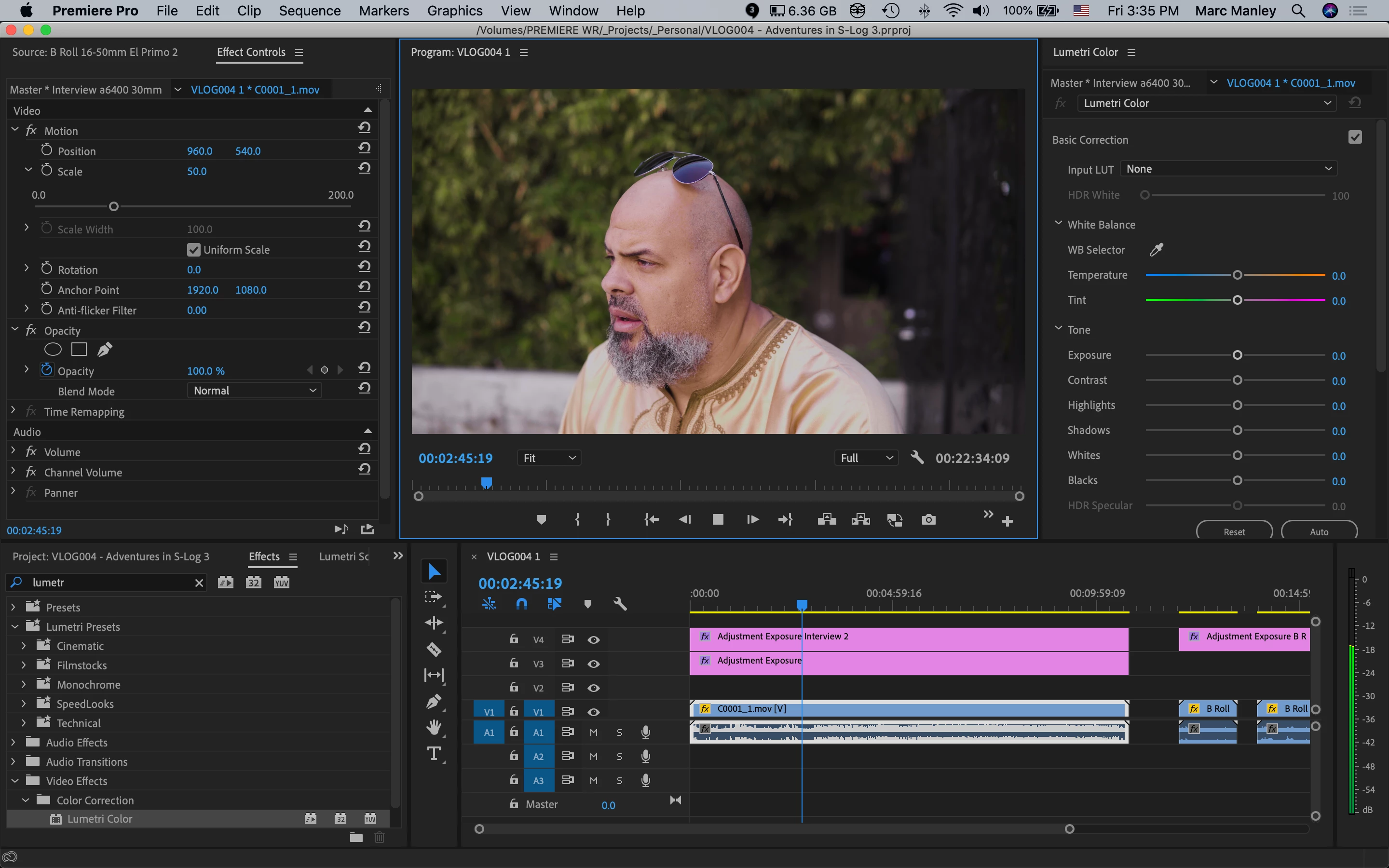
Color Shift (Magenta) On Playback vs. Paused

  • September 20, 2019
  • 3 replies
  • 1620 views

I have seen in another post where someone saw this issue and offered solutions such as changing playback to Full Res and a few other oddball suggestions but I'm still having this issue.


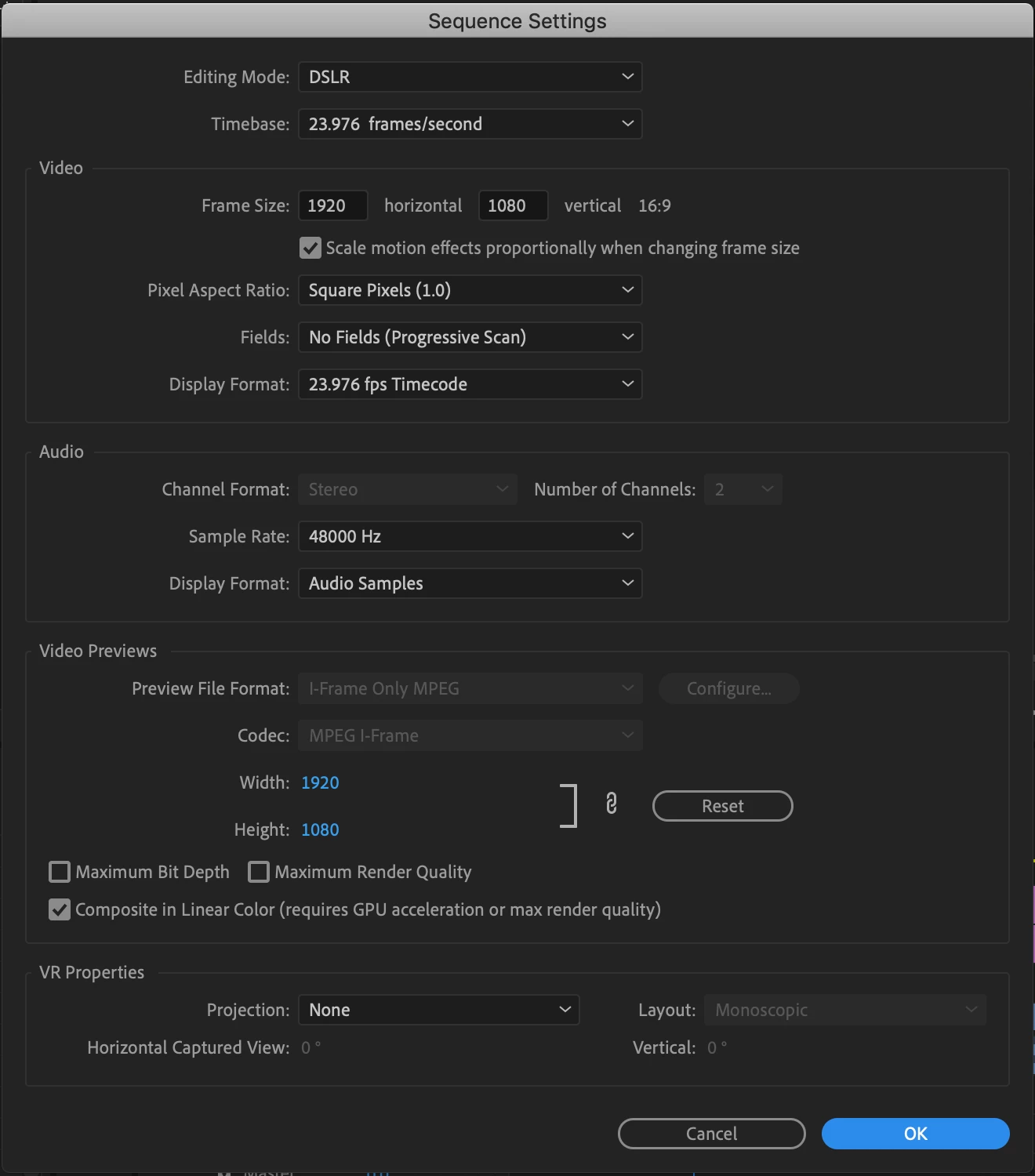
I've attached two screenshots to show the color shift as well as my sequence settings.


Old post: https://community.adobe.com/t5/Premiere-Pro/Color-shift-between-play-and-pause/td-p/8693205


Premiere Pro 13.1.5 (Build47)

MacBook Pro (13-inch, 2017, Two Thunderbolt 3 ports)

2.3 GHz Intel Core i5

16 GB 2133 MHz LPDDR3

Intel Iris Plus Graphics 640 1536 MB


3 replies

Participant
January 11, 2024

Did anyone found a solution? I have the exact same problem right now with the 2024 version. This shouldn't be possible for professional ediiting software... (using Apple M1 Max 64GB) 

R Neil Haugen
Legend
January 11, 2024

The only recent thread with this was using Arri media on a rig with an Nvidia GPU, and the fix was updating the GPU driver.


So ... that wouldn't be precisely your situation. But you might check the GPU driver for updates.

Everyone's mileage always varies ...
mojo potatoes
Known Participant
July 9, 2022

Same issue on latest 2022.05 version..this has existed for a few versions at least. On PC - amd 3900x, nvidia 3090 gpu...crazy there isnt'a  solution to this yet.

Participant
June 17, 2020

I'm having the exact same issue on both my iMacs - one is 2014, the other is a 2019 iMac Pro. 


Switching to full res on the iMac pro seems to help, but still this makes color correction a nightmare.