Participant
March 26, 2025
Answered

color

  • March 26, 2025
  • 2 replies
  • 265 views

hi

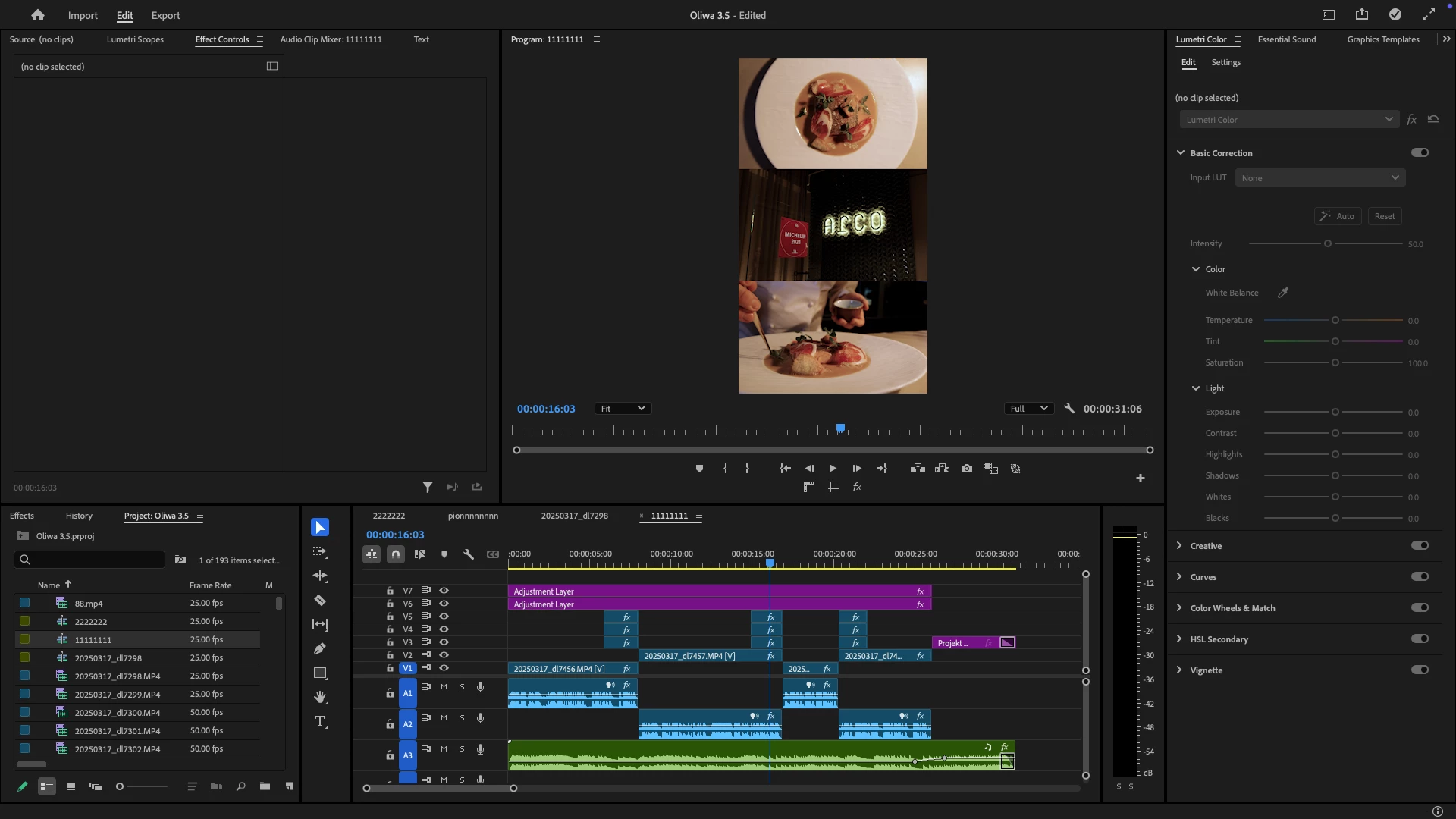
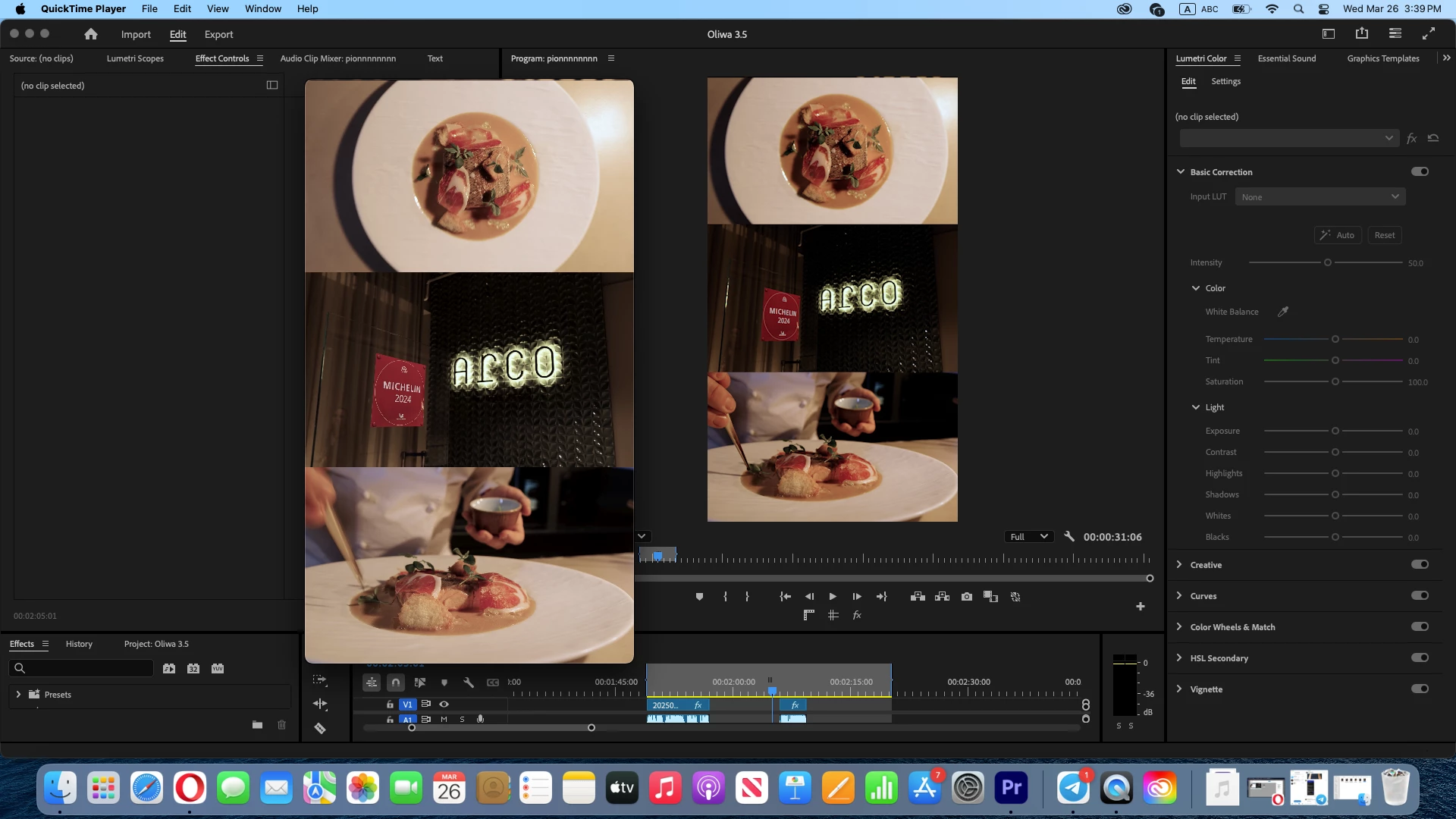
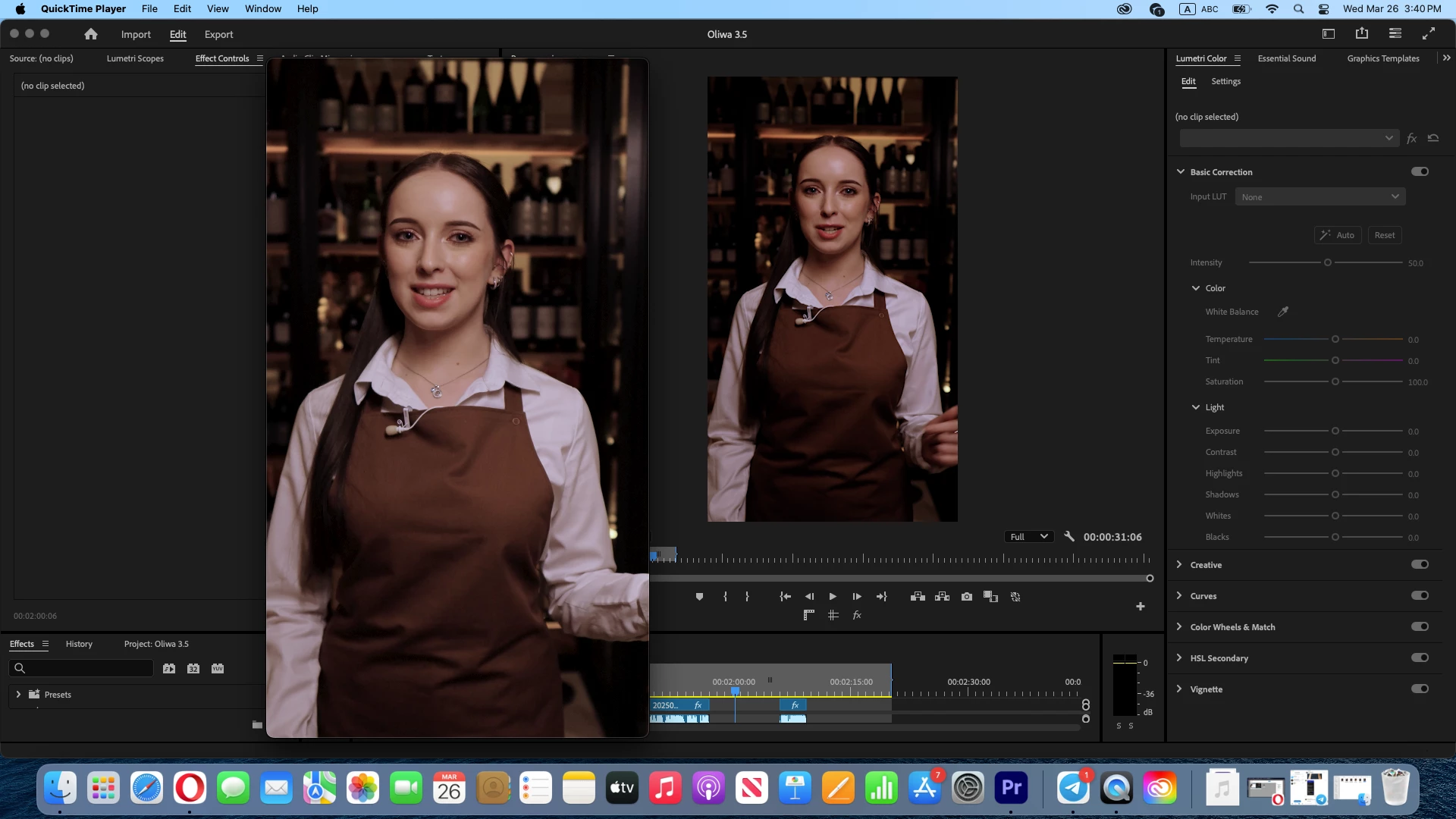
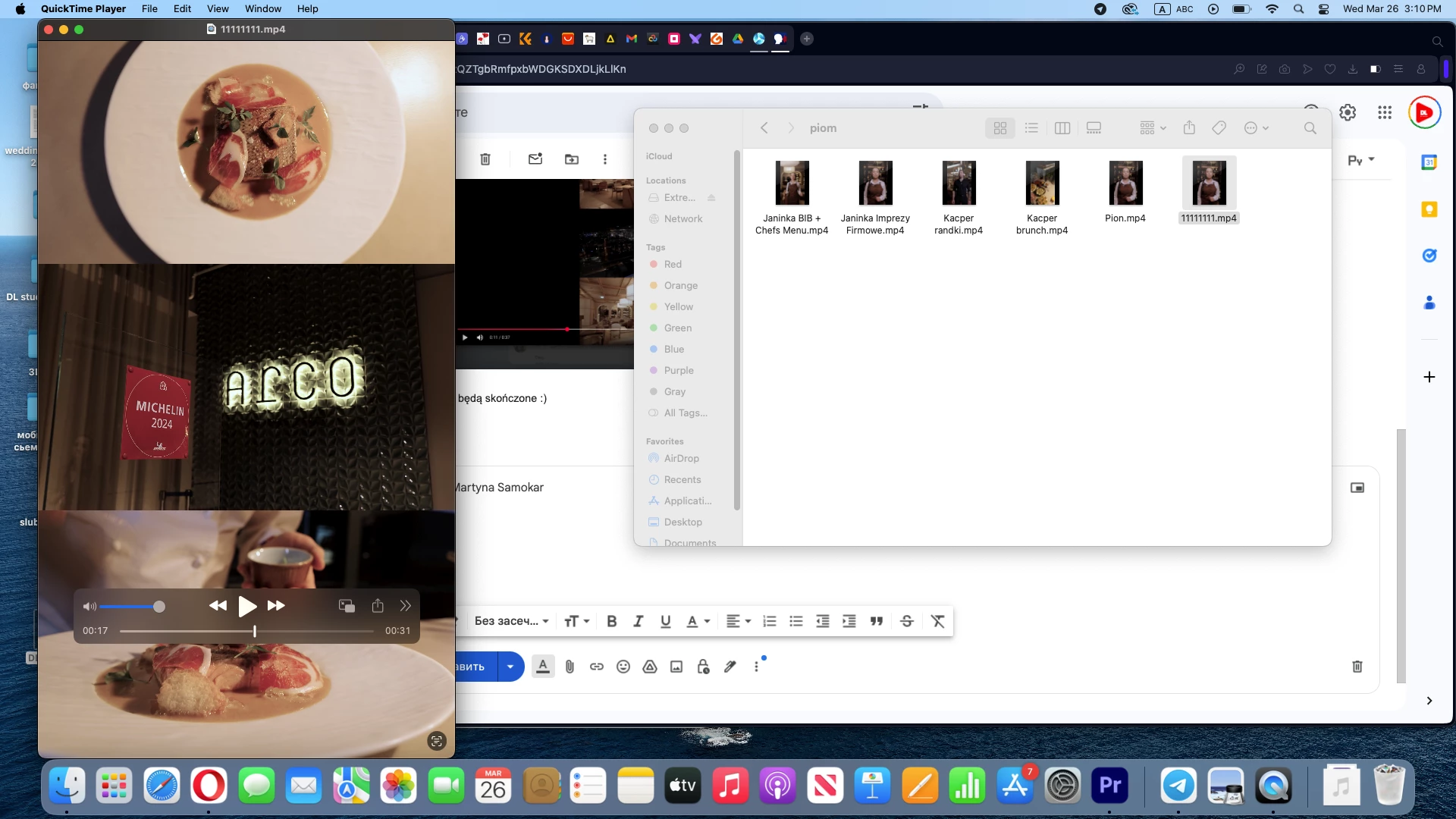
when I do an export, the color does not match the color in the program

I tried a lot of things
Correct answer Fergus H

@Denis26070462r9al What you are seeing is an issue commonly referred to as "QuickTime gamma shift". It is caused by how  different devices and different viewers in applications display images. We are currently working on an article that explains this and the workaround for it; in the meantime, the best source of information about the issue is here: 

https://blog.dominey.photography/2021/01/24/why-are-videos-washed-out-on-the-mac-exploring-quicktime-gamma-shift/


Please be sure to scroll to the very bottom of the article, as an update included a feature in Premiere Pro that helps handle this. 


Regards,

Fergus

2 replies

R Neil Haugen
Legend
March 26, 2025

For those not wanting to read the longer article ... the problem is caused by the following.


The Rec.709 standards require a display transform of (essentially) gamma 2.4 to be used in the monitor for diplaying Rec.709 video.


This display transform is used on nearly all devices except Apple Macs without Reference modes.


As for some reason Macs without Reference modes use essentially a display transform gamma of 1.96. Which means the shadows will 'show' lighter than they would if the gamma 2.4 transform had been used.


Macs with Reference modes, set to HDTV, will use the gamma 2.4 transform for Rec.709 video files.


So only Macs without Reference modes show a lighter-shadow version of the same REC.709 video file.


There are various things you can do while working, depending on what you want to end up with, but ...


You cannot fix this so the same file displays the same on both gamma 1.96 and gamma 2.4 displays. Not physically possible.


So the things you can do make it 'correct' in one system, but 'off' in the others. Essentially, pick your poison.

Everyone's mileage always varies ...
Fergus H
Community Manager
Fergus HCommunity ManagerCorrect answer
Community Manager
March 26, 2025

@Denis26070462r9al What you are seeing is an issue commonly referred to as "QuickTime gamma shift". It is caused by how  different devices and different viewers in applications display images. We are currently working on an article that explains this and the workaround for it; in the meantime, the best source of information about the issue is here: 

https://blog.dominey.photography/2021/01/24/why-are-videos-washed-out-on-the-mac-exploring-quicktime-gamma-shift/


Please be sure to scroll to the very bottom of the article, as an update included a feature in Premiere Pro that helps handle this. 


Regards,

Fergus