
Participant
January 14, 2024
Question

Colour grading will not export to media encoder

  • January 14, 2024
  • 6 replies
  • 260 views

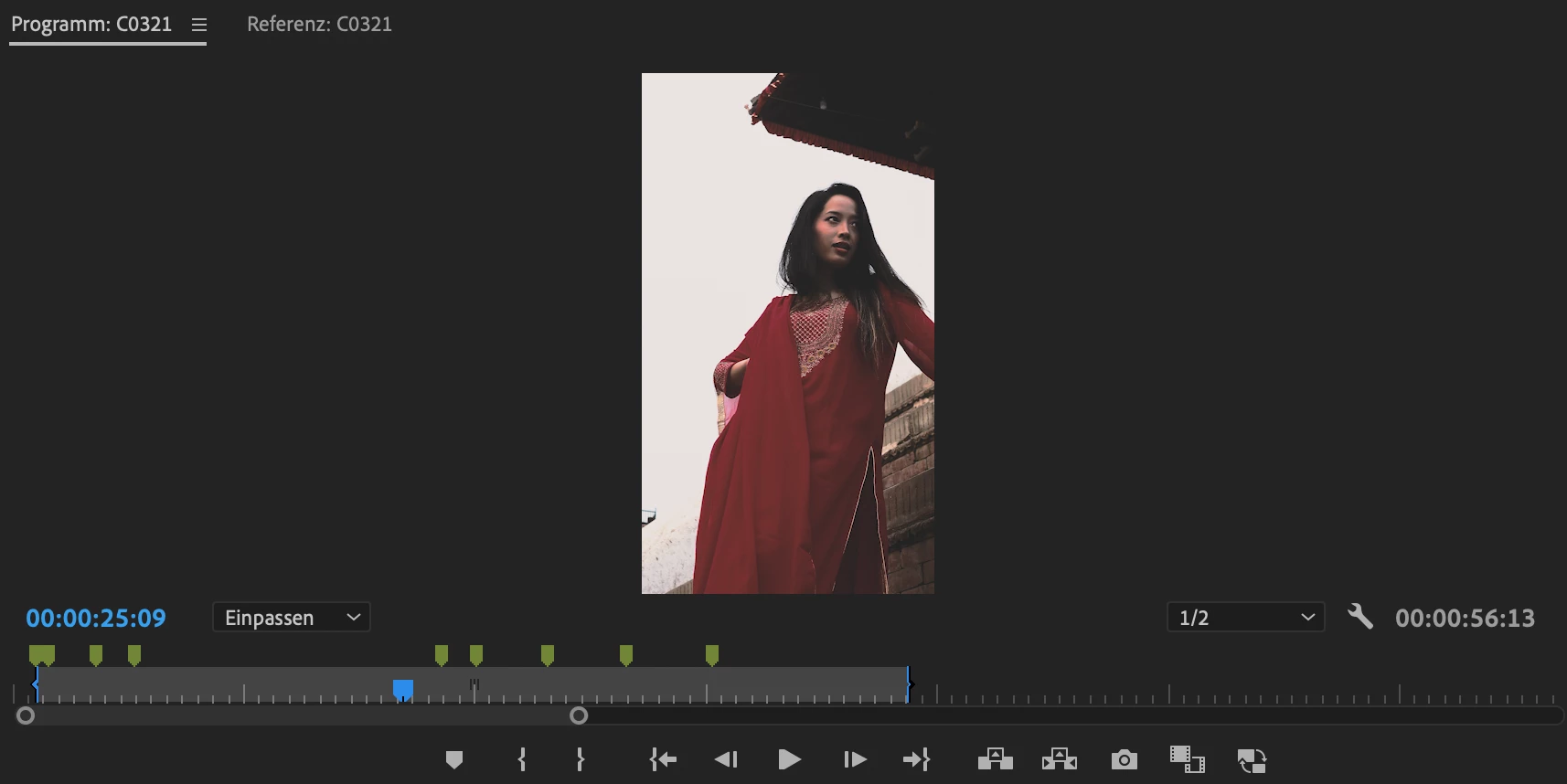
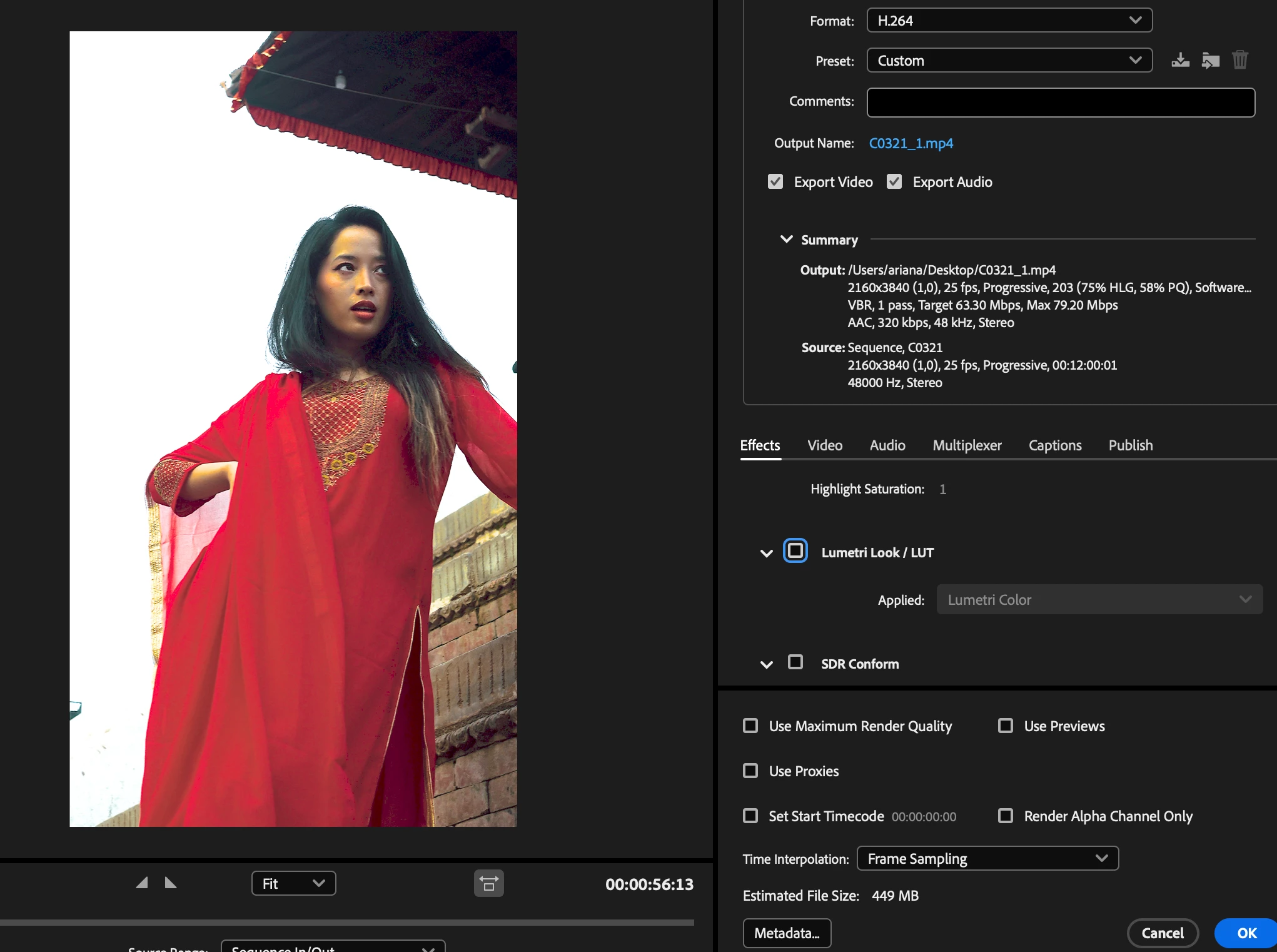
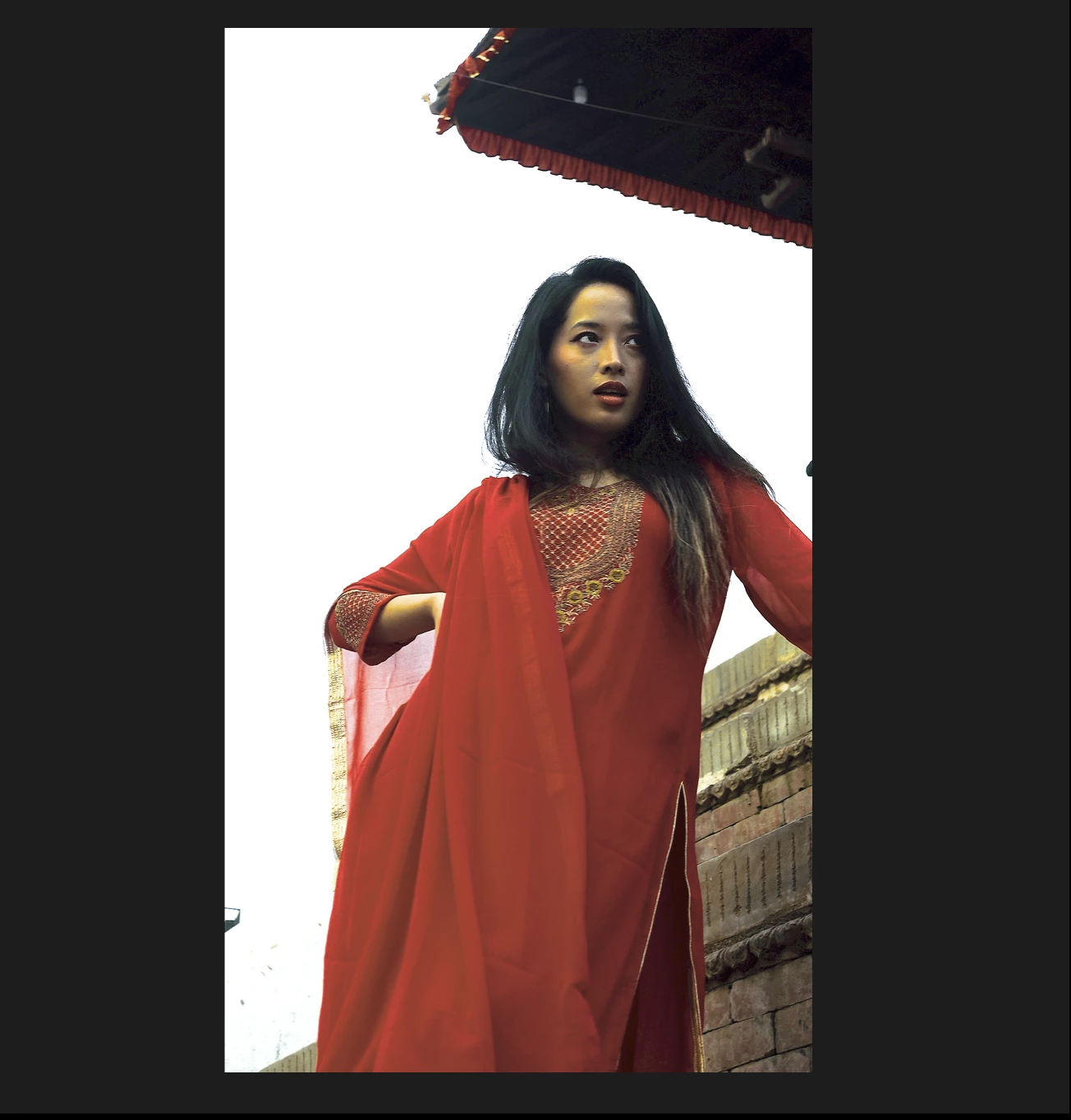
Hello! I have never had this problem, because I use mostly the same LUts Package too. But now when I want to export my Video (was Mp4), and the colours won't show up at all! (Or very weirdly...) I have been searching in this Forum as well in the Internet and nothing helped me. I tried: normal Rec 709 settings (second Picture), Rec 2020 (with High10 Profile, and QT gamma(third picture)), tried deleting and adding the lut newly. Please help, it's a very urgent case and I don't know what to do any more! I’m also still using premier pro 2023 and there was no update in-between.
This topic has been closed for replies.

6 replies

R Neil Haugen
Legend
January 14, 2024

Ahhh ... still on 23.x ... sadly.


The 24. versions have a vastly improved color management and handling system. As someone for whom color is very important, to me ... that alone is worth the updgrade ... by itself, to be very blunt.


Your problem with MediaEncoder then is where you parked that LUT.


Never EVER EVER should a user add LUTs into the folders where Premiere keeps its own LUTs!


Never. Don't do that, don't go there, STAY OUTTA THEM FOLDERS!  😉


Premiere/AfterEffects/Media/Encoder all have their own set, they assume that ALL are identical folder contents, and all three apps reference their own set of any of the LUTs used in those folders only, and that, ONLY, by relative position in the folder when alpha-numerically sorted by computer methods.


So you add a LUT to Premiere's Create LUTs folder, right? And maybe by alphanumeric (and the odd computer way it does this) sorting, that's now the 15th LUT in Premiere's Creative LUTs folder.


And then, you send the export to Me?


Well, Premiere tells Me to grab the 15th LUT down that folder list. So Me goes to it's Creative LUTs folder, and grabs the 15th LUT down the folder list.


Which ain't your LUT because your LUT is not in Me's folder!


That's why you do NOT ever do that!


They have in the help, charts as to where ... what folders ... USERS should put your LUTs ... all three apps scan those folders on startup, and will show and use them correctly by LUT name.


I prefer the Program {package on Mac} files/Adobe/Common/LUTs folder location. Many other users prefer the one based on User/Username/ and etc. I don't remember that folder exact tree though.


And of course, like all custom settings, these apps only scan for them on launch. So if you create or add a LUT during work in Premiere, you have to relaunch before Premiere will see that new LUT.

Everyone's mileage always varies ...
FocusznAuthor
Participant
January 14, 2024

I tried looking up the Lumetri settings tab, but like I saw in the link mentioned adove from Ann, this is only in the premier (beta) version? Because I can't find it in my Version 2023 :(... Otherwise, I did add the Lut to the 'creatives' Folder in the Luts Folder. But if it helps these are the settings from the original:

 
R Neil Haugen
Legend
January 14, 2024

More information is needed. Such as precisely what, top to bottom, the CM setting are set to on the Color Workspace/Lumetri Panel "Settings" tab?


Next, you mention a LUT is used. Where is it from? Did you add it to the computer? And if so, where is it? Did you unfortunately add it into Premiere's folder of LUTs?

Everyone's mileage always varies ...
FocusznAuthor
Participant
January 14, 2024

Well, yes usually everything works fine, and I normally use rec709, and don't need to change any settings in export. The sequence setting is at 709 too. I don't understand how I can fix this now, because otherwise the REC.709 settings I already tried should've been correct or? (where it did not work) 

R Neil Haugen
Legend
January 14, 2024

Ann's right, everything has to be set consistently through the entire long list of color management settings.


And ... you've got several incompatible things listed at the same time! That cannot possibly work.


What, really, do you want to do? SDR/Rec.709 or HDR? That's the first question.


From that comes the way you need to set the app's CM settings so you get the correct process.

Everyone's mileage always varies ...
Ann Bens
Community Expert
Community Expert
January 14, 2024

Everything needs to be the same color profile.

Tone mapping in Premiere Pro

Color management in Premiere Pro