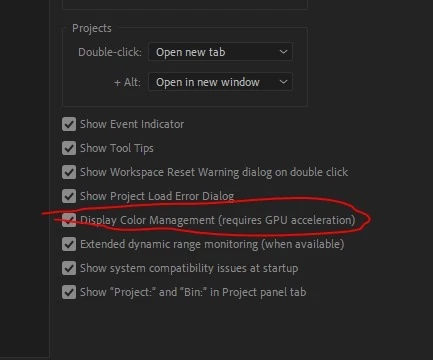
The color stuff is more complex now, with more options, rather than total Rec.709 like it used to be. Which also means there's more ways for things to go south.
They've completely changed the color system in PrPro in 2022, and it's further modded a bit now. The underlying system was totally Rec.709 math in 2021 and earlier, now ... I call it 'color space agnostic', as it works with either Rec.709 type math or HLG type math, depending on how you set things up.
And there's been changes in Ae also, including the ACIO/ACES type stuff ... so there's more options, and ... more potential for screwups also. We all have to be a lot more intentional about color space now, because the apps have more options and don't default to the same stuff they used to.
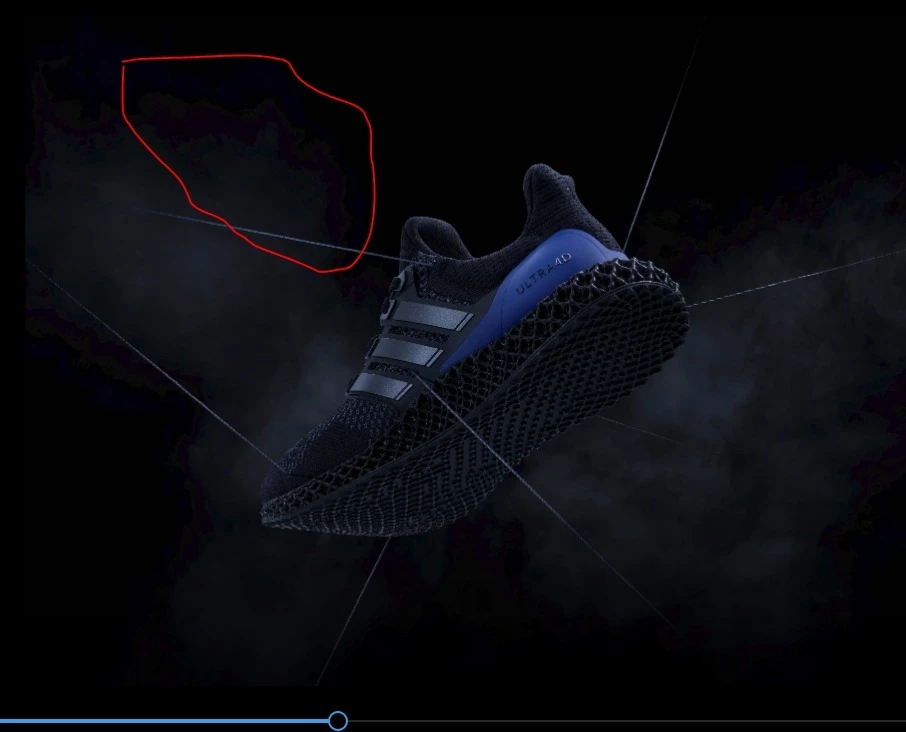
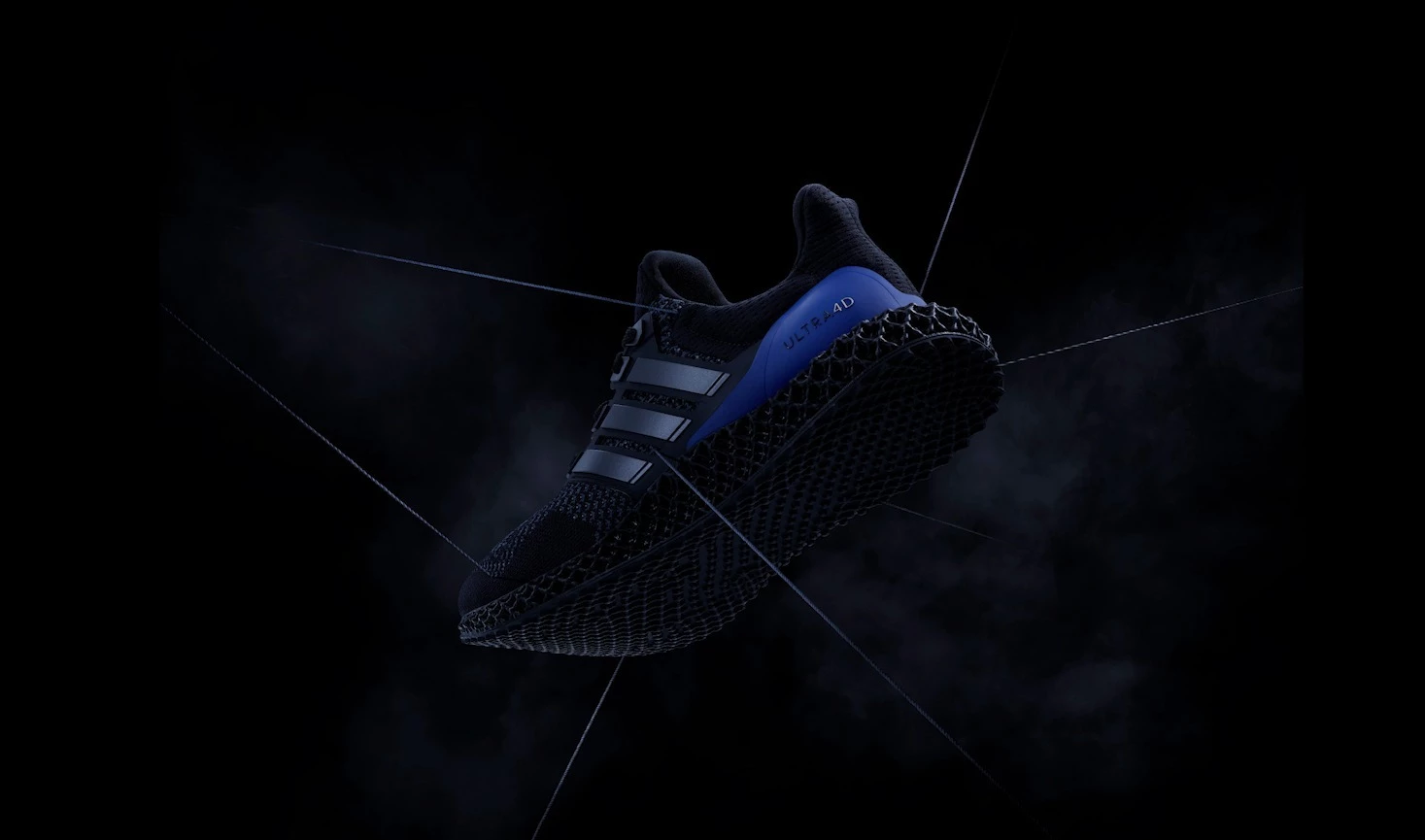
As to this image, yea, I got some banding there where you pointed out with H.264, but not with ProRes422. And I am so not shocked that H.264 gets banding in that dark area. H.264 compression is built on changing pixel values to make fewer pixels it needs to record.
So ... you have a four pixel block, say 18/24/25, 19/23/25, 19/25/26, and 20/22/24.
The way H.264 compression works, it will probably store all those as 19/24/25. That way it only needs to record one set of values for the four pixels. Saves both in data written to file and time, and you probably won't be able to see it ...
I also took the ProRes, and did an export in ShutterEncoder at "max quality", and that was a bit less obvious banding than in Pr, but still it was there.
Neil
I found out what the issue was.
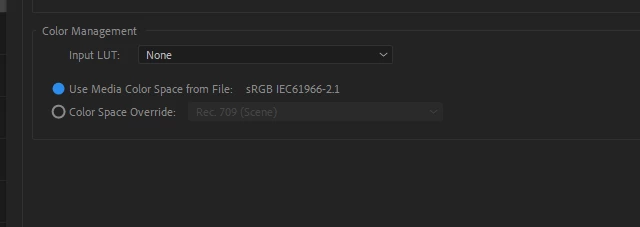
On just a select few images there was some meta data included (must have been created by the original artist)
In interpret footage I needed to overide this colour space

 AdChoices