
Colours rendering incorrectly in Premiere Pro
Hi. I've been working on a project that involves grading on Davinci and then transfering an XML to Primiere to be rendered. Unfortunately as you can see the colours have been coming out incredibly distorted or not coming through at all. This is after rendering at AppleProRos with quicktime at 1080p. Some shots have come out fine but many of them come out wrong. It seems very inconsistent which seems odd. Not sure what's causing such radical distortion.
Before and after (the ones with time codes):
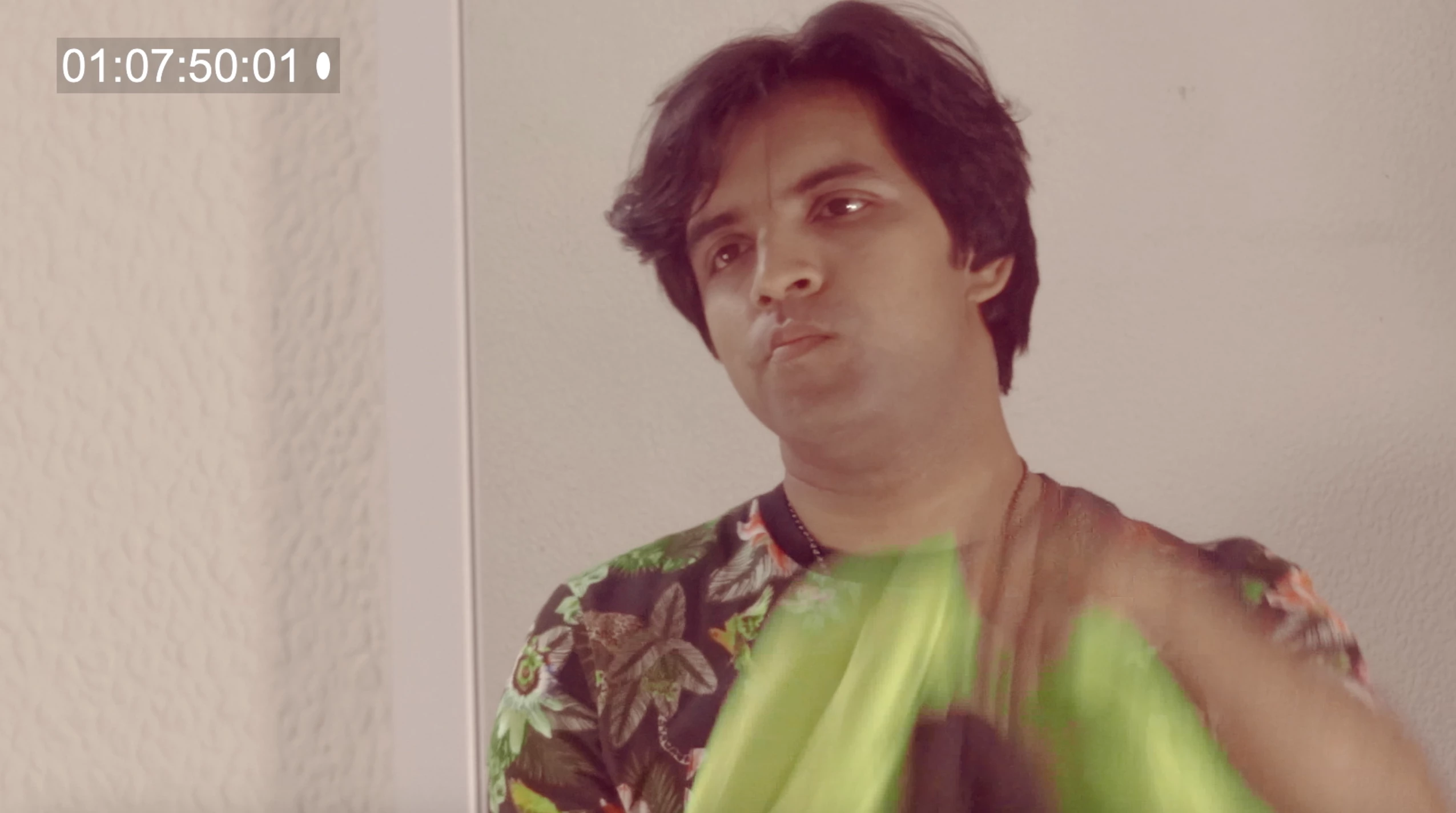
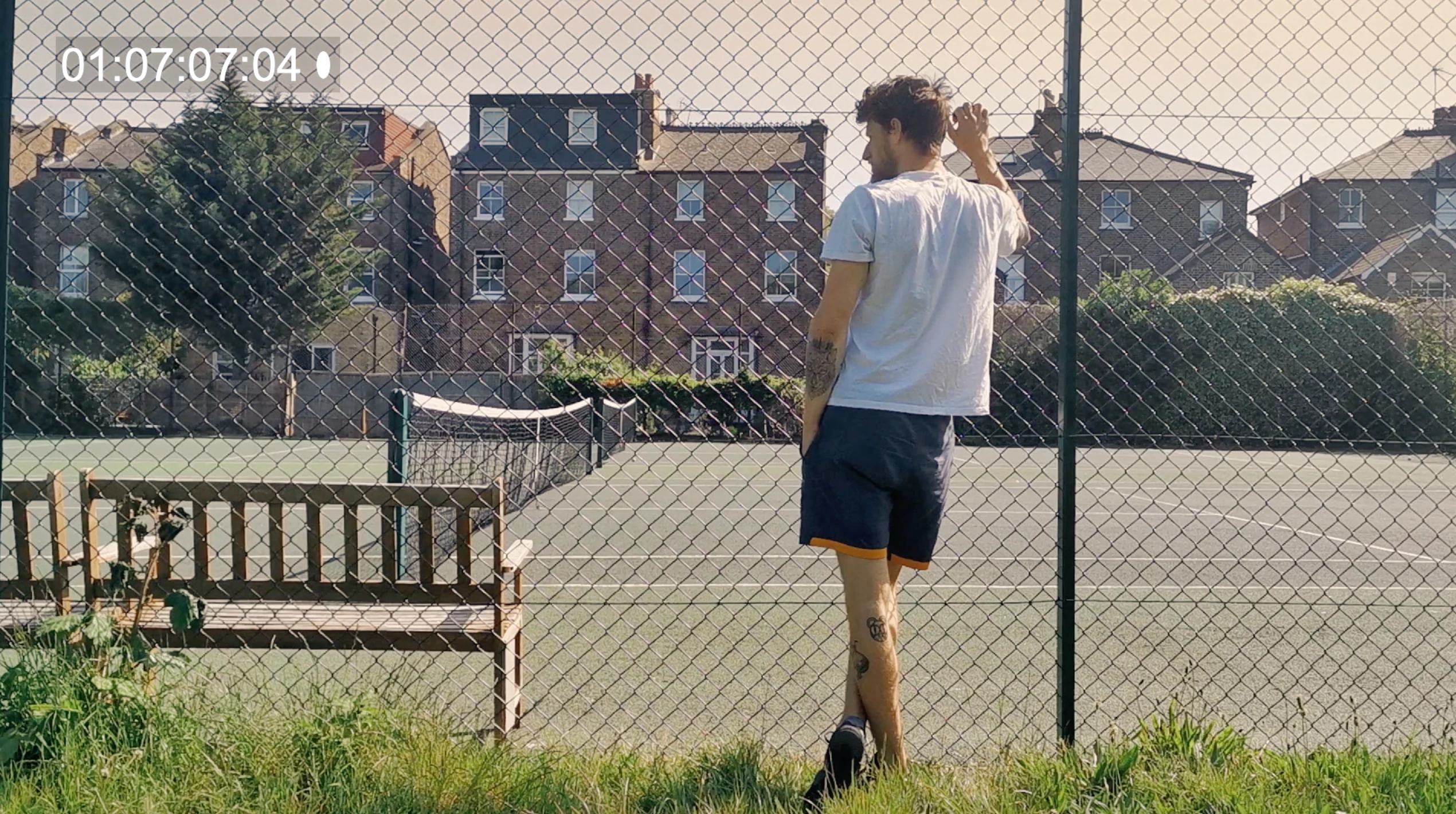
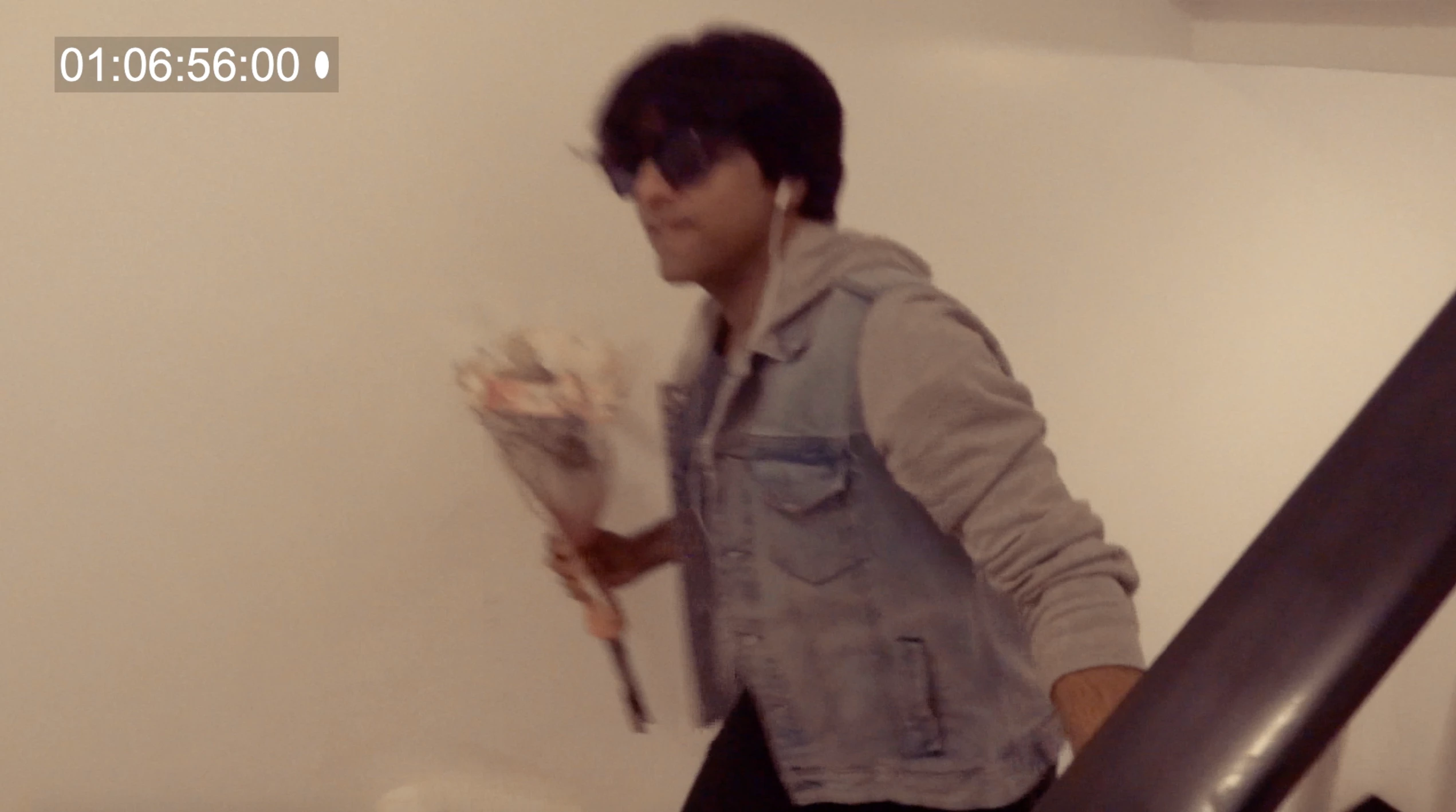
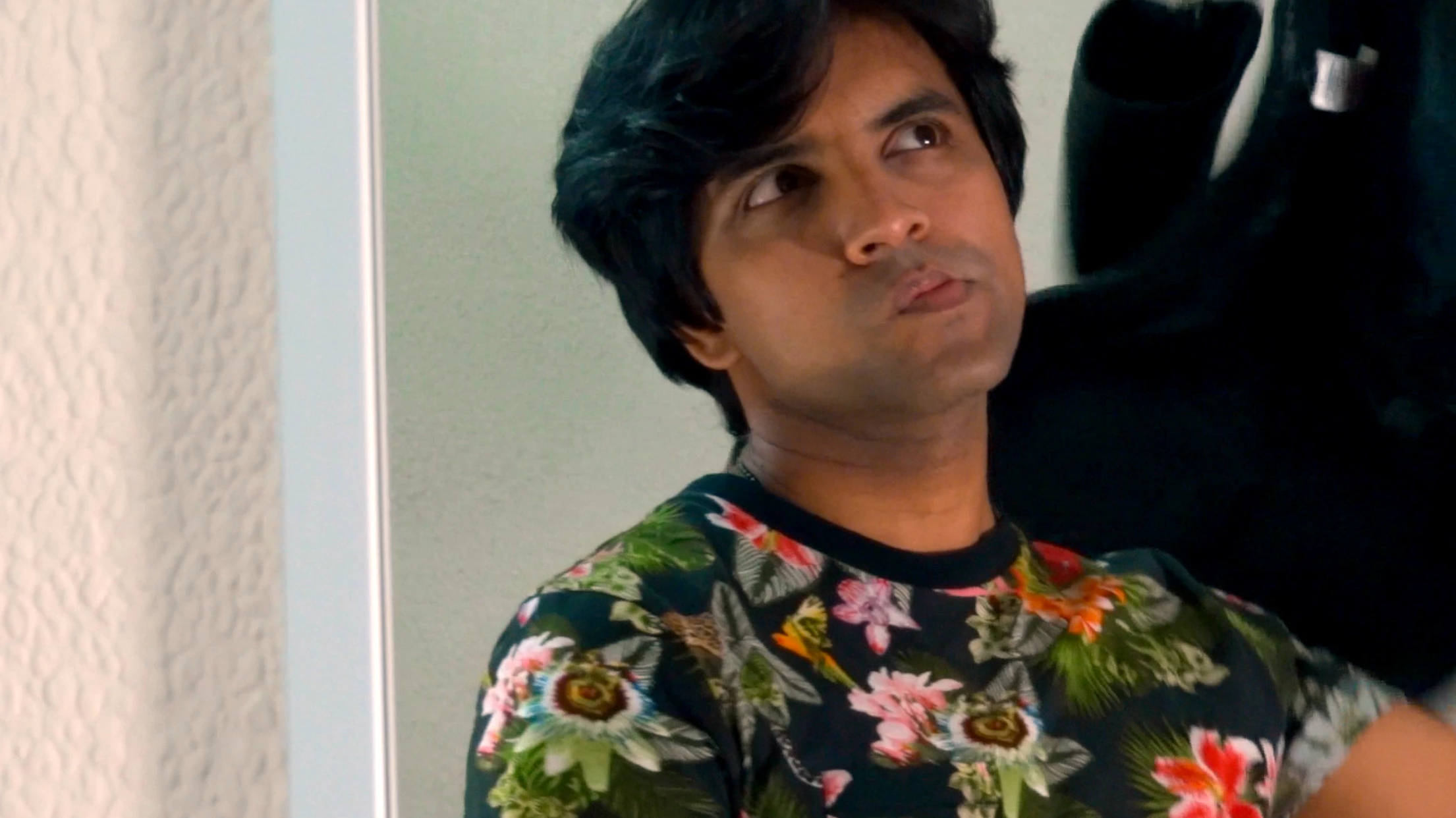
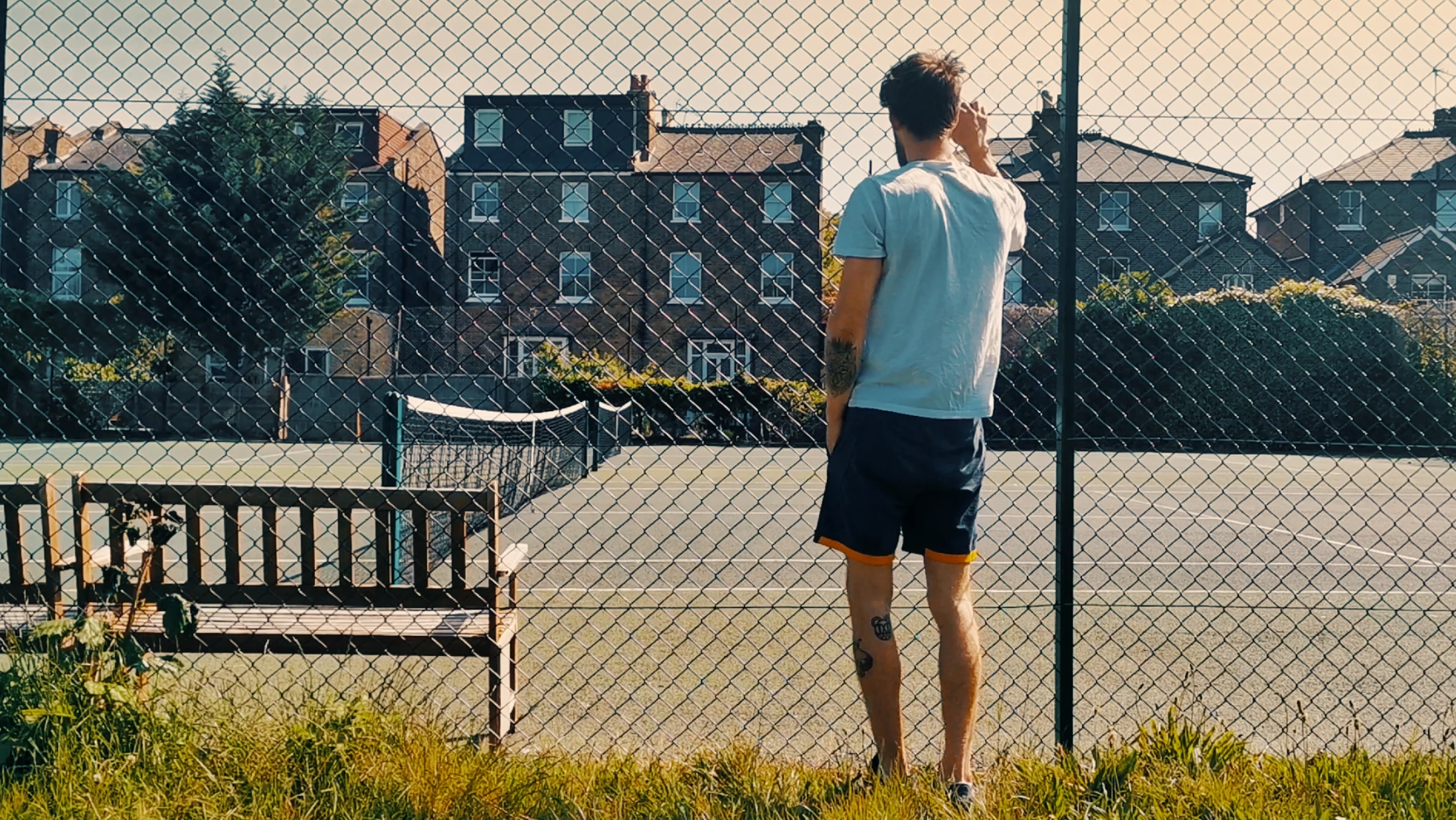
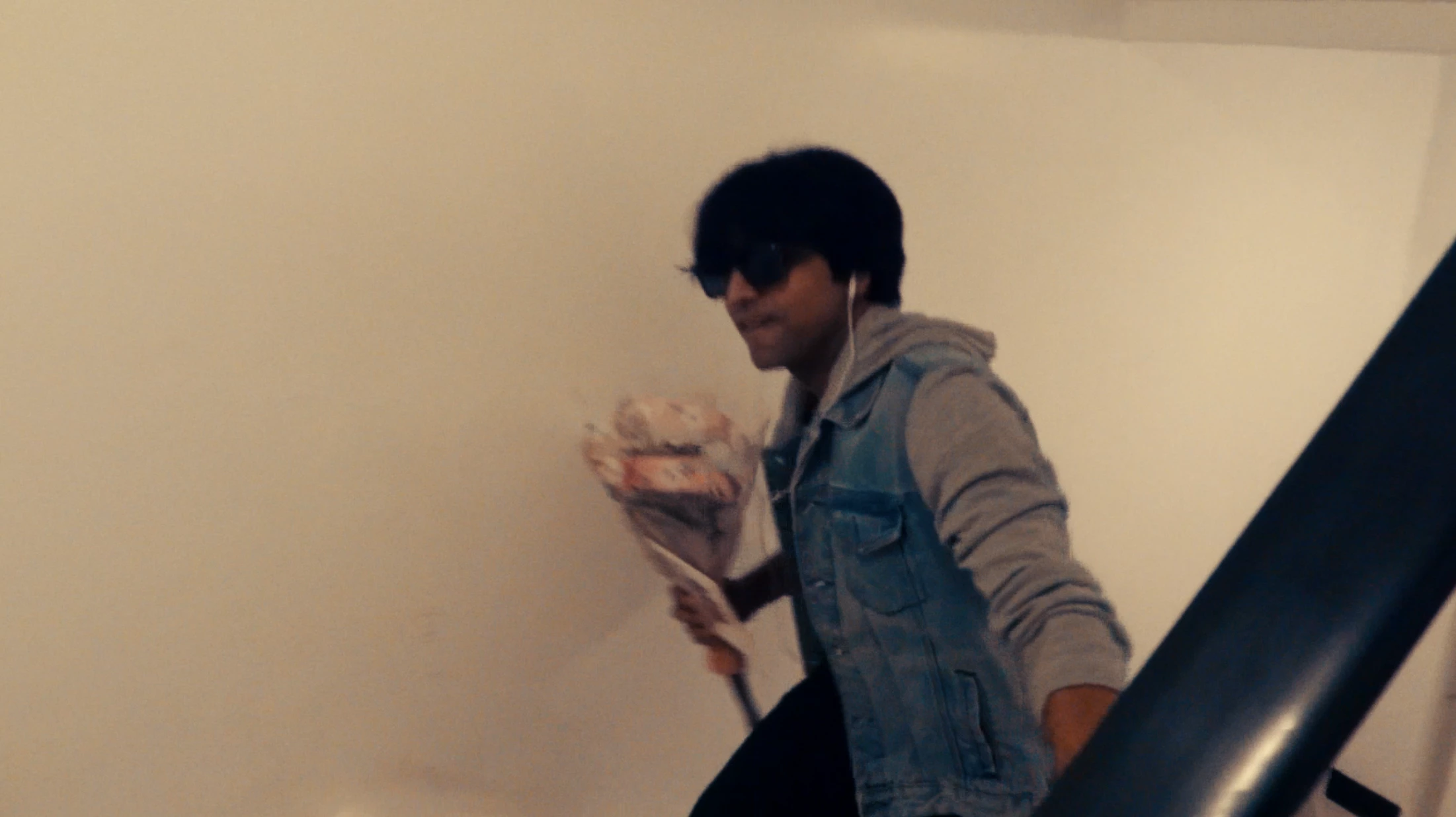
The editor and I have tried several methods, including ticking the "Display Colour Management" option, or nesting the entire sequence, but no luck. Everything looks good on the timeline but as soon as it is exported it comes out like this. In the grade I used LUTs though they transfered to premiere just fine it seems.
Is there any way to resolve this? Are there specific settings that need to be in place for this to work?
Thanks.
 AdChoices