Participant
December 14, 2022
Question

Constant crashing when rendering or exporting.

  • December 14, 2022
  • 1 reply
  • 648 views

I have a 1:40 (one-hour, 40-minute) project (HD/1080) that keeps crashing when I render...or exporting. I even tried going to File>Project Settings>General>Video Rendering and Playback>Renderer...and selected "Mercury Playback Engine Software Only"...and it still crashes.
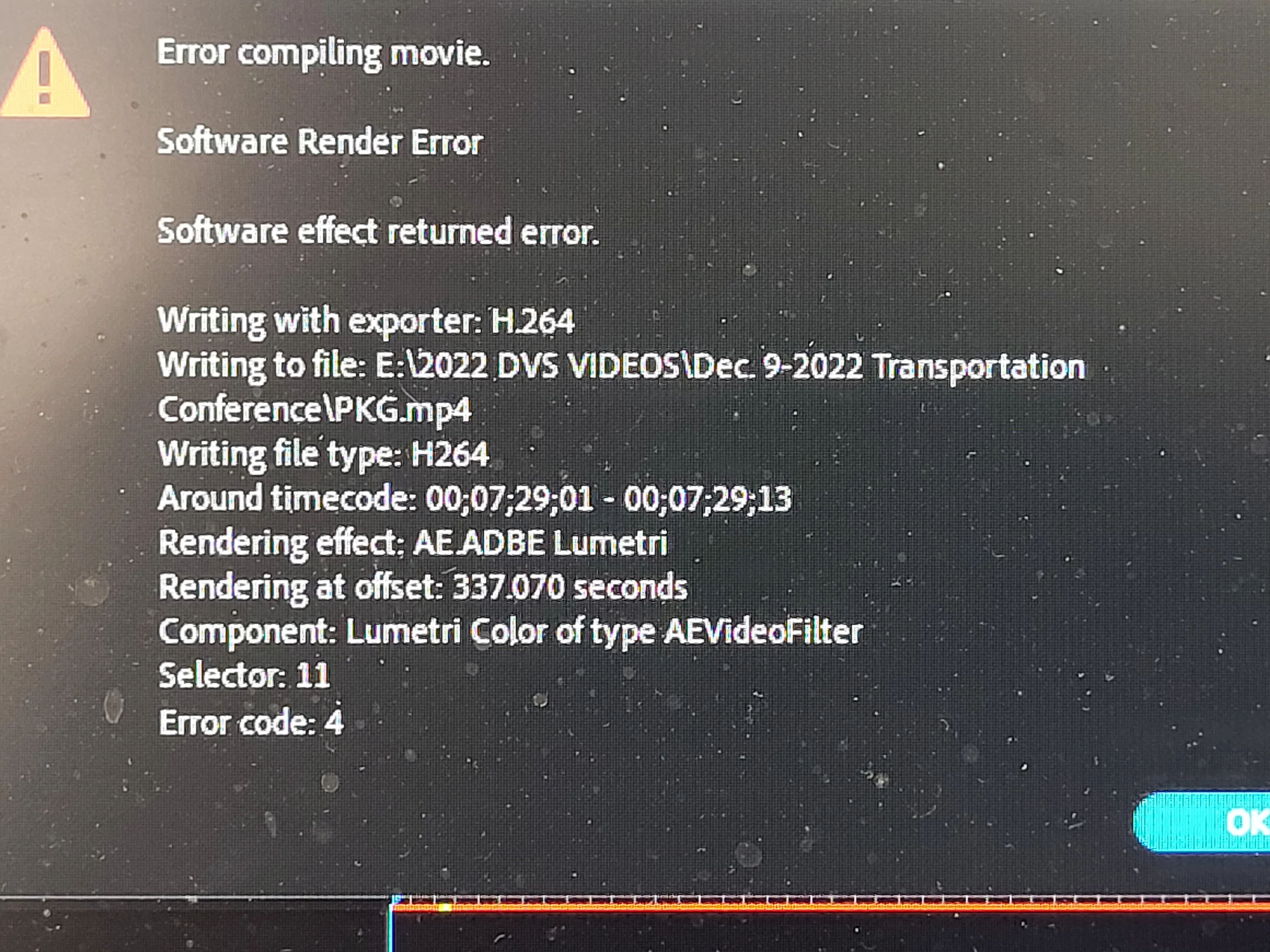
The last time i tried this, all was going well for about 40-minutes; other times, it crashed in about a minute. I've attached screen-shot of the type of error message I keep getting.
This topic has been closed for replies.

1 reply

Kevin-Monahan
Community Manager
Community Manager
December 15, 2022

Hi, Ray,

From the FAQ, Error Code 4 means you don't have enough disk space. Can you attempt an export to a larger drive? 


Thanks,
Kevin

Kevin Monahan - Sr. Community and Engagement Strategist – Adobe Pro Video and Audio
Participant
June 15, 2024

Sir what about the code -1609629695


Sir I have the same problem while I render my project at premiere pro 

Community Expert
June 16, 2024

clear media cache 

delete render files from sequence