Participant
December 10, 2023
Answered

Corner Pin problem in Premiere Pro

  • December 10, 2023
  • 15 replies
  • 8710 views

I have a problem in premiere pro, with corner pin. After aplying, it makes some black lines.
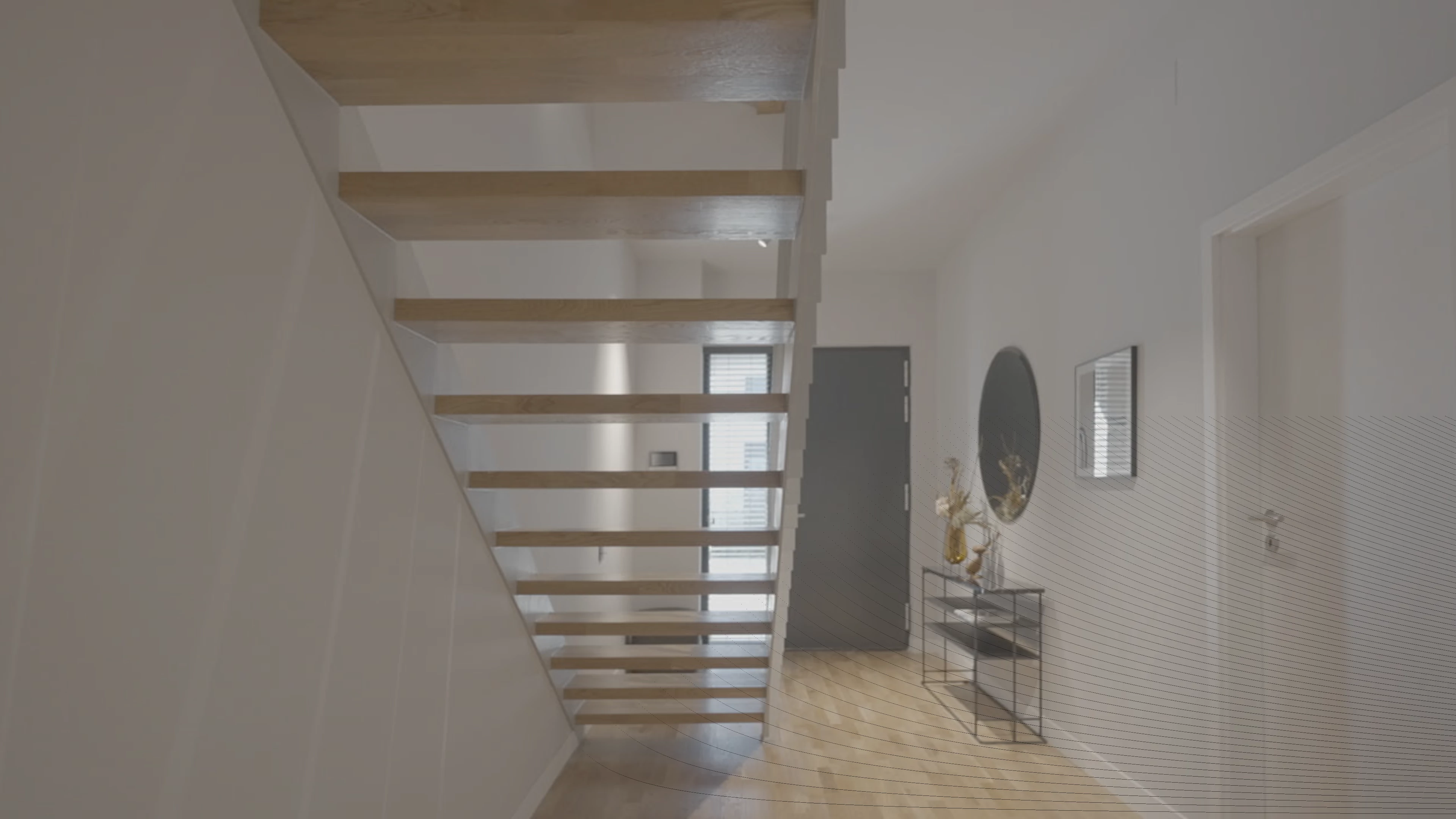

This topic has been closed for replies.
Correct answer Ann Bens

It has been fixed: 24.2.1. or use beta.

15 replies

Participant
December 15, 2023

Same here, still no cure for this

Ann Bens
Community Expert
Community Expert
December 15, 2023

Roll back a version or use the beta.

Participant
December 15, 2023

Yes, it works, I upgrade to Beta version & back to normal

Ann Bens
Community Expert
Community Expert
December 13, 2023

Known bug. No solution yet.


Participant
December 13, 2023

So it is not a problem with my graphics card.

kglad
Community Expert
Community Expert
December 13, 2023

in the future, to find the best place to post your message, use the list here, https://community.adobe.com/

p.s. i don't think the adobe website, and forums in particular, are easy to navigate, so don't spend a lot of time searching that forum list. do your best and we'll move the post (like this one has already been moved) if it helps you get responses.


<"moved from cc desktop bugs">
Ann Bens
Community Expert
Community Expert
December 12, 2023
FrédéricChabot
Known Participant
December 10, 2023

im getting black lines in my images when using corner pin

it appears in the program monitor and in exports. it changes like moiré when i adjust it..

it disapears when corner pin is disabled

anyone know if this is normal or a bug? thx 


windows 11

13th Gen Intel(R) Core(TM) i7-13700F


32 gb

RTX 4060


premiere 24.1.0 build 85


Ann Bens
Community Expert
Community Expert
December 10, 2023

I have seen this with corner pin