
Answered
Creating Shortcut Key to toggle a video clip's opacity from 0 - 100%
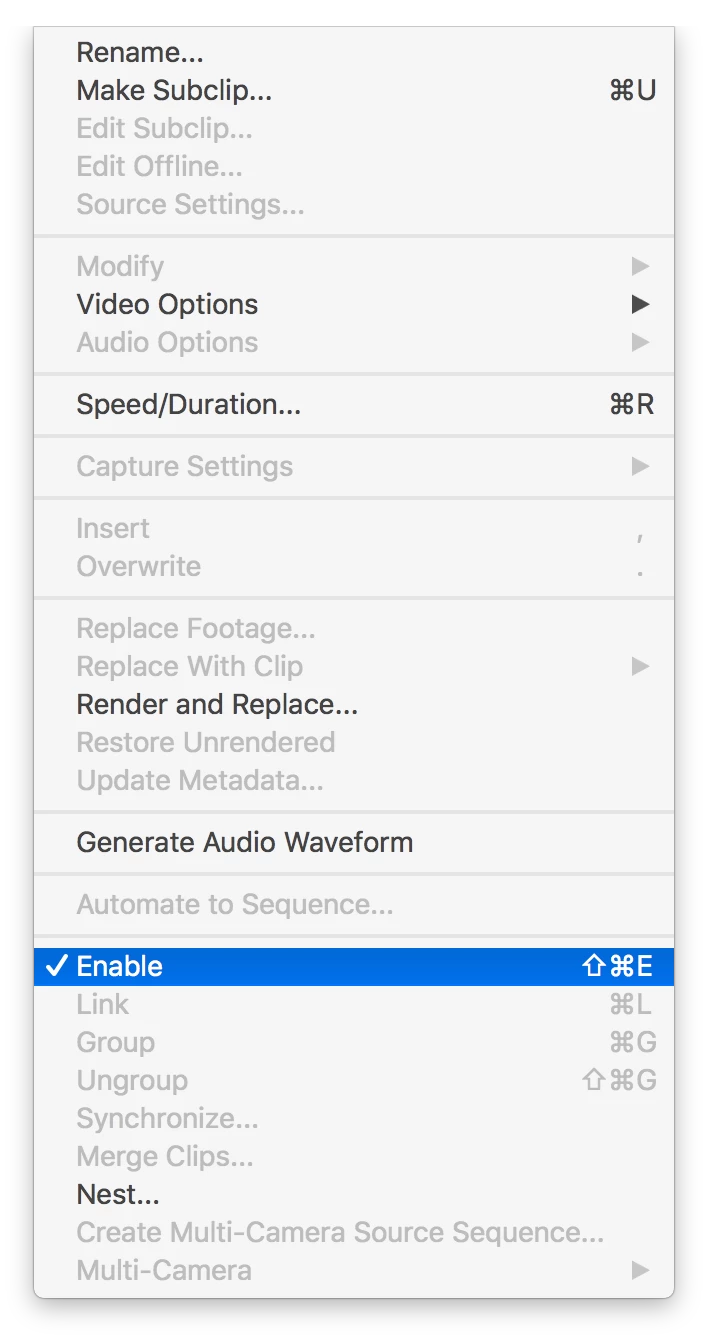
A feature I miss the most since migrating from FCPx to PP is the ability to "hide" or "mute" a clip (audio or video) allowing me to see a clip below in the timeline during playback. A quick strike of the 'V' key and voila! Is there a way to create a shortcut or a quick key that will toggle a selected clip's opacity between 0 - 100% without having to go into the "effects" panel to do so manually.
 AdChoices