
cropping a video - is it really so tedious?
So, I've been using Photoshop and After Effects for many years. Recently, I've tried out Premiere. And I've been struggling with the most mundane things.
In particular, cropping.
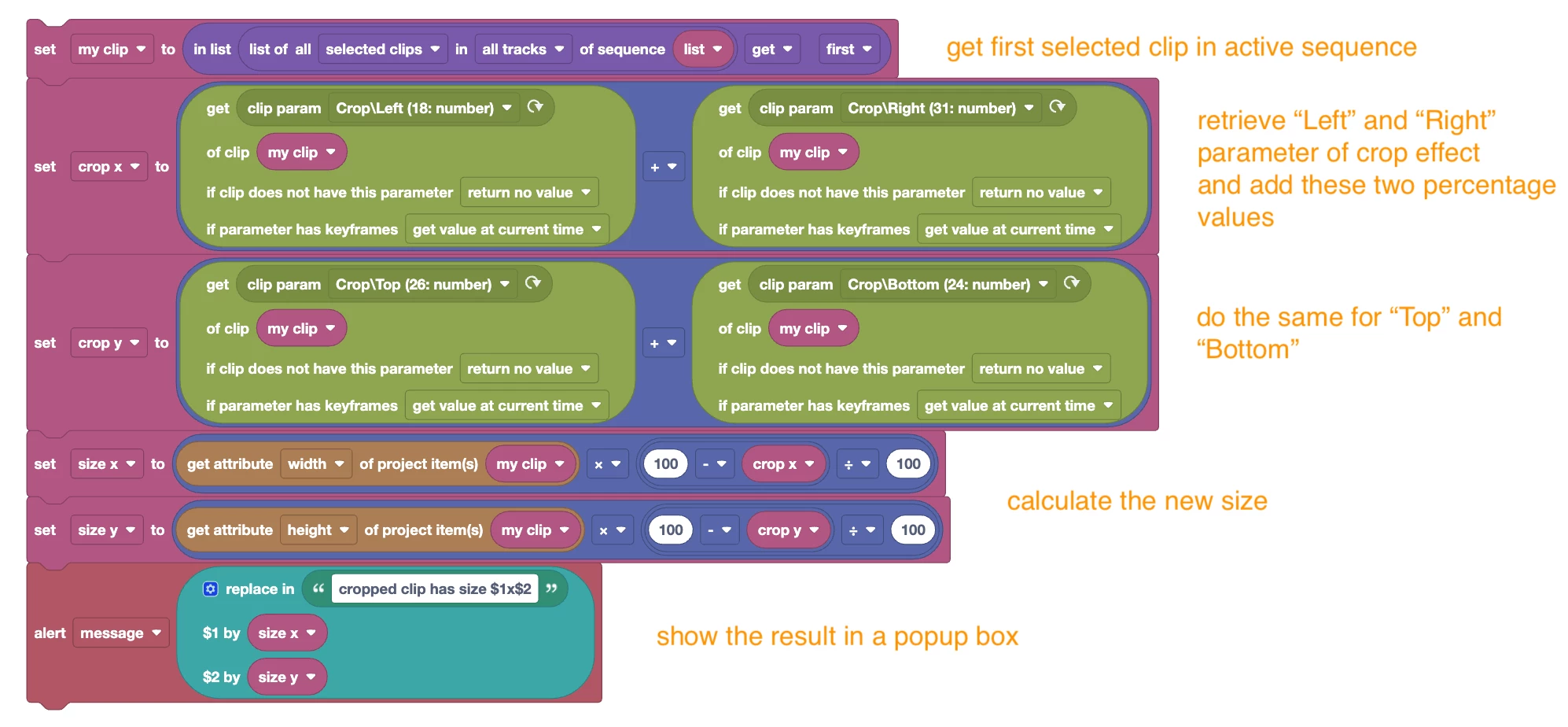
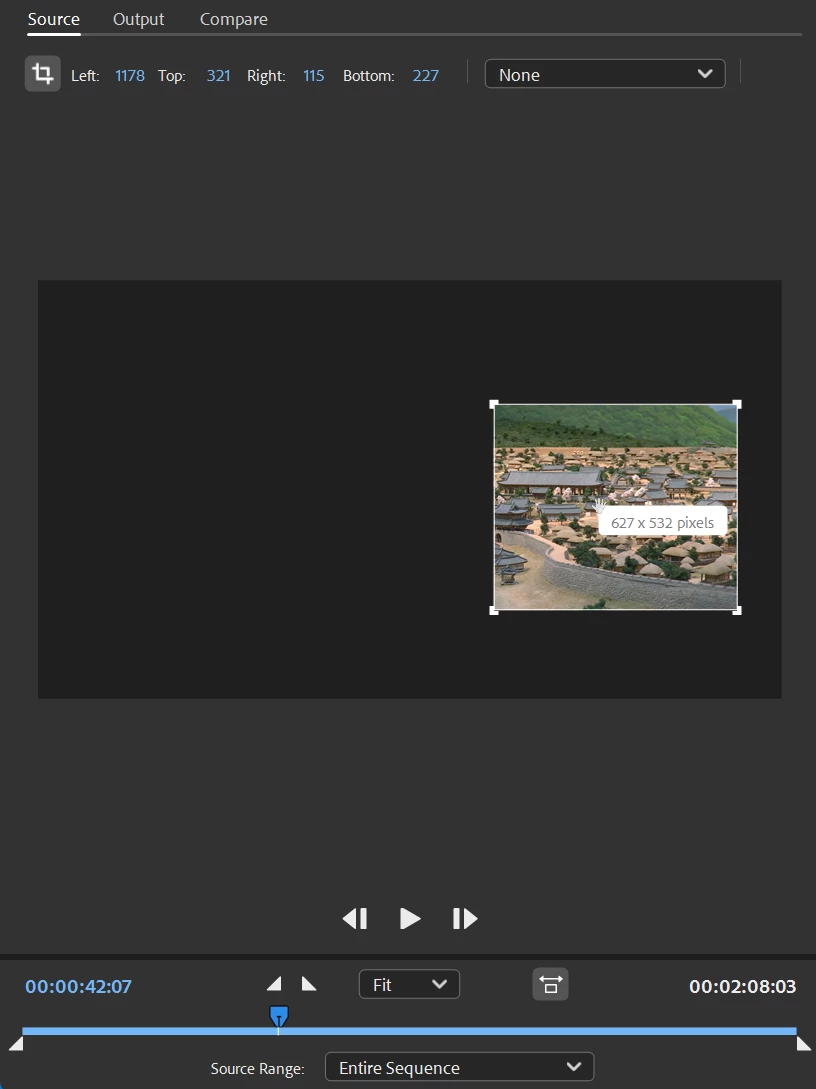
I'm talking about adjusting a video size to part of the image. See, already, it's getting confusing : I need to define the term because I've been looking at tons of articles, videos, and they'll explain anything but that. They'll tell me how to mask part of the image (crop effect), then I'm left with this stupid black background all around. Or Auto resize, which doesnt crop either.
In Photoshop and After Effects, it's extremely simple, you'd just draw a selection and 2 clicks later, the working canvas will be auto-resized to the region of interest.
Is there no such efficient equivalent in Premiere? Are with stuck with painfully masking, then randomly fiddling with sequence size? Or having to use other programs to find the final sequence size?
I'm really confused, did I miss something out? Surely I must be doing something wrong.
 AdChoices