
Answered
Cropping video and adjusting size
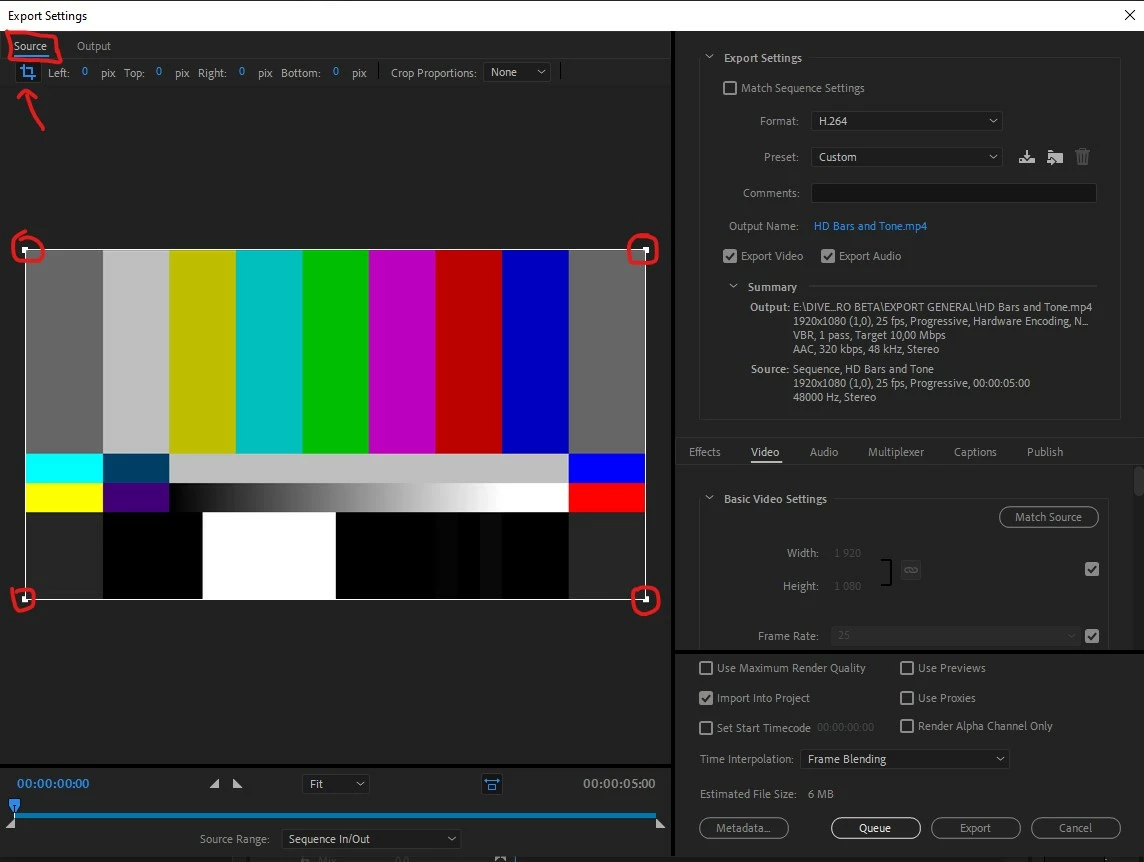
I'm a fairly new user and I've spent an embarrassing amount of time trying to figure out how to crop a video properly. I need to remove a portion of the frame. I applied the crop and got it situated on the part I want. Great. But I need the black parts gone now. Every guide I found says to click the zoom button, but that blows up the video to the original clip size. I do not want that. I want the video to be downsized to the exact size of what I've selected with the crop, no bigger. Can anyone advise how I can shrink it down so I only have the part of the frame I want, at it's natural size and not stretched to the original size of the entire frame?
 AdChoices