
Participant
August 17, 2023
Question

Custom after effects motion graphics template images not showing in premiere (but they do on thumb!)

  • August 17, 2023
  • 1 reply
  • 334 views

This one is killing me, please help!


I have written an after effect comp that loads data from a CSV file, and using a slider I can alter the text shown based on the row number the slider selects. This all works fine in after effects and premiere.


Today I've worked out how to load an image based on the csv file, screenshot below showing the code:
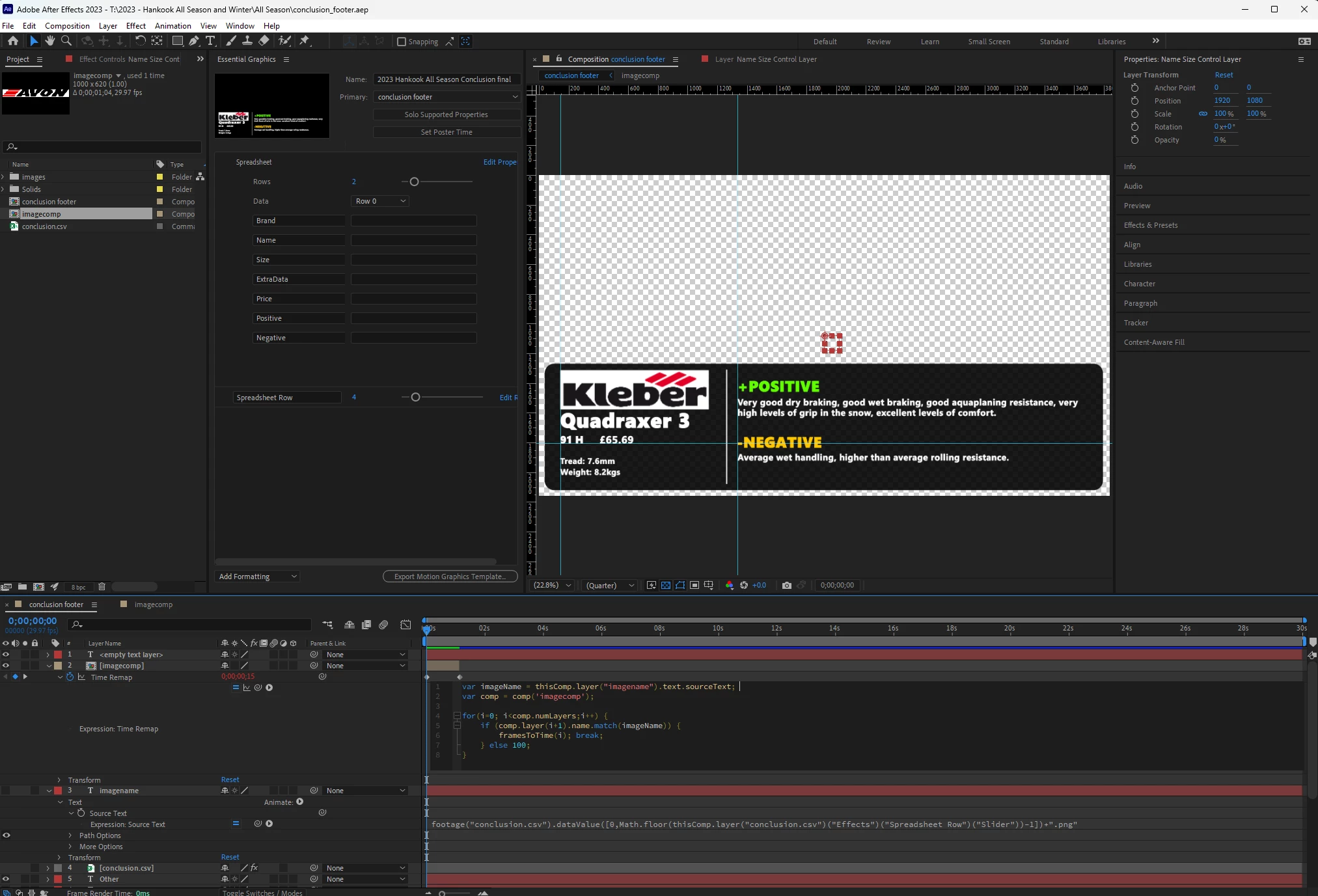
 

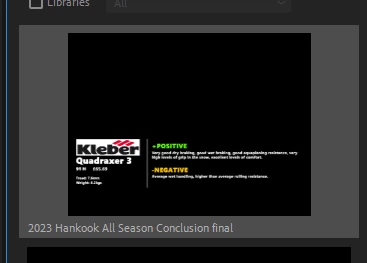
This works great in AE, and when I export it to a motion graphics template and load it in essential graphics in premiere, you can see the image looking as it should!
 

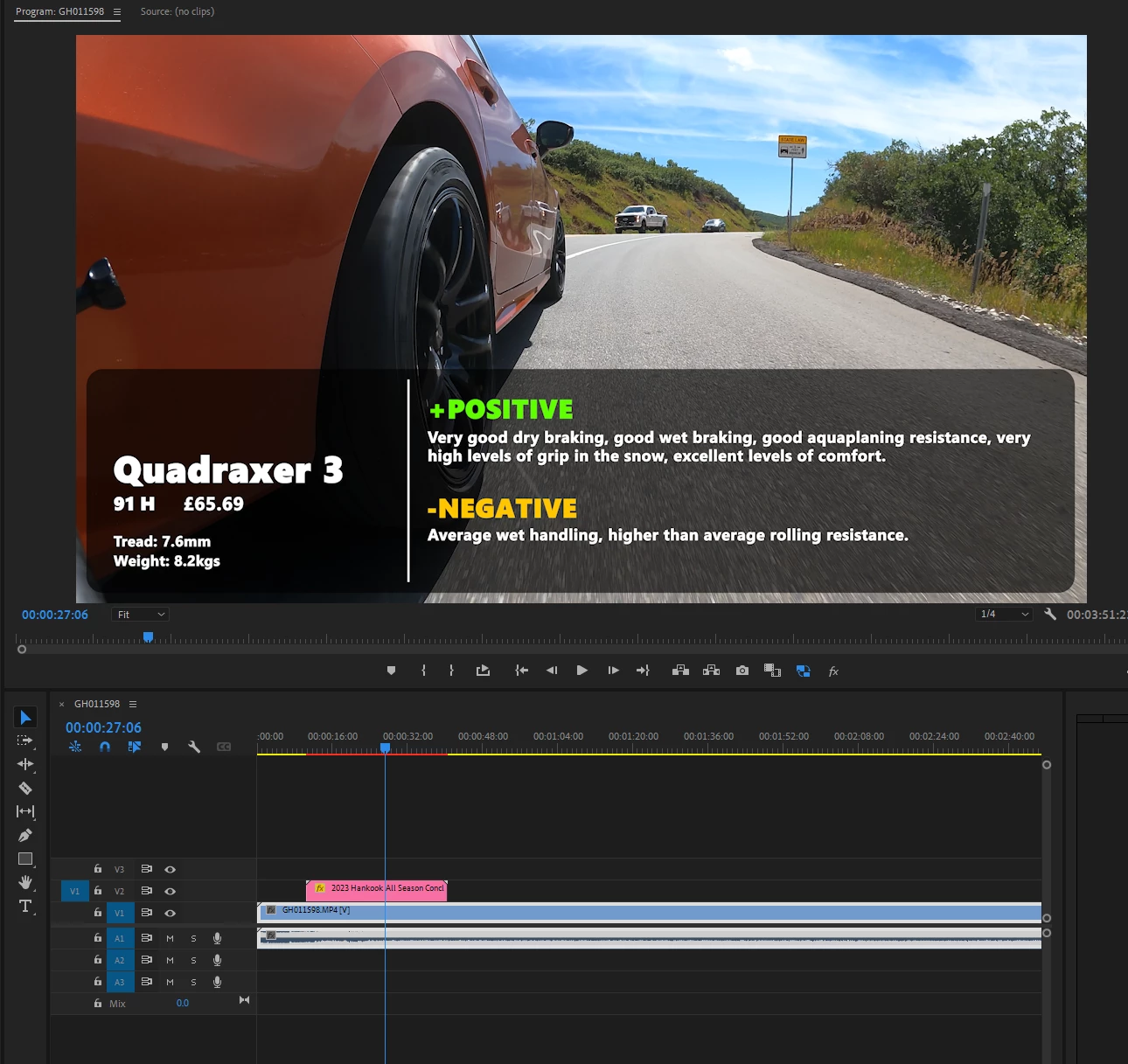
however when you drag it onto the timeline, there is no image. Everything else works as it should with the slider changing the text based on the csv, but no image, no errors. Help please, it's driving me up the wall!


Thanks in advance ❤️ I'm on windows, and fully up to date. Happy to share the aep file if helpful.

This topic has been closed for replies.

1 reply

R Neil Haugen
Legend
August 17, 2023

I think you still need to use "placeholder" images in such mogrts from Ae. Then the editor in Pr replaces the placeholder (probably png file) with the actual media to be used.


Although jstrawn and Dacia are the ones that have the best knowledge on this. Or Jarle.


Neil

Everyone's mileage always varies ...
Participant
August 17, 2023

Thank you Neil. I'll see if I can work out how to do that.

Participant
August 17, 2023

Update, I added one of the images to the Essential graphics panel in AE then re-exported, and it sort of works.


The slider in premiere works as expected, however it only shows the image for 1 second. However, if I add a frame hold inside that one second I can then have it as long as I like, and the slider still works to change the text and images.


Perhaps not the intended way of getting it to work, but it works.