
Participating Frequently
September 26, 2025
Question

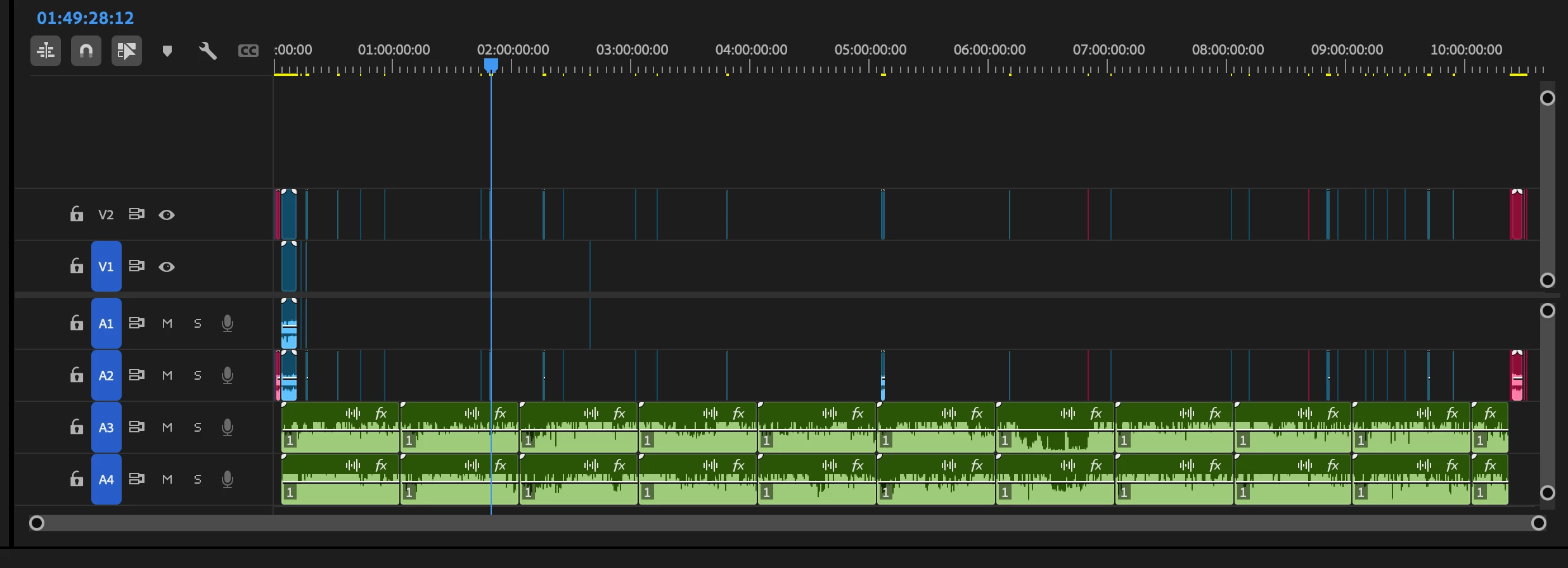
Delete all the parts of the timeline with audio only
  • September 26, 2025
  • 2 replies
  • 115 views

 I have my media synced on my timeline and I would like to get rid of all the gaps with audio only. Is there an easy way to do that? It seems unnecessarily complicated to do that manually. So is there a way to get rid of all the parts of the timeline with audio only?

2 replies

Community Manager
September 26, 2025

Hi Fenno235065605e61,

Welcome to the community! Hope MarekMularczyk's suggestion helped. In case you are looking for something else, do let us know. We're here to help.


Thanks,

Sumeet

MarekMularczyk
Community Expert
Community Expert
September 26, 2025

You could lock your video tracks and then use Ripple Delete on the audio.


Adobe Community ExpertAdobe Certified Professional
Participating Frequently
September 29, 2025

Sorry, I didn't quite understand. I think this is the way I've been doing this. I was hoping for a trick to delete all the gaps with audio only with a single-click.