
Participant
February 20, 2024
Question

Device sample rate could not be set (Premier Pro)

  • February 20, 2024
  • 3 replies
  • 506 views

For the past few days I've been getting a "Device sample rate cannot be set error once I start Premier. Once istart the program i get this error:
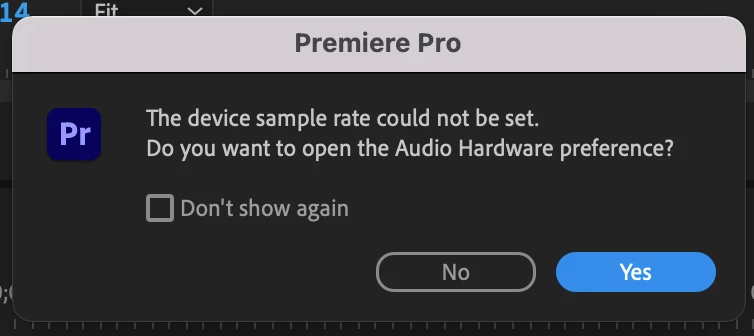
 

When i click yes this happens The preferences box comes up and all appears normal. When I change the system default option in the drop down and select the output device (the TV) I get this error:
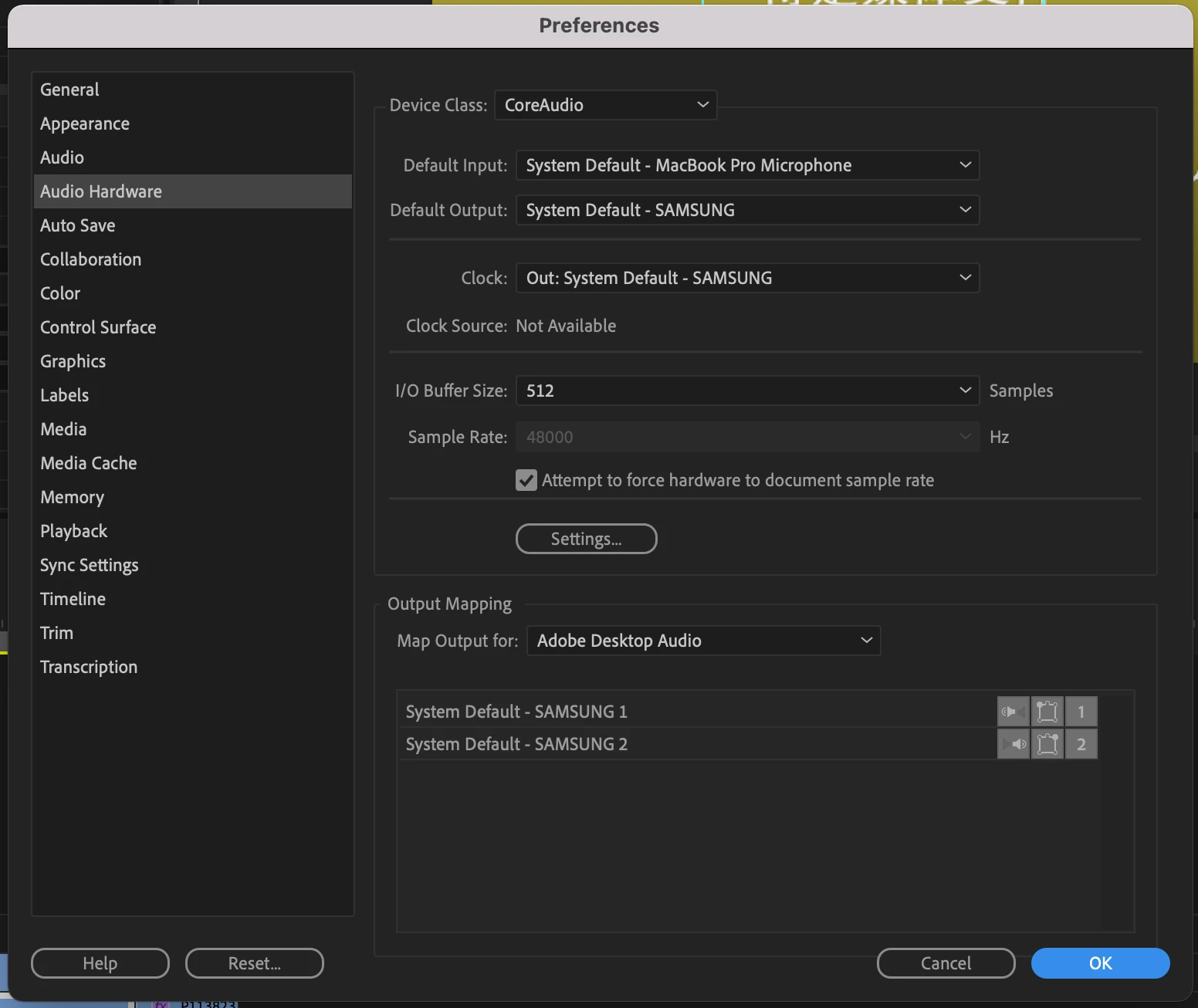
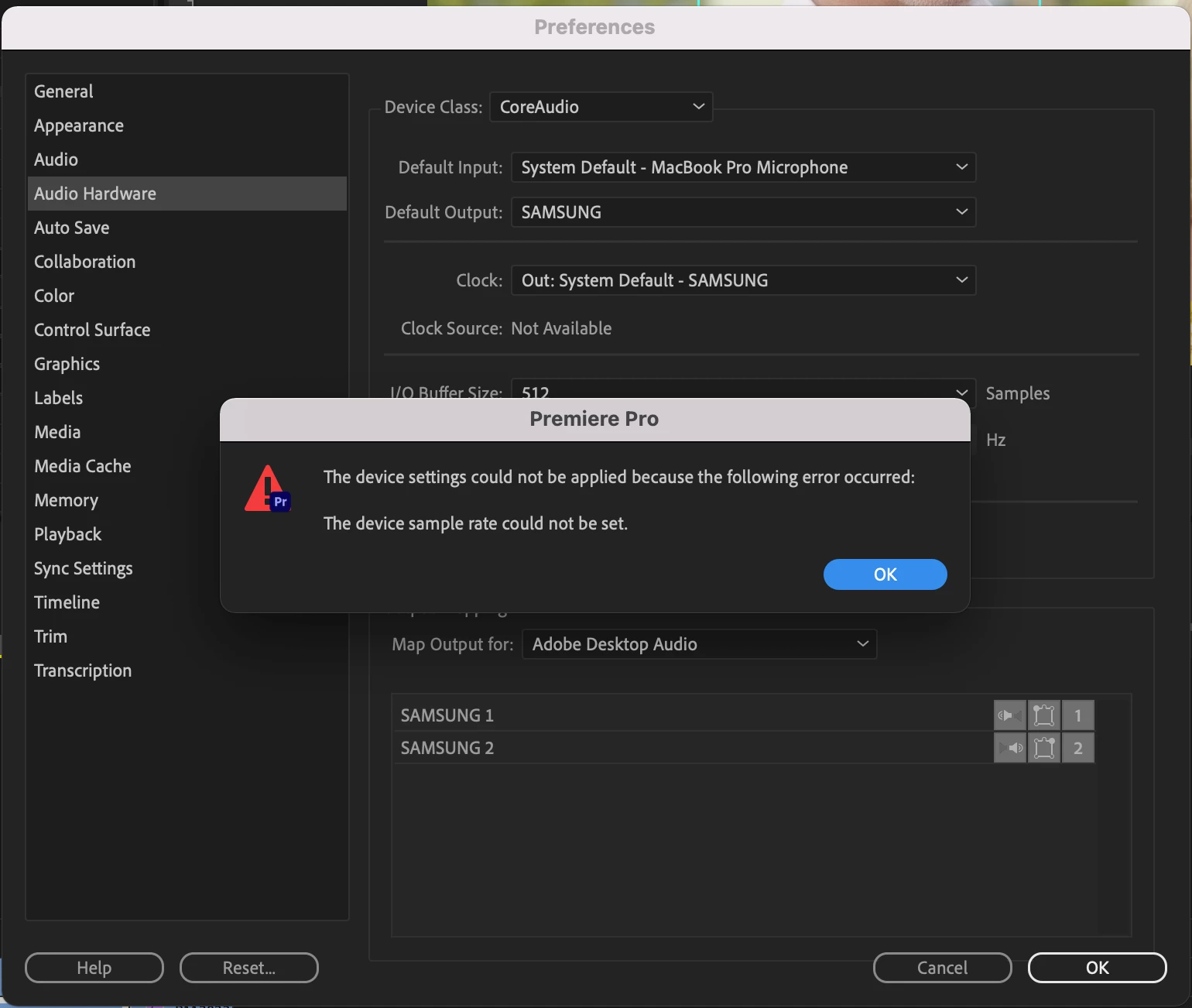
The audio meter is actice so i know the clips are playing but i cant hear anything. Even when i set the audio output to the MacBook speakers.


This topic has been closed for replies.

3 replies

Ann Bens
Community Expert
Community Expert
February 20, 2024

Make sure Default Input in the Audio Hardware in the Preferences is set to No Input.

kglad
Community Expert
Community Expert
February 20, 2024

in the future, to find the best place to post your message, use the list here, https://community.adobe.com/

p.s. i don't think the adobe website, and forums in particular, are easy to navigate, so don't spend a lot of time searching that forum list. do your best and we'll move the post (like this one has already been moved) if it helps you get responses.


<"moved from cc desktop bugs">
Participant
February 20, 2024

Thanks!

kglad
Community Expert
Community Expert
February 20, 2024

(you're welcome.)

Participant
February 20, 2024

The obvious things like setting the sample rate, restarting the program, restarting the machine etc don't work. If i play clips outside of the software the play fine.