


Discussion with the Pros: Unexpected Behavior with Masks
Hey all, I've got one for you.
I've struggled with this for as long as I can remember masking in Premiere. Over the years as a freelancer I've worked on dozens of different computers, both Mac and PC, so it doesn't seem to be isolated to any single Premiere build, computer, or operating system. That being said, I've never heard a single other person mention this, so I sincerely hope that it's user error.
I was doing masking/roto in After Effects long before ever doing it in Premiere so maybe it's a habit that I've carried over? I only ever do simple masking in Premiere and it's often just framing something with a rectangle mask. (I use Crop whenever possible now, but I'd like to see if I can figure this out.)
Attaching some gifs here:
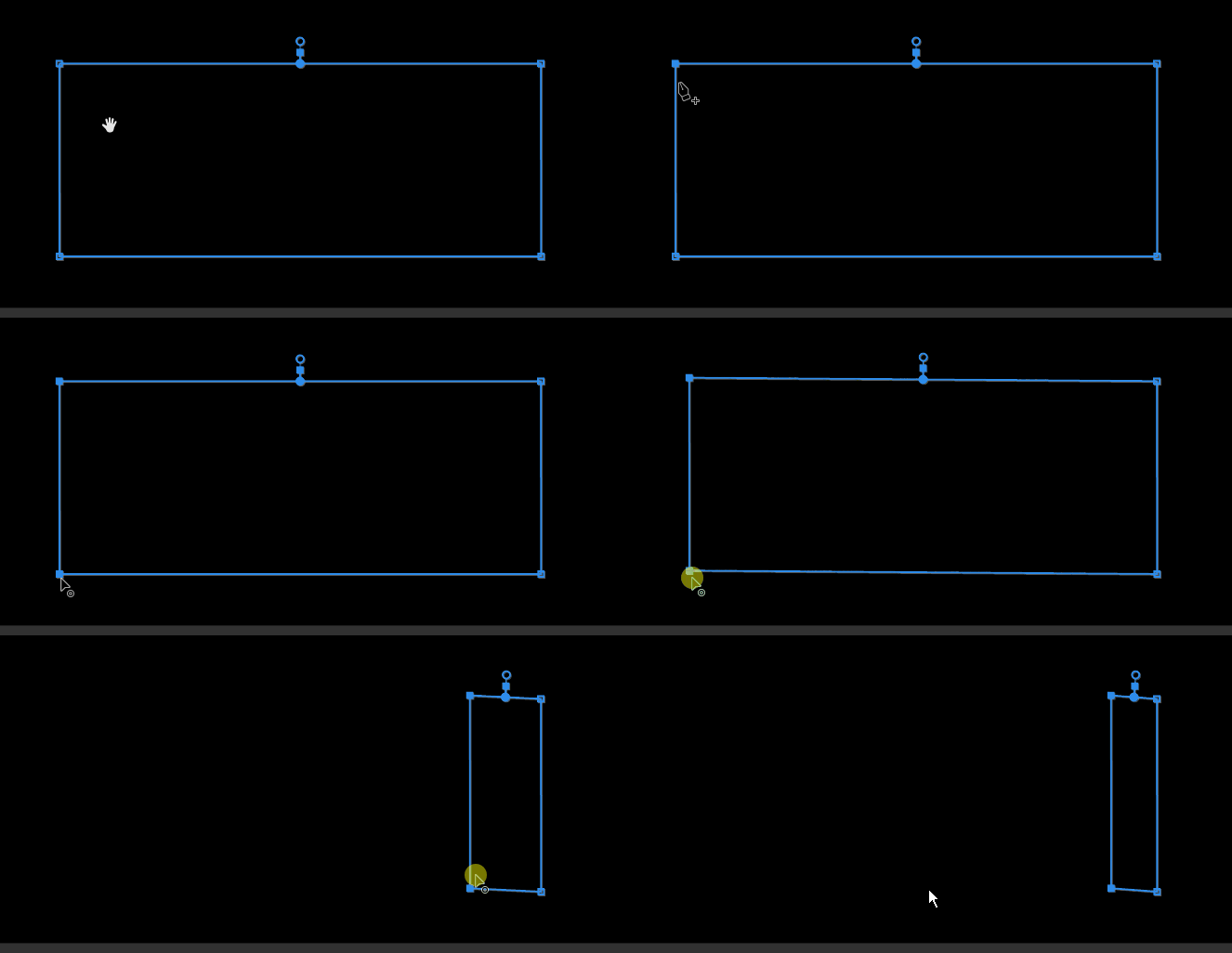
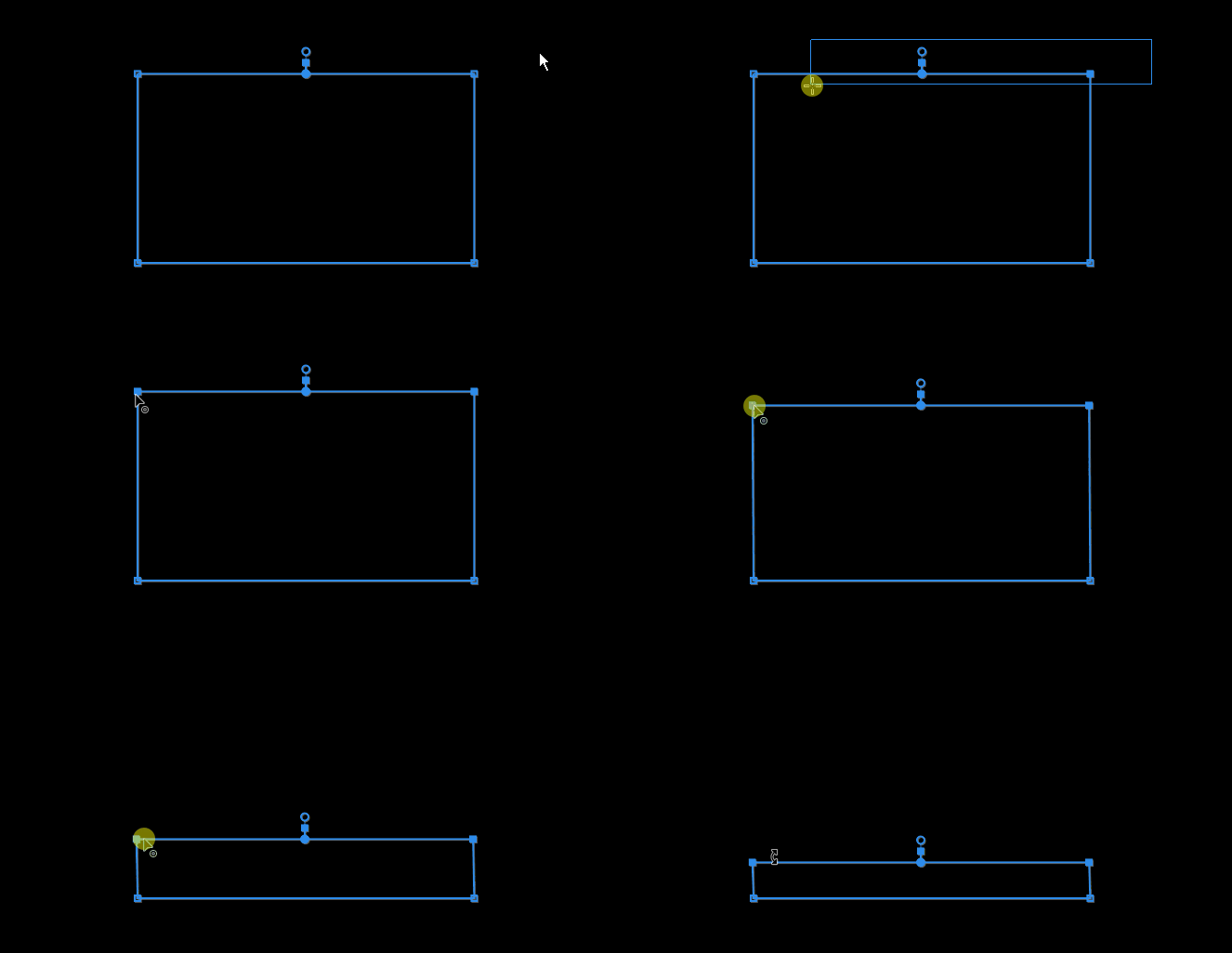
So to be mind-numbingly specific, here is what I'm doing:
1) Select the points, either with lasso or shift+clicking. Works fine.
2) I click and hold a point, hold shift, and start dragging. It snaps to "rails" but it's slightly off, so I can never keep a perfect rectangle.
In After Effects this would lock the points so that I can resize and my rectangle would stay perfect.
I tried turning off snapping in my Program Monitor to see if it was locking on to something invisible I'm not seeing, but that had no effect.
(These gifs come from my Windows 10 PC, but I just leaned over and did the same thing on my Macbook. Also sorry was having some formatting issues with this post.)
 AdChoices