

Double vision blur on Premier Pro
Hello! I'm making videos for social media, so I am using the same original footage to make videos with specs of 1080x1080 and 1080x1920 (vertical).
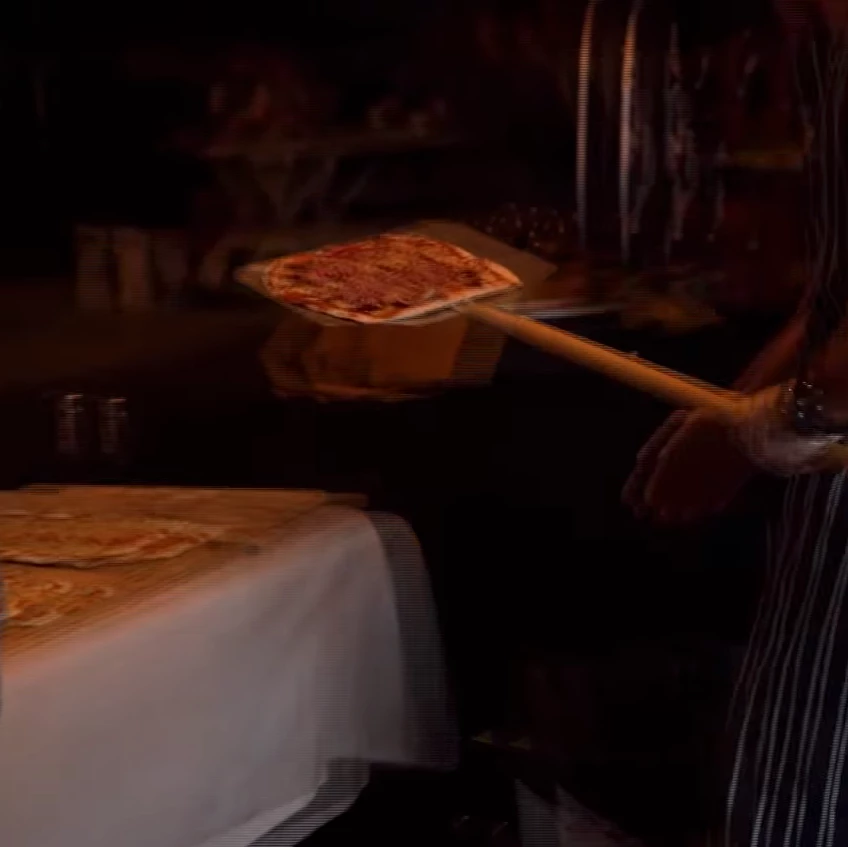
When I export from Premier Pro, the footage look slightly blurred, like the frames don't quite match up (example below). Original footage is 1920x1080 (horizontal) and has been shot at a frame rate of 30fps or 50fps. I am setting the sequence with a frame rate at 25fps, 1x1 pixel aspect ratio. Is this my problem? 25fps in the project vs 30fps/50fps of the original footage? It looks fine on playback in premier, but always like the below grab on export.
Sequence Settings
Pixel Aspect Ratio: Square Piexels (1.0)
Fields: No fields (progressive scan)
Display format: 25 fps Timecode
My summary on export reads as follows:
Output:
1080x1920 (1.0), 25fps, Progressive, Hardware Encoding, 00...
VBR, 1 Pass, Target 10.00 Mbps
AAC, 320kbps, 48kHz, Stereo
Source:
1080x1929 (1.0) 25fps, Progressive,
4800 Hz, Stereo
I'd just like to be able to export without the blur! I don't mind what format, as long as it is compatible with social media channels (facebook and instagram). Thank you!
 AdChoices