
Participating Frequently
June 23, 2023
Answered

Drag and Drop

  • June 23, 2023
  • 2 replies
  • 1486 views

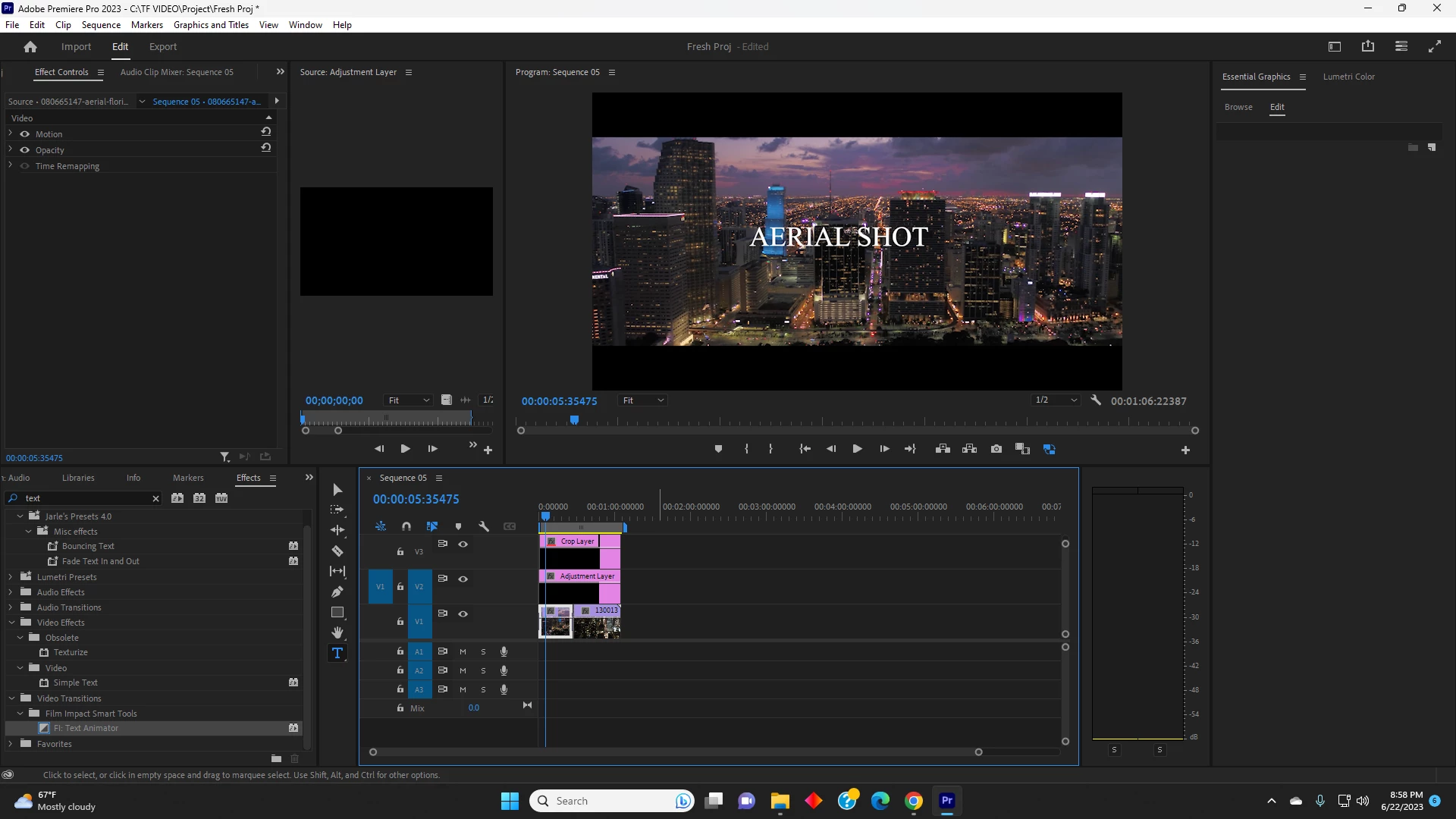
I need help with Adobe Premiere Pro I cannot drag and drop video transitions on top of the footage. How do i properly drag and drop an effect on to the footage or adjustment layer. I am having issues dragging a effect onto the footage or adjustment layer how can i Fix this. 
This topic has been closed for replies.
Correct answer Richard van den Boogaard

what is the edit/cut point ?


The beginning (head) or end (tail) of the clip. It looks like the icon on the effect indicates that you can only use this as a transition effect between two adjoining clips, not on a single clip.

2 replies

R Neil Haugen
Legend
June 23, 2023

If they are actual transitions, they are dragged onto the cut point of the clips ... the join.


Are they Premiere Pro transitions, or are they transition effects that you acquired elsewhere?


Neil

Everyone's mileage always varies ...
Participating Frequently
June 23, 2023

They are transition effects that i acquired from "filmimpact" and i cant seem to attach it to a "Text" or the footage

Participating Frequently
June 23, 2023

Have you checked the instructions for them? Many of those transition effects are actually applied on the track above the edit/cut point, not on the clips.


Neil


I have not checked the instructions, i will check it out its "Film Impact" Text Animator and when i try to add it to the footage or text layer i am not able to drag it over on to the footage.

Participating Frequently
June 23, 2023

I cannot drag and drop the effect on to the adjustment layer or TEXT, is there a way to fix this it will not allow me to drap and drop.