

peterkellner1
Inspiring
May 12, 2023
Answered

Dragging around video in player with "Hand" does not seem to work

  • May 12, 2023
  • 1 reply
  • 2302 views

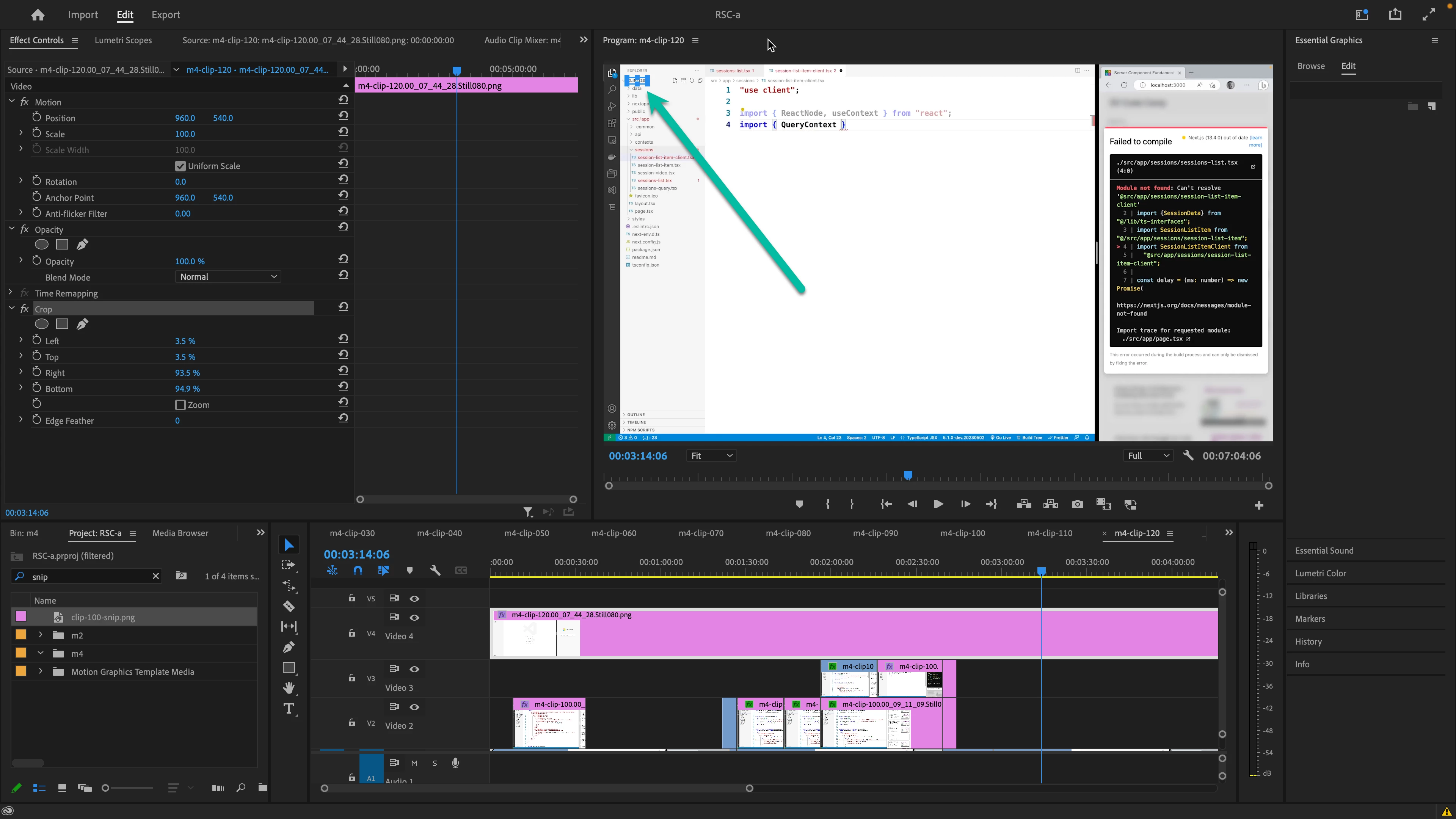
I'm working on a MBPro 16 M2 and I thought I knew how to pan my video around after I changed the "fit" to something else like 150% here.  Now, when I click on the "hand" icon, then hold the mouse down over my video, it does not move. Did that change or am I remembering wrong?


This topic has been closed for replies.
Correct answer Kevin-Monahan

No, you are correct, Peter. The Hand tool should allow you to behave in the manner you suggested. I tried it myself on my own MacBook Pro on Ventura. and had no issue. Can you restart Premiere Pro or try a new project to see if the issue persists? Hope to help.


Thanks,
Kevin

1 reply

Kevin-Monahan
Community Manager
Kevin-MonahanCommunity ManagerCorrect answer
Community Manager
May 16, 2023

No, you are correct, Peter. The Hand tool should allow you to behave in the manner you suggested. I tried it myself on my own MacBook Pro on Ventura. and had no issue. Can you restart Premiere Pro or try a new project to see if the issue persists? Hope to help.


Thanks,
Kevin

Kevin Monahan - Sr. Community and Engagement Strategist – Adobe Pro Video and Audio
peterkellner1
Inspiring
May 24, 2023

Thanks Kevin, that did solve it. I thought I was forgetting more stuff than usual.

Kevin-Monahan
Community Manager
Community Manager
May 25, 2023

Cool!

Kevin Monahan - Sr. Community and Engagement Strategist – Adobe Pro Video and Audio