
Known Participant
April 25, 2022
Question

Edge Artefacts on Import

  • April 25, 2022
  • 1 reply
  • 4374 views

Hi All,


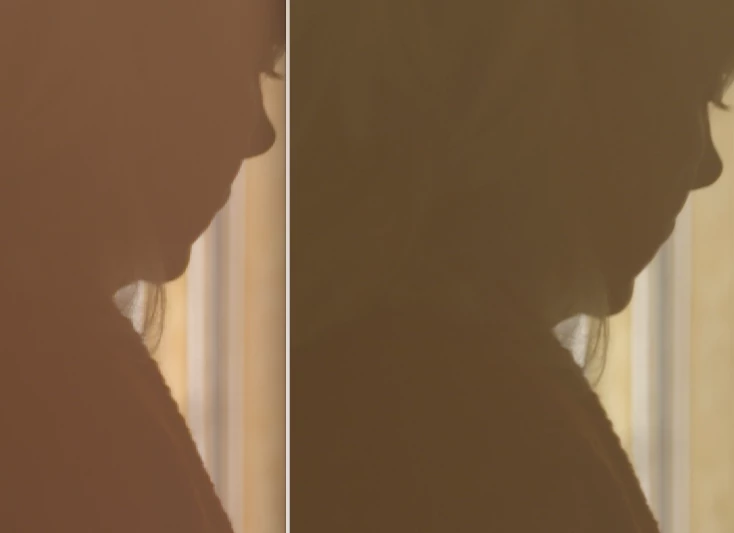
I would be very apprecative if somone can tell me what's goign on when import footage and get edge artefacts not seen in the original footage as seen below. This is showing in the source monitor and is 100% not present in the original files.


I'm already on sofware playback only etc.


Any heklp appreciated as i'm right in the middle of this shoot.


Thanks,


Simon
This topic has been closed for replies.

1 reply

Jeff Bellune
Legend
April 25, 2022

It may have to do with your media color space.

Worth a try: Context-click a problem clip in the bin and choose Modify>Interpret Footage. Check the color management section to see if all is well. If you are using bog-standard HD footage, you may need to override the color space to rec 709.

sadsharpAuthor
Known Participant
April 26, 2022

I exported the file and it seems fine. So the original file is fine, it has visible artefacts when imported into premiere but once exported out seems fine once again.


Jeff Bellune
Legend
April 30, 2022

Hi,


Cs6 and Mac.


@sadsharp wrote:

Hi,


Cs6 and Mac.


10-bit XAVC footage would have been bleeding edge for CS6; I'm pleasantly surprised it handles it at all!
My recommendation is to try your footage in the new version of Pr.