
Known Participant
April 25, 2022
Question

Edge Artefacts on Import

  • April 25, 2022
  • 1 reply
  • 4374 views

Hi All,


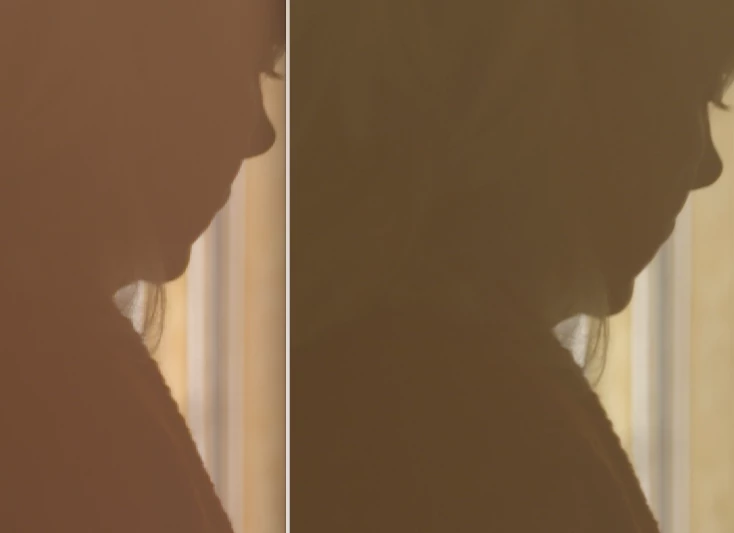
I would be very apprecative if somone can tell me what's goign on when import footage and get edge artefacts not seen in the original footage as seen below. This is showing in the source monitor and is 100% not present in the original files.


I'm already on sofware playback only etc.


Any heklp appreciated as i'm right in the middle of this shoot.


Thanks,


Simon
This topic has been closed for replies.

1 reply

Jeff Bellune
Legend
April 25, 2022

It may have to do with your media color space.

Worth a try: Context-click a problem clip in the bin and choose Modify>Interpret Footage. Check the color management section to see if all is well. If you are using bog-standard HD footage, you may need to override the color space to rec 709.

sadsharpAuthor
Known Participant
April 26, 2022

I exported the file and it seems fine. So the original file is fine, it has visible artefacts when imported into premiere but once exported out seems fine once again.


Jeff Bellune
Legend
May 3, 2022

Si basically back to square one. I have a prores material that in the past has worked in an NLE designed for it that can't be played back or viewed properly without displaying artefacts that the NLE itself causes.


And no one can figure out the reason why ?


People have been playing ProRes in Adobe products for decades but alas this issues seems to have escaped the community.


Leanardo, where are you ??


Is it just these files that show the problem? Or does *all* of your media do it?


If this just started, and it seems from what you've said that it has only recently begun, then changes to your system or changes to your typical source footage are to blame. CS6 hasn't been touched in almost a decade and is well past EOL.