

Edit original isnt launching the AE project
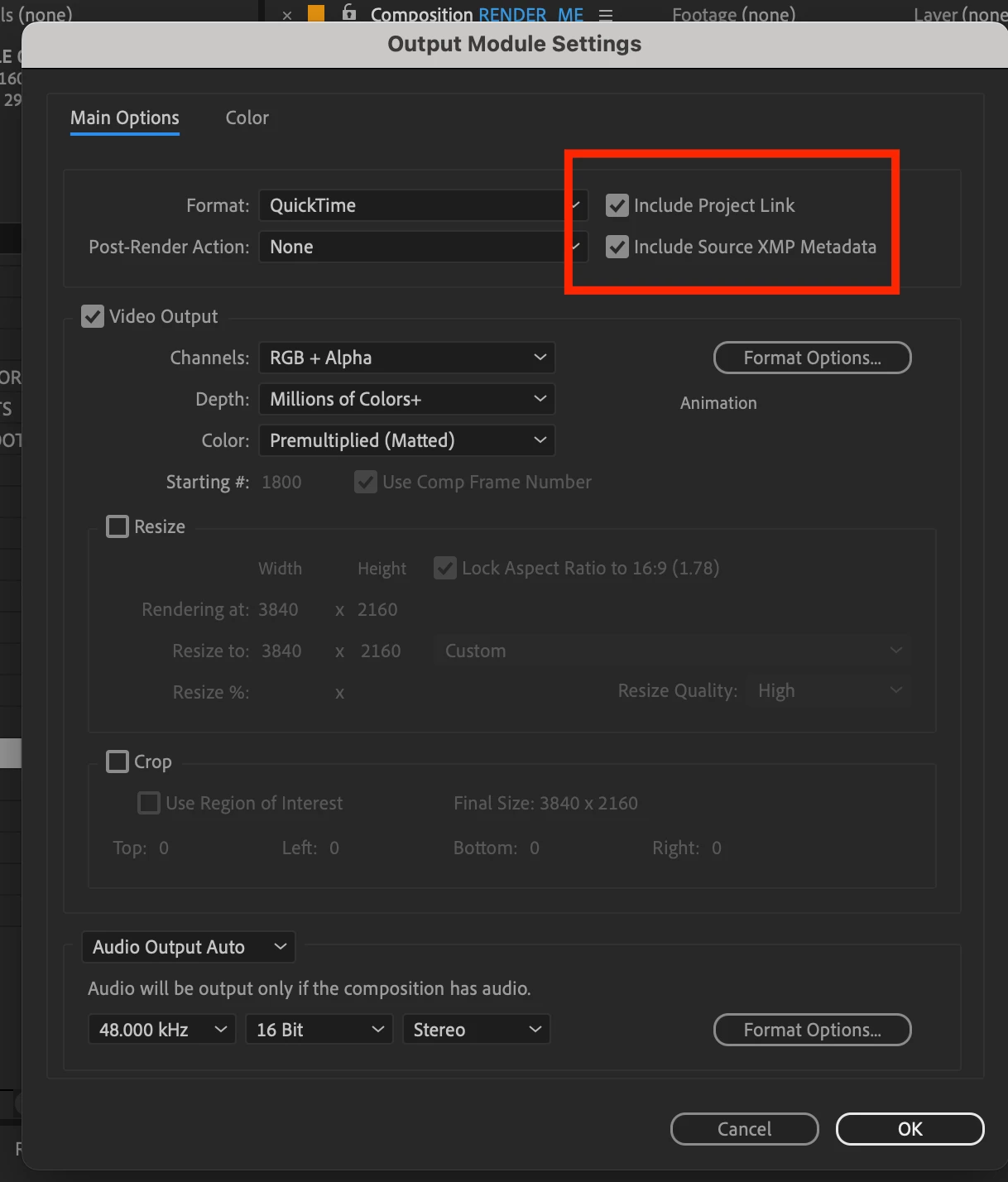
In the past, I've been able to take .MOV files that motion graphics artists gave me from After Effects, put them on my timeline, right click on it on the timeline and choose "edit original" and it would launch the AE project file that the MOV was created in. So today I rendered a graphic from After Effects. I made sure to include the media data (see attached screenshot). After I rendered it, I put it on my timeline in premiere and right clicked on it and chose "edit original" and it launched After Effects but it didnt launch the project file that created it. This used to work in the past. Adobe can this be fixed? Community, are there any other solutions to look at an MOV file and look at Metadata to see which ae project the render comes from?
Update: it's nice to know that you can drag your .MOV/quicktime file into an empty AE project file. Highlight the file and press Command E. (Press dont save). And it will launch the project that created this MOV/quicktime.
 AdChoices