Answered
Editing a short film and having a pen tool error
I updated the imac and adobe software
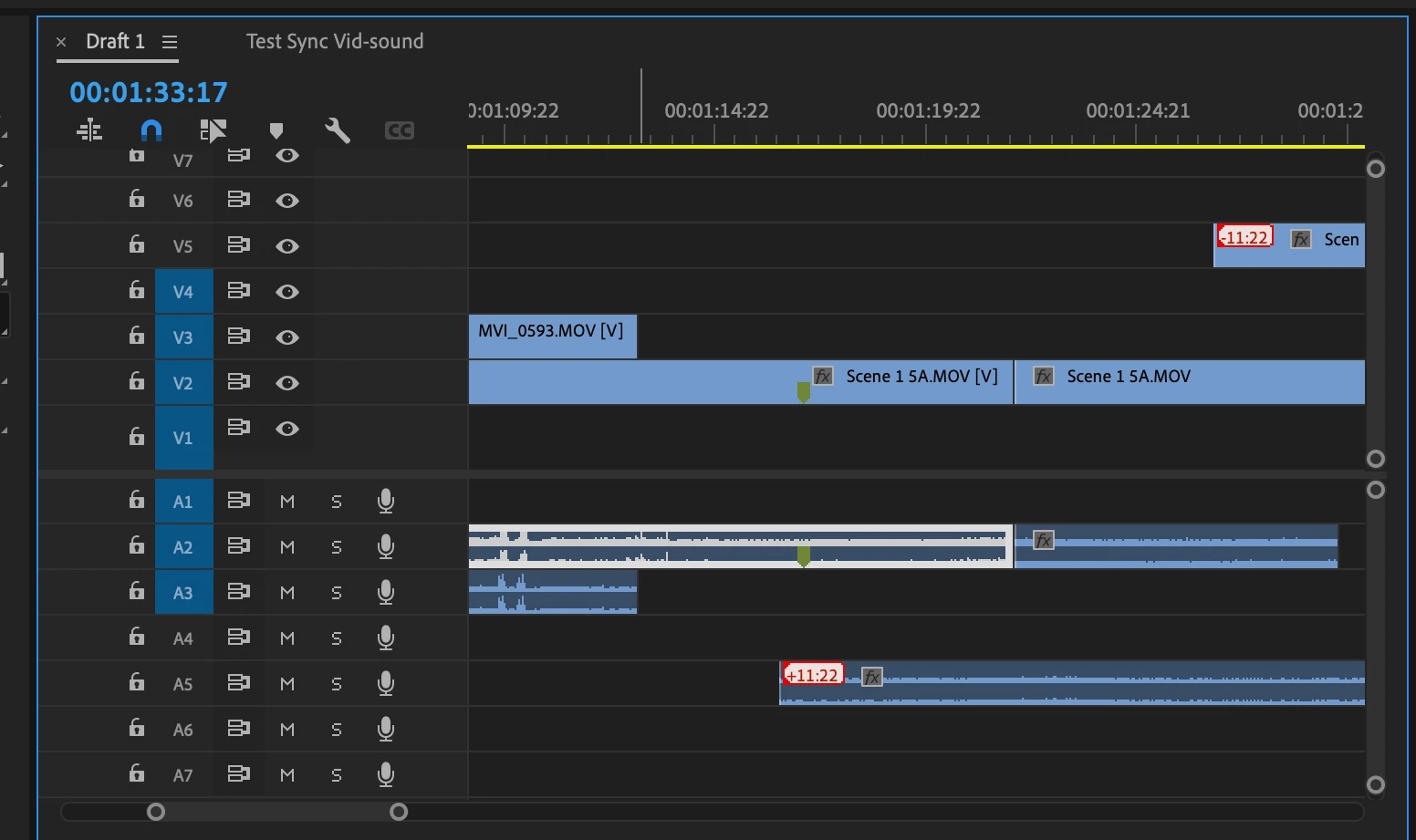
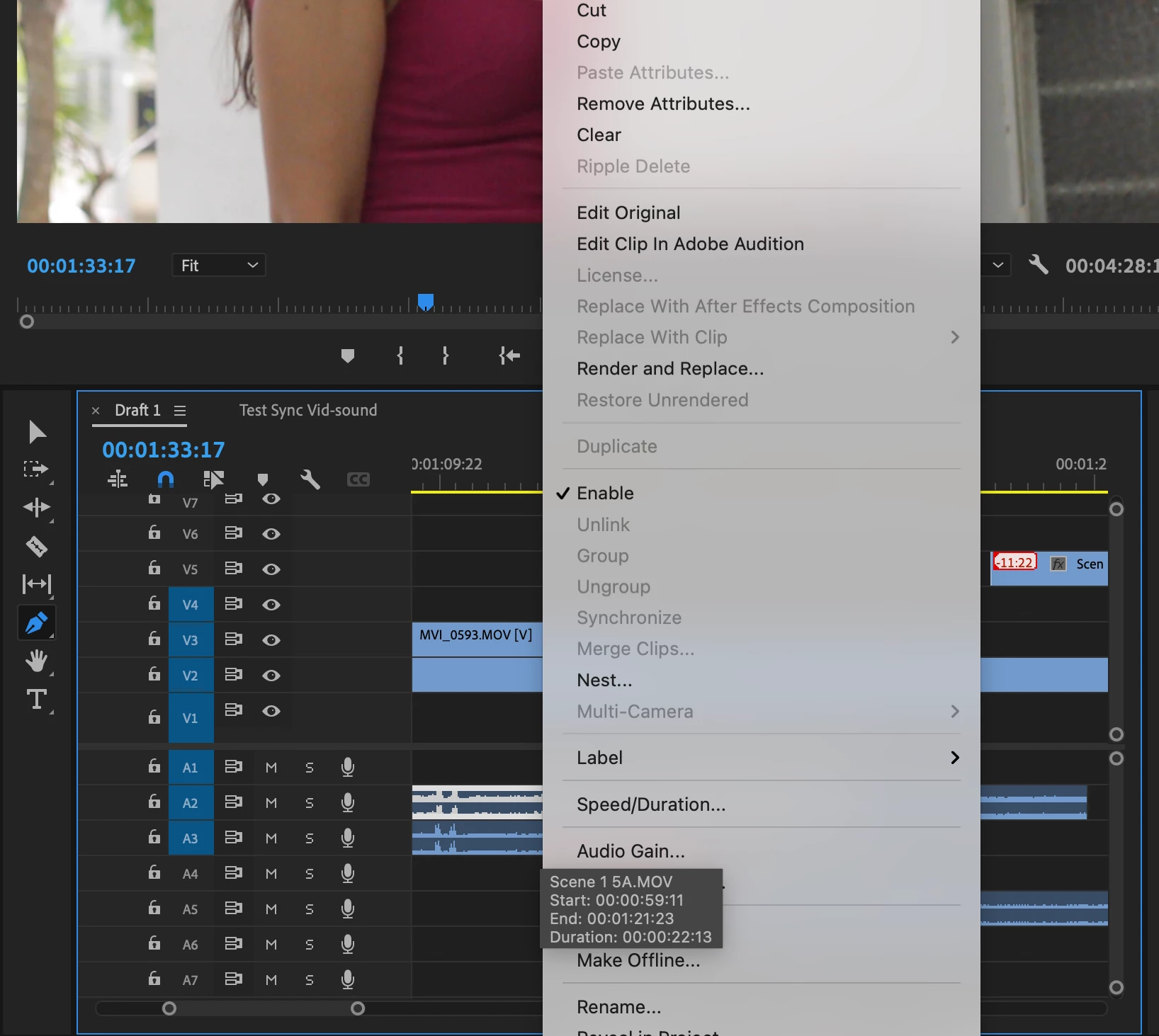 Pen tool is color black and not functioning on audio tracks.
Can anyone help or give advice?

I updated the imac and adobe software
Pen tool is color black and not functioning on audio tracks.
Can anyone help or give advice?
Not sure what you mean by error ... the Pen tool is black when used on the timeline panel. If you have "Show audio keyframes" selected in the timeline wrench-icon menu, and have enough height to the tracks, you should be able to click on the audio line and drag to move up/down, or click in a couple places and set keyframes.
Your tracks are pretty small (vertically in the interface) to be doing any keyframe work though. So ... some more information as to what you are trying to do, and what you expect, would be good.
Neil
Already have an account? Login
Enter your E-mail address. We'll send you an e-mail with instructions to reset your password.
 AdChoices