
Answered
Editing multiple captions simultaneously on Premiere Pro 25
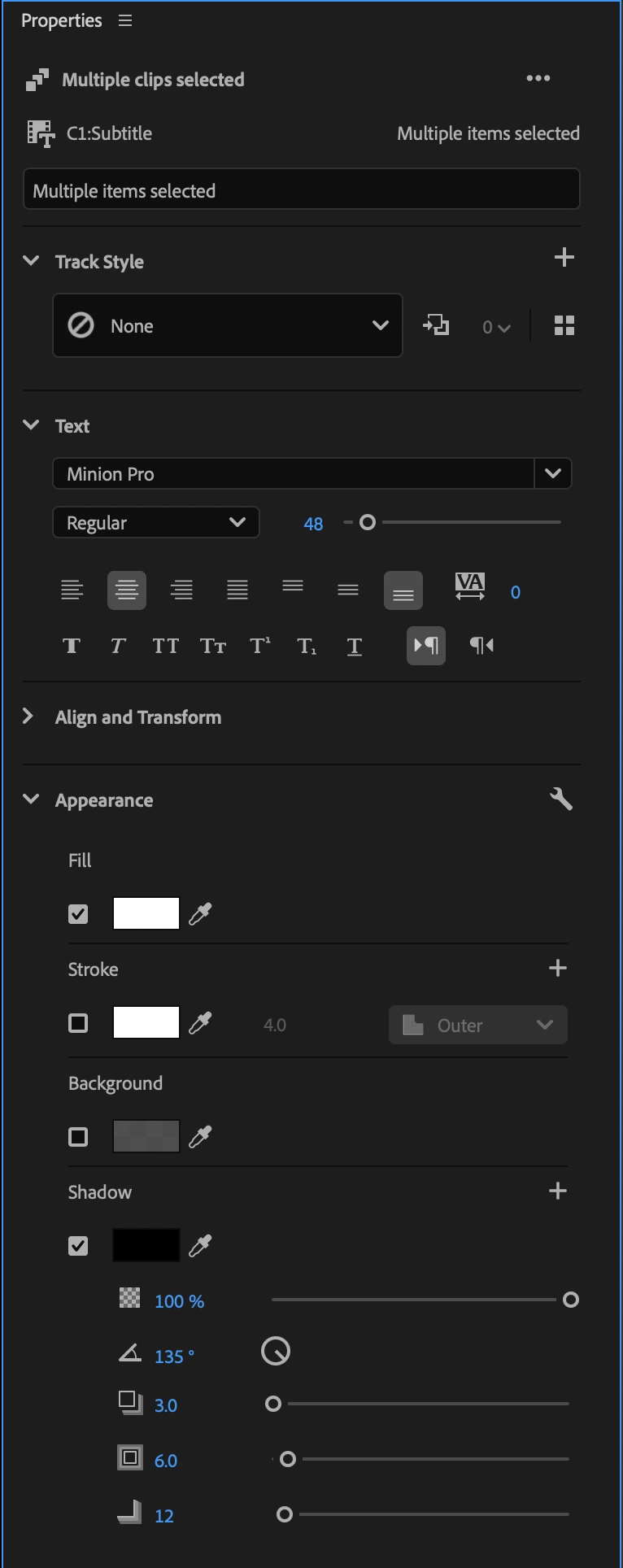
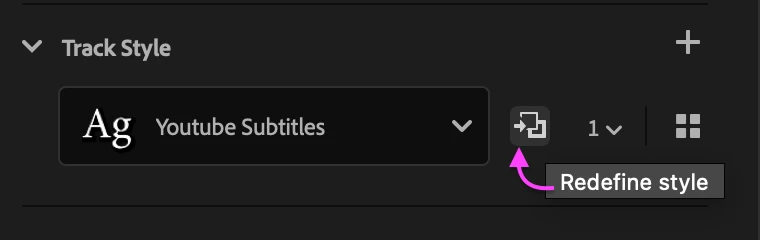
In previous Premiere versions, I was able to highlight and select all video captions and make edits to the size, font, positioning, etc., that would change all captions at the same time. So far in Premiere Pro 25, I've been unable to find a way to do this. With the new properties box, I can double-click a particular caption and make edits to it there. But, I haven't found a way to apply those changes to all other captions — and it's not letting me select all captions to make edits to all at once.
PLEASE, if anyone knows a fix to his, help! I would hate for something that once took less than 30 seconds to beecome an hours-long effort on longer videos I'm frequently editing for work.
 AdChoices