
Editing Problem
- March 5, 2023
- 2 replies
- 588 views
Hi! It's been a year since I have this problem with Premiere Pro. I ask Adobe and nobody was ever able to help me and now I can't take it no more.
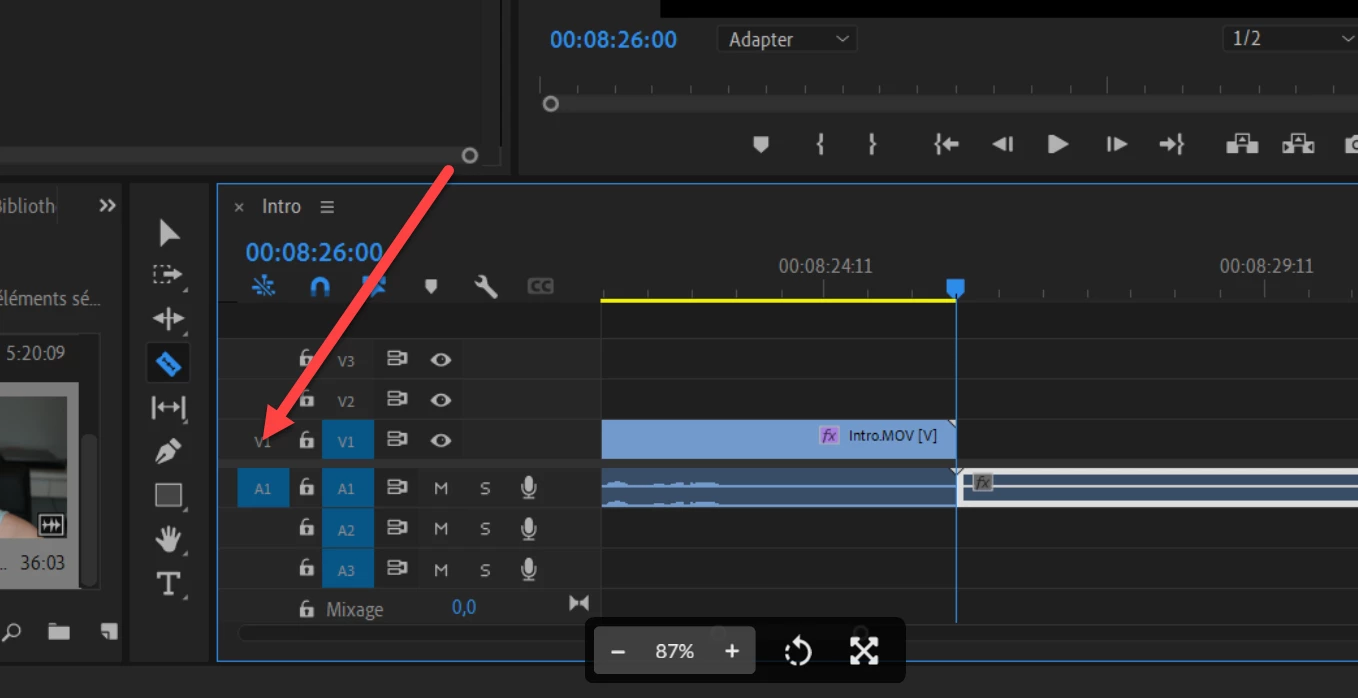
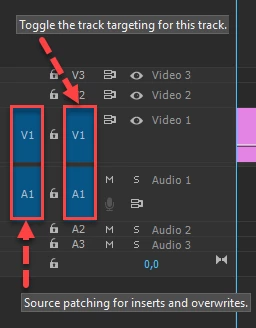
My problem: When I go to insert my video for editing only the audio transfert. The first sequences I will put into editing will transfert audio + video but if I go back and add more files only the audio transfert.
I've even stopped my youtube channel for months now because I couldn't deal with this anymore but now I wanna go back to youtube and this problem is still there and my nemesis....
I've insert a photo of my screen.
Please, if you've ever deal with this kinda of problem help me! I'm desperate.
ps: don't tell me to create a new sequences it's such a pain to do every single time.
Thank you!
Kat
 AdChoices