
Question
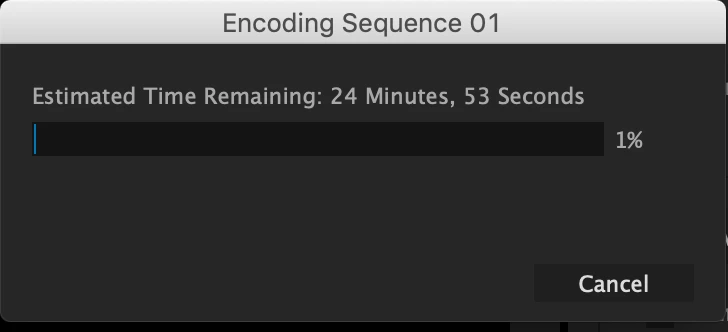
Encoding Stuck at 1% for every project no matter what
Hi, I've been using Premiere for years, and a few weeks ago I exported a video just fine. Today I went back and made a couple minor changes to the video and tried to export it again and, after successfully Rendering the Audio Files, it kept getting stuck at 1% in Encoding. It won't even let me click Cancel to stop trying to Encode. I have to Force Quit.
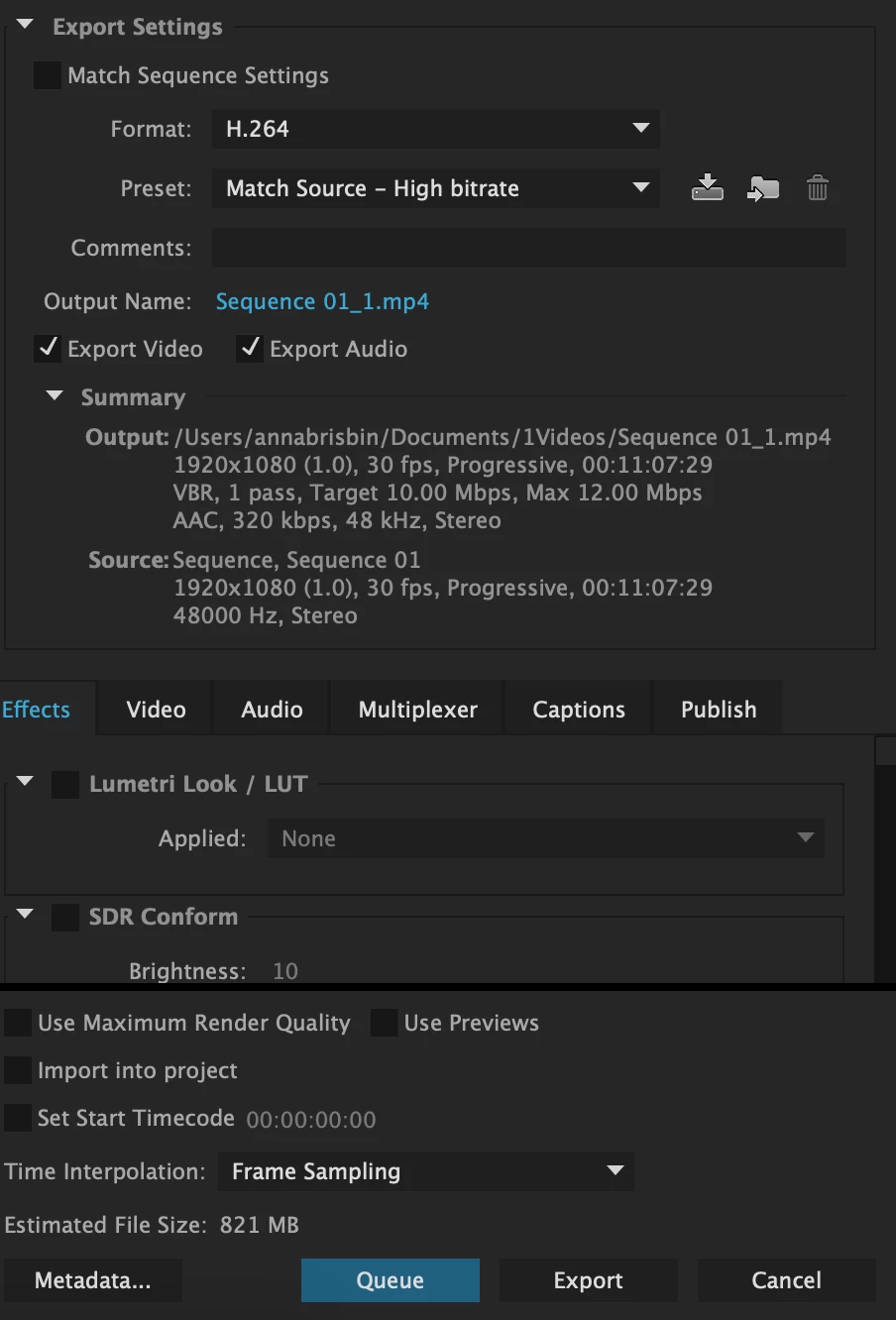
I have updated Premiere. I have restarted the computer several times. I have changed Export settings to try Medium Bitrate or Match Sequence Settings (MPEG Preview). I have tried to export entirely different projects-- simple projects only a couple clips long. And the same thing always happens. (And yes, I am clicking Export and not Queue.)
Suggestions??
 AdChoices