
Answered
Enlarging a square mask in premiere
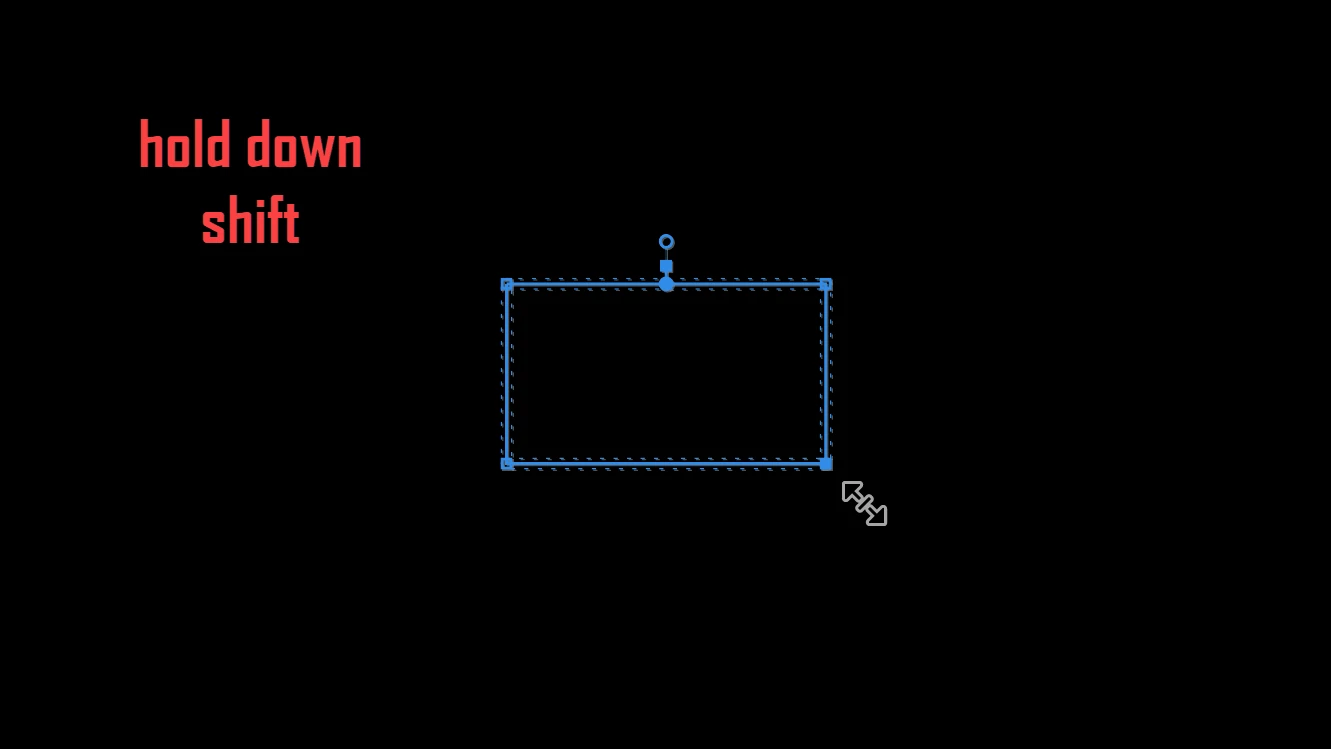
How do I keep the corners of a rectangular mask at 90 degrees and expand it in premiere? I am not talking about the "mask expansion" effect, which only goes so far and give my rectangle rounded edges. I want to create a large rectangle from the rectangle mask, but when i click on a corner or two pressing "shift," this does not allow me to keep the shape a rectangle with 90 degree angles.
 AdChoices