elisabethl50446204
Participant
Apr 23, 2018 3:53 PM UTC
Question

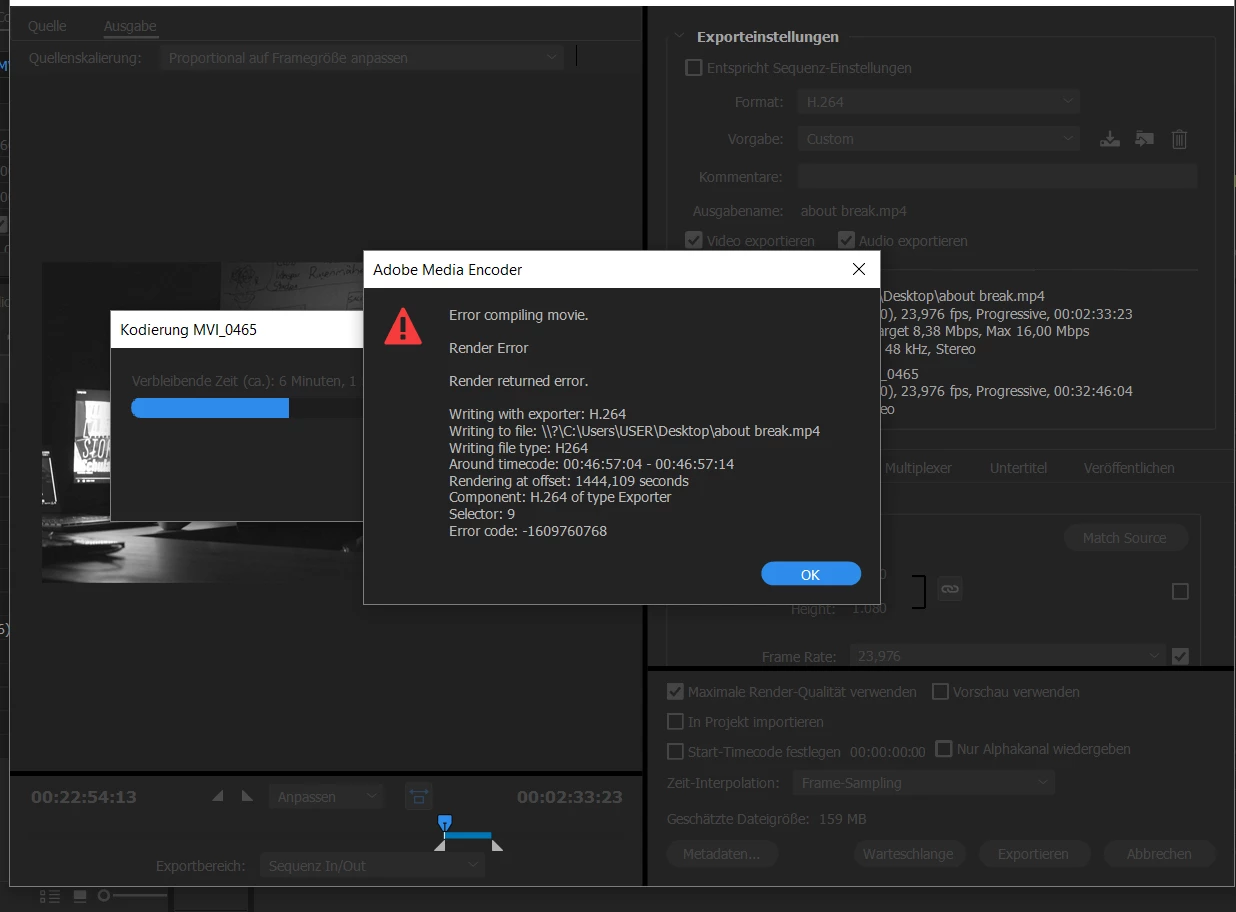
Error -1609760768 What´s going on??

Can anyone help me with this error? I can´t find out whats not working. If I prerender it in the project it works but when I´m trying to export the Video it fails.

Thank you guys!

This topic is closed to new replies. Start a new post to keep the conversation going.

4 replies

Participant
Mar 31, 2020 3:12 PM UTC

Hi, I just had the same error.

The pixel ratio and the image size of the imported video file (let's call it video X) were not matching those of the sequence, nor those of the other videos previously imported in that sequence (videos Y, Z, etc).

Solutions:
- Change the sequence settings of video X and export it again, then import video X where you need, or

- Import the sequence of video X in the project where you need it. Even if image size and pixel ratio are different, they will be encoded correctly.


Hope that can solve similar issues!

Emanuele

Translate
Participant
Apr 5, 2021 11:44 PM UTC

Thank you, I change the sequence settings and it did work! 

Translate
R Neil Haugen
Legend
Apr 23, 2018 5:17 PM UTC

If Carlos' suggestions don't fix this, go to that spot on the timeline. Figure out what's the problem ... remove and redo some effect, or even remove the clip from the sequence, delete from the project, close/reopen PrPro, then re-import the clip into the project and return the section to the sequence.

Neil

Translate
Everyone's mileage always varies ...
Community Expert
Apr 23, 2018 4:19 PM UTC

Delete all Preview Videos associated to this project

Clean Media Cache

Try to switch between CBR - VBR 1 pass - VBR 2 pass in Bitrate Settings when going H.264

Translate