Inspiring
April 24, 2020
Answered

Error adding titles

  • April 24, 2020
  • 2 replies
  • 1963 views

Hi there.


I have added titles and added a transform effect to each title so that transition/slide into the frame. 

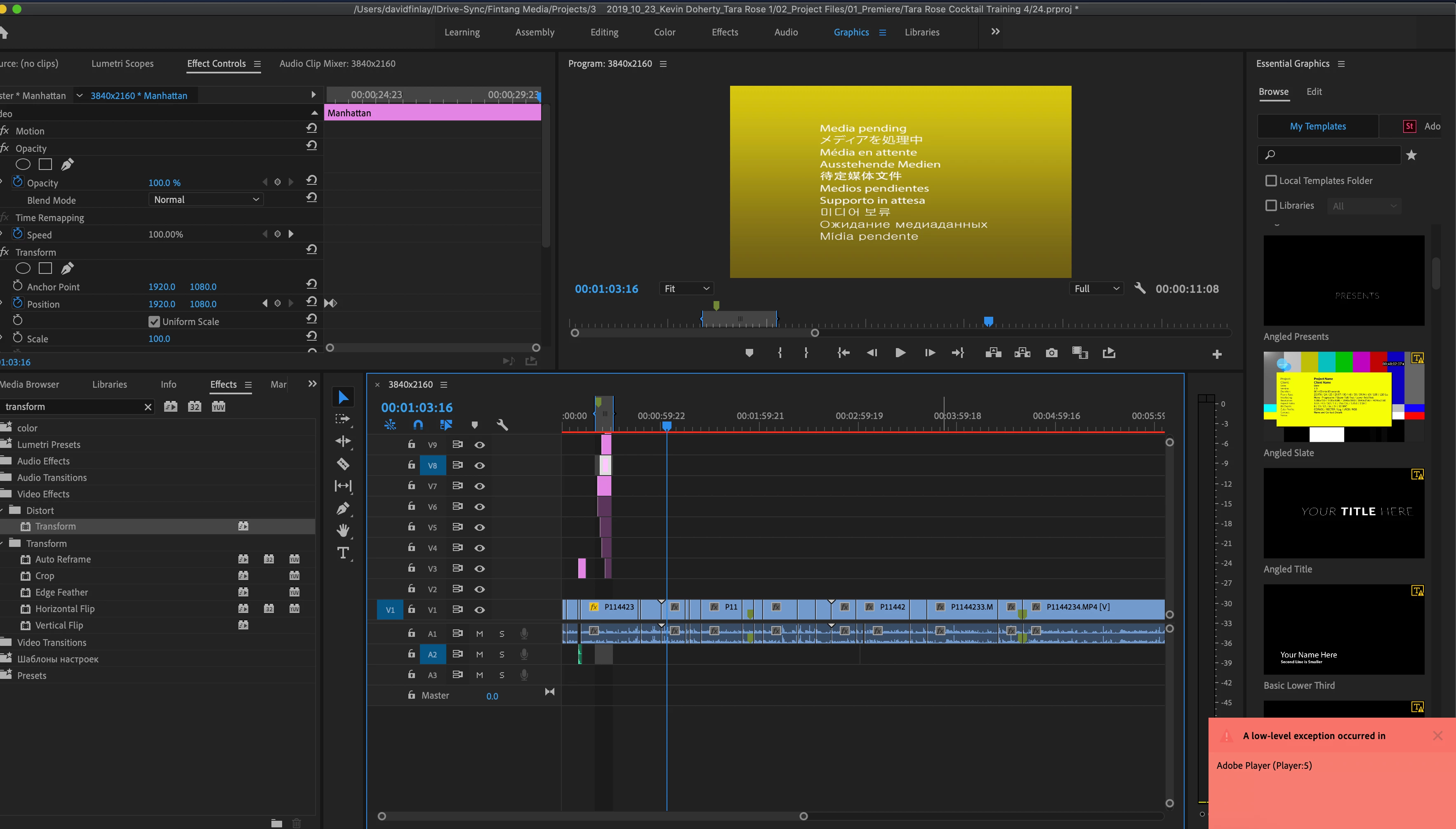
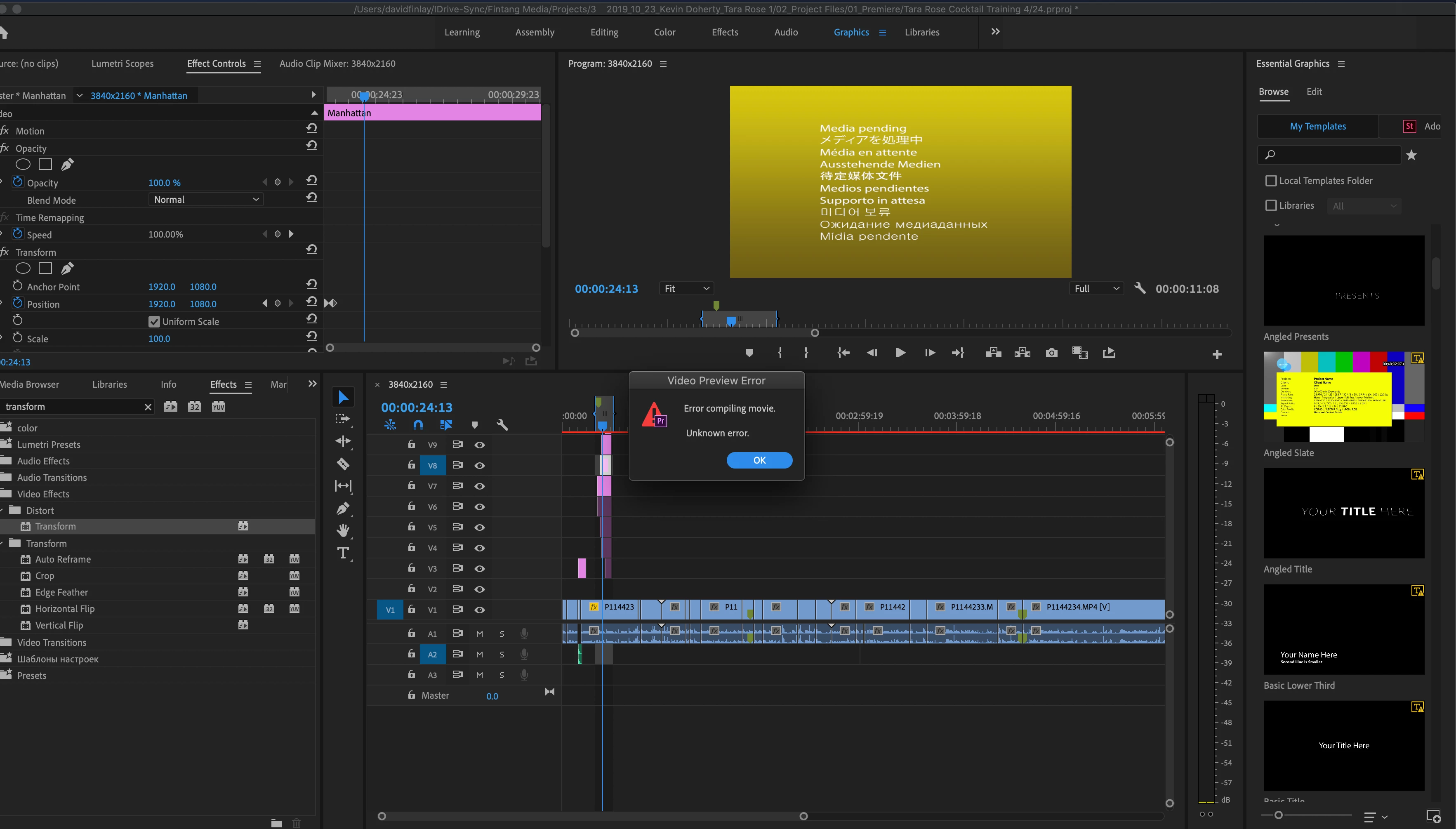
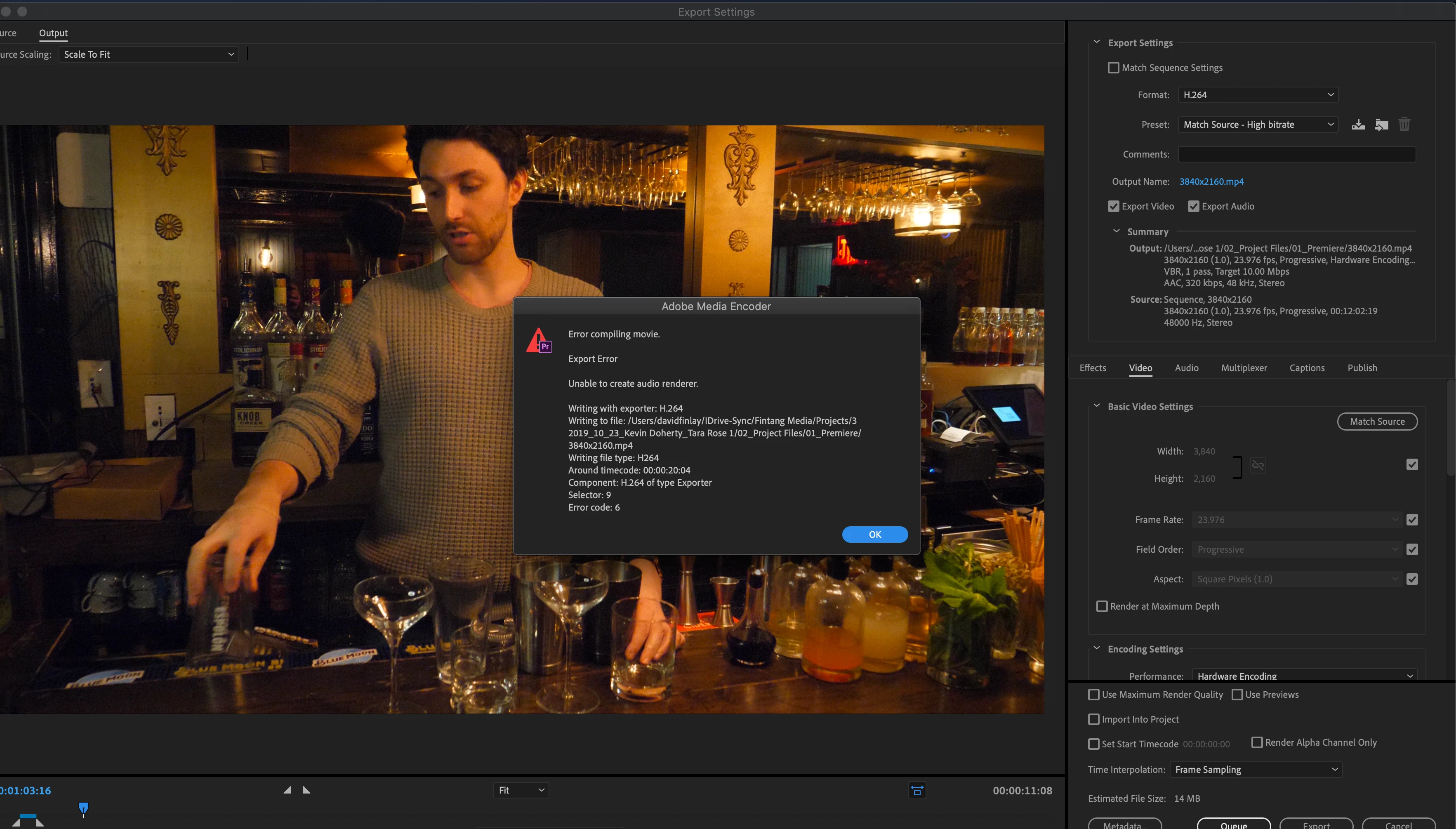
I am getting error messages when trying to export and render the project. I tried changing the video rendering and playback settings but I keep getting error messages.

Below are screenshot of all the error messages I get.
 

This topic has been closed for replies.
Correct answer Finlay Films

I have audio starting at 10.01, I tried deleted that audio track and any other audio tracks at that time. I really appreciate the help with this but I'm still getting an error. 


I found the problem. The project was being saved to a cloud service that was causing issues. Thank you for you time and the help.

2 replies

Kevin-Monahan
Community Manager
Community Manager
April 26, 2020

Fintang,

Lots of tracks there. How are you doing on drive space for your preview files? Let us know.

Thanks,
Kevin

Kevin Monahan - Sr. Community and Engagement Strategist – Adobe Pro Video and Audio
Inspiring
April 26, 2020

I checked the project settings - scratch disks and I have 245GB free so I dont think thats the issue

Inspiring
April 26, 2020

I found the problem. The project was being saved to a cloud service that was causing issues. Thank you for you time and the help.

Inspiring
April 24, 2020

Are you using the 'Legacy Titler' or any 'autoreframed' nested sequences? Check out this discussion:

https://community.adobe.com/t5/premiere-pro/faq-how-to-solve-low-level-exception-error-after-updating-to-premiere-pro-14-1/td-p/11050854 


Bottom line is: switch to the software only renderer or go back to Premiere Pro 14.0.4

Inspiring
April 25, 2020

Hi Steve,


I switched to the software only renderer and rolled back to Version 14.0.4 but I still get a video preview error "unkown error" when I attempt to render in to out.

Finlay FilmsAuthorCorrect answer
Inspiring
April 26, 2020

I have audio starting at 10.01, I tried deleted that audio track and any other audio tracks at that time. I really appreciate the help with this but I'm still getting an error. 


I found the problem. The project was being saved to a cloud service that was causing issues. Thank you for you time and the help.