Participant
May 25, 2021
Question

Error Importing .dpx image sequence

  • May 25, 2021
  • 3 replies
  • 2512 views

Hello,

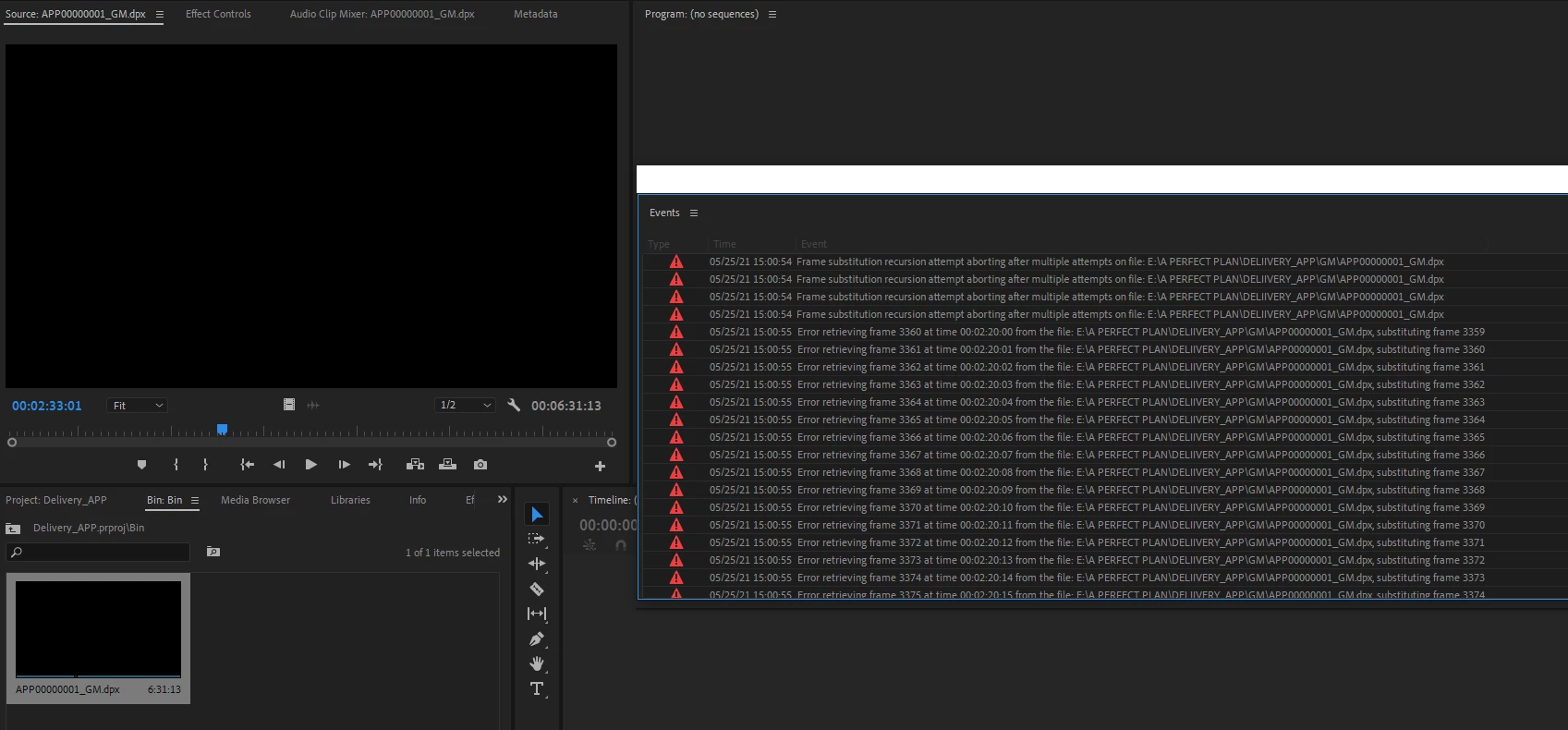
I received a .dpx image sequence exported from DaVinci Resolve and I want to import it into Premiere. When I do that, I get 2 types of errors: 

"Frame substitution recursion attempt aborting after multiple attempts on file" and

"Error retrieving frame xxxx at time xx:xx:xx:xx from the file"

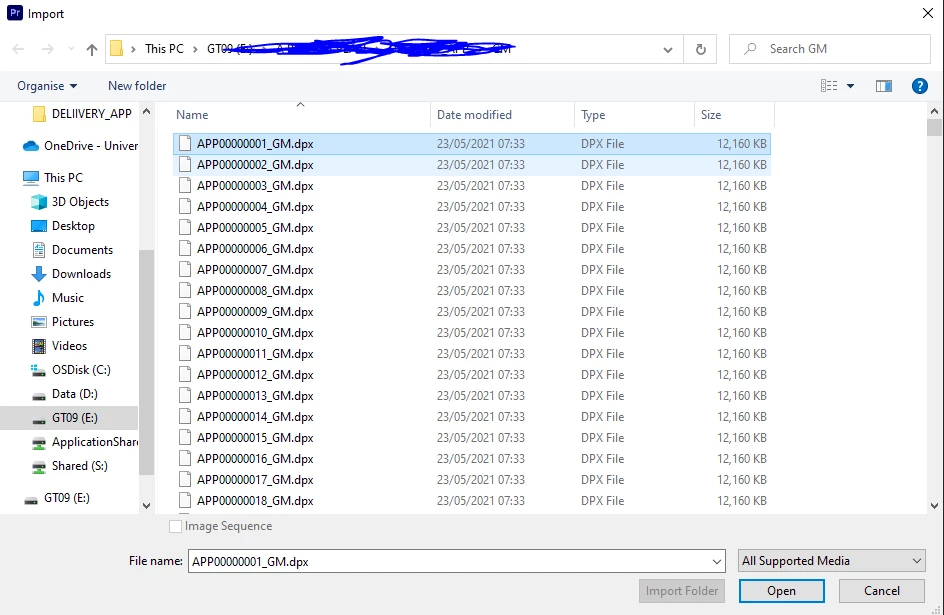
I imported the sequence by selecting only the 1st .dpx file and clicking Open. I have tried 3 different ways of importing (including through media browser and file->import) but none worked. I also tried switching the video renderer from CUDA to software only, but the error still persists.

When I import it into DaVinci Resolve it works fine and I can play it through.
This topic has been closed for replies.

3 replies

Jeff Bellune
Legend
July 14, 2022

This is a silly question, but your screenshot above shows the Image Sequence check box unchecked. Does anything change if you ensure this box is checked?

morphinapg
Inspiring
July 14, 2022

When it comes to DPX, the sequence is created autmatically when numbered files are detected. That checkbox is not selectable for this format.

Community Manager
July 13, 2022

Hi there,


We're sorry to hear about this. We tested dpx image sequences at our end & it seems to be working properly? Are you experiencing this issue with any specific dpx files? Let us know the version of Premiere Pro that you are using & the system specs.


Thanks,

Sumeet

morphinapg
Inspiring
July 13, 2022

Premiere Pro 22.5


My system is Ryzen 7 2700x, RTX 3080Ti, and 64GB RAM. The DPX files are on an NVMe SSD


The DPX files I created using the extension called "still exporter" which uses the same export as you'd get by pressing the screenshot button in Premiere, but it does it in a batch using all marker positions, so you get a lot of files exported at once and they're numbered. When I import those files as a sequence the first 8 images show up as black, and I'm getting the same errors the OP has in their post. The reason I'm doing this is because DPX is the only option from the screenshot button (and therefore the still exporter plugin) that exports a screenshot in greater than 8 bits. For other purposes though, I prefer to have these images in 16bit TIFF format, so I want to import them as a sequence, and then export them all as a 16bit TIFF sequence.


When I import into After Effects, they work perfectly fine, or if I open the problematic files in Photoshop. It's just Premiere that gives me this problem.

morphinapg
Inspiring
July 14, 2022

After you've imported them to After Effects, place the Image Sequence into a Composition, and save the After Effects project file, can you import the Comp into Premiere Pro?  Or, can you copy and paste from an AE Comp to a PR Sequence?


I haven't tried that because I just exported to the 16bit TIFF straight from AE and imported those TIFFs into Premiere

morphinapg
Inspiring
July 10, 2022

Same issue here. The first 8 frames appear black but the rest seem to display just fine. If I import into after effects, it's fine though. So it must be a Premiere bug.