Participant
January 19, 2021
Answered

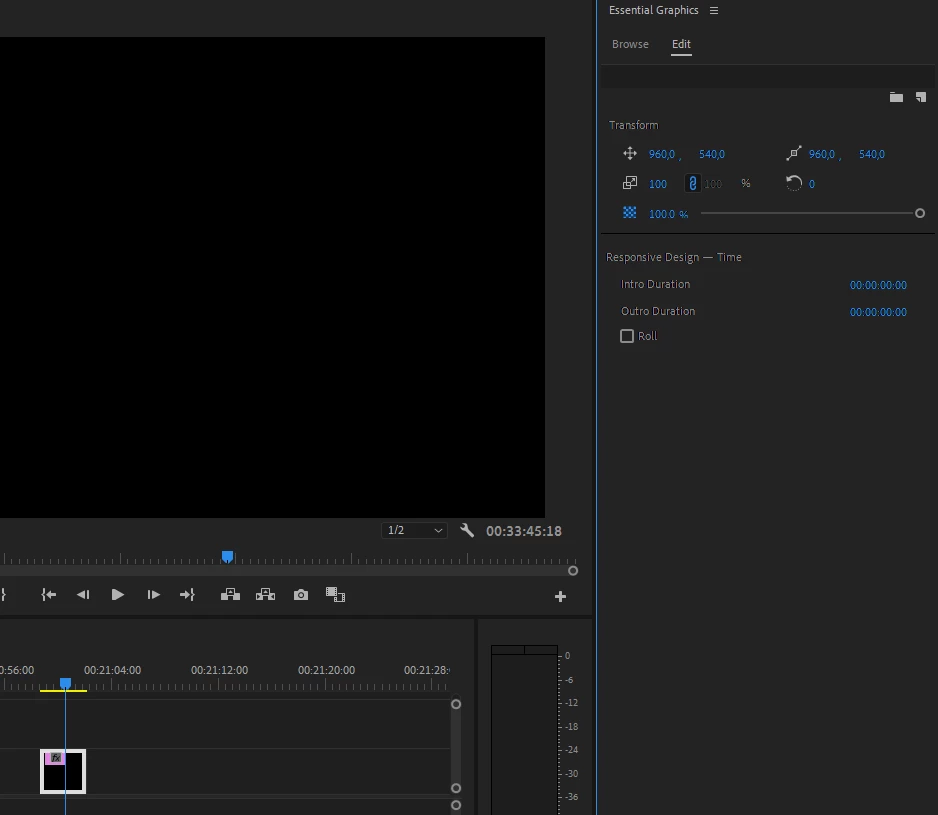
Essential graphics are blank and without layers when im dropping to timeline.

  • January 19, 2021
  • 2 replies
  • 1751 views

So im new to Adobe Premier. And ive recently learned about essential graphics. However whenever i find a title or a template i like and drop it to my timeline. It is completely blank, no contents of text, animations or effects. 

I did make one animation / title and saved it as a template. But even when dragging this into my timeline, its all blank.

What gives? 😮
 

This topic has been closed for replies.
Correct answer Per

Ohh wow, i read in another thread that if the direction length of where the while is becomes to long it can have faults.
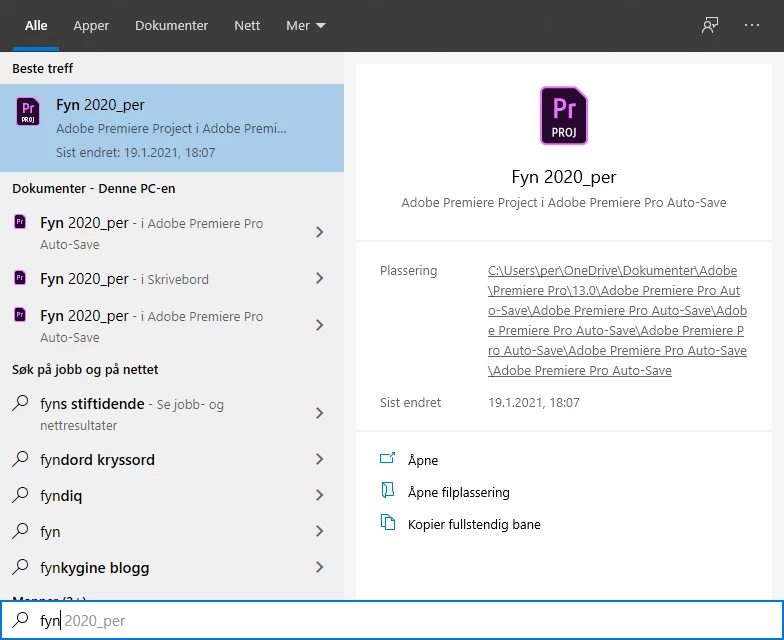
I discovered that all my autosaves were store in onedrive. So i my trail to the file looked like this: 

When i went to the file placement and copied it to my desktop, and opened my project from there it worked fine 🙂

2 replies

Per AuthorCorrect answer
Participant
January 19, 2021

Ohh wow, i read in another thread that if the direction length of where the while is becomes to long it can have faults.
I discovered that all my autosaves were store in onedrive. So i my trail to the file looked like this: 

When i went to the file placement and copied it to my desktop, and opened my project from there it worked fine 🙂

Ann Bens
Community Expert
Community Expert
January 19, 2021

If Premiere is acting weird:

FAQ: How to reset (trash) preferences.


If you are on 14.8 and have a Nvidia gpu make sure you have the latest Nvidia STUDIO driver installed:

NVIDIA Studio Driver | 460.89 | Windows 10 64-bit

Per Author
Participant
January 19, 2021

Hello Ann, and thanks for replying so quickly.

I tried both of your suggestions. But it did not make any difference 😞
I did restart my computer also.