
Participant
March 27, 2025
Answered

Export became blurry and 10 times focus

  • March 27, 2025
  • 3 replies
  • 683 views

Hi Everyone, I am new to Premiere Pro and video editing in general. I have tried several export settings and from 1080 HD to 4K. Once uploaded into youtube video, it became blurry and super magnify. Really appreciate for any advices. Thank you.
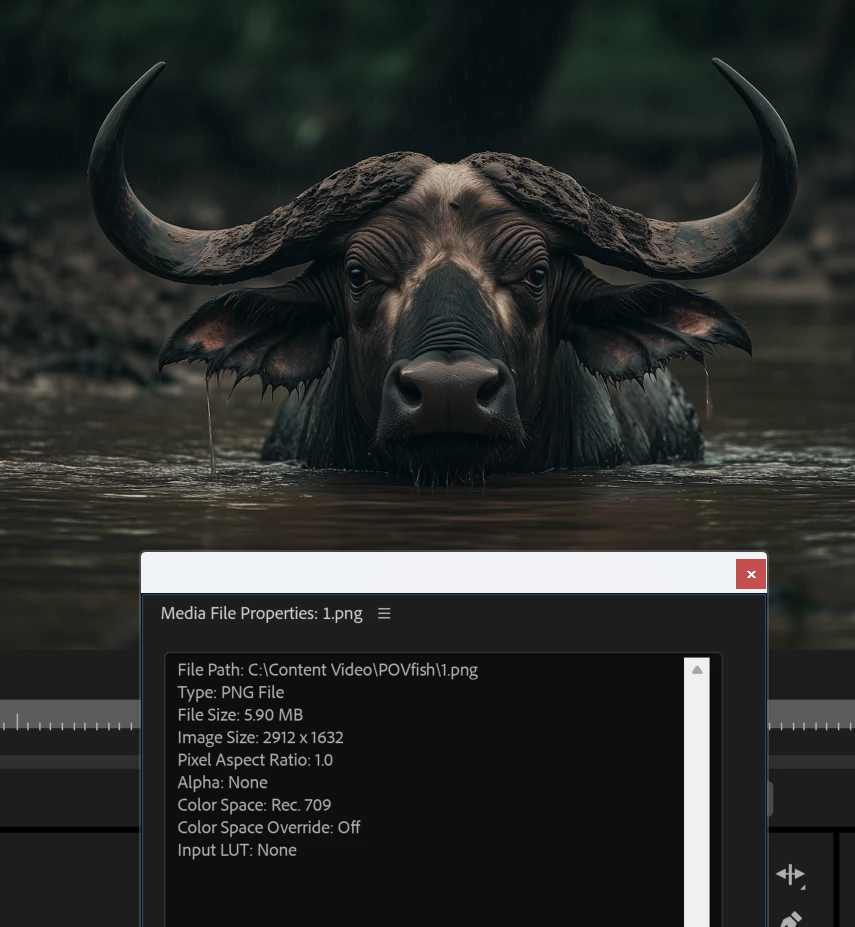
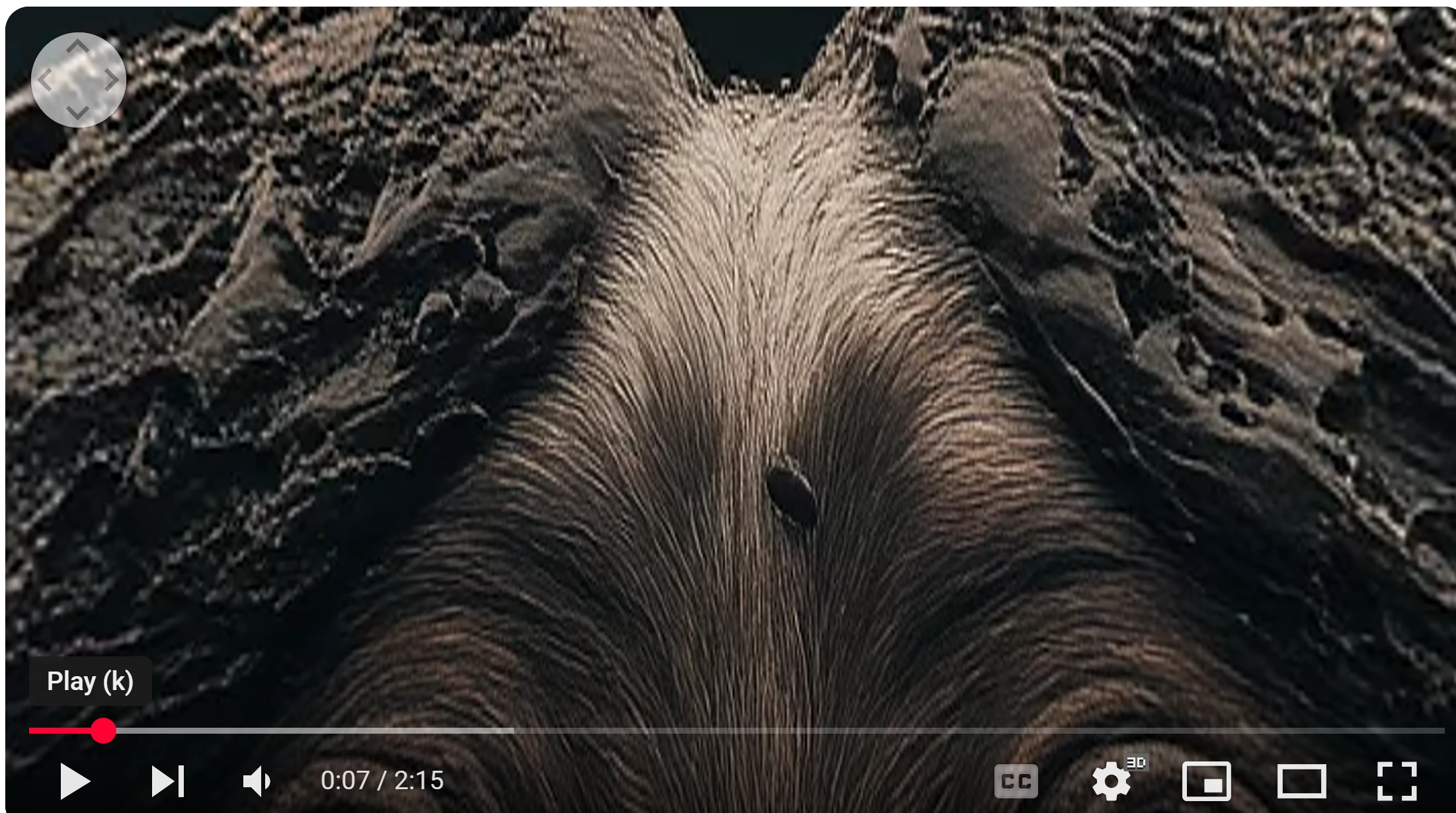
from that to this:
 

Correct answer Ann Bens

Think I did mention VR in my post...................

YT showed 3D.

3 replies

Richard van den Boogaard
Community Expert
Community Expert
March 30, 2025

I suspect the culprit may be your setting of Video is VR. Can you try to switch that off, render again and share the results with us?


Also, I've had some difficulties before working with lossy media, especially images (jpg or png). Can you try to open up the image in Photoshop and just save it out as a PSD, re-import it into PPro and see if that changes results?


Hope this helps.

Ann Bens
Community Expert
Ann BensCommunity ExpertCorrect answer
Community Expert
March 30, 2025

Think I did mention VR in my post...................

YT showed 3D.

tom_7019Author
Participant
March 31, 2025

You are right. Need to be uncheck. Thank you very much.

MyerPj
Community Expert
Community Expert
March 29, 2025

In your export settings did you mean to select "Video is VR". Typically you should not have that checked.

Ann Bens
Community Expert
Community Expert
March 27, 2025

Upscaling 1080p to 4K is not a very good idea, especially when uploading to YT.

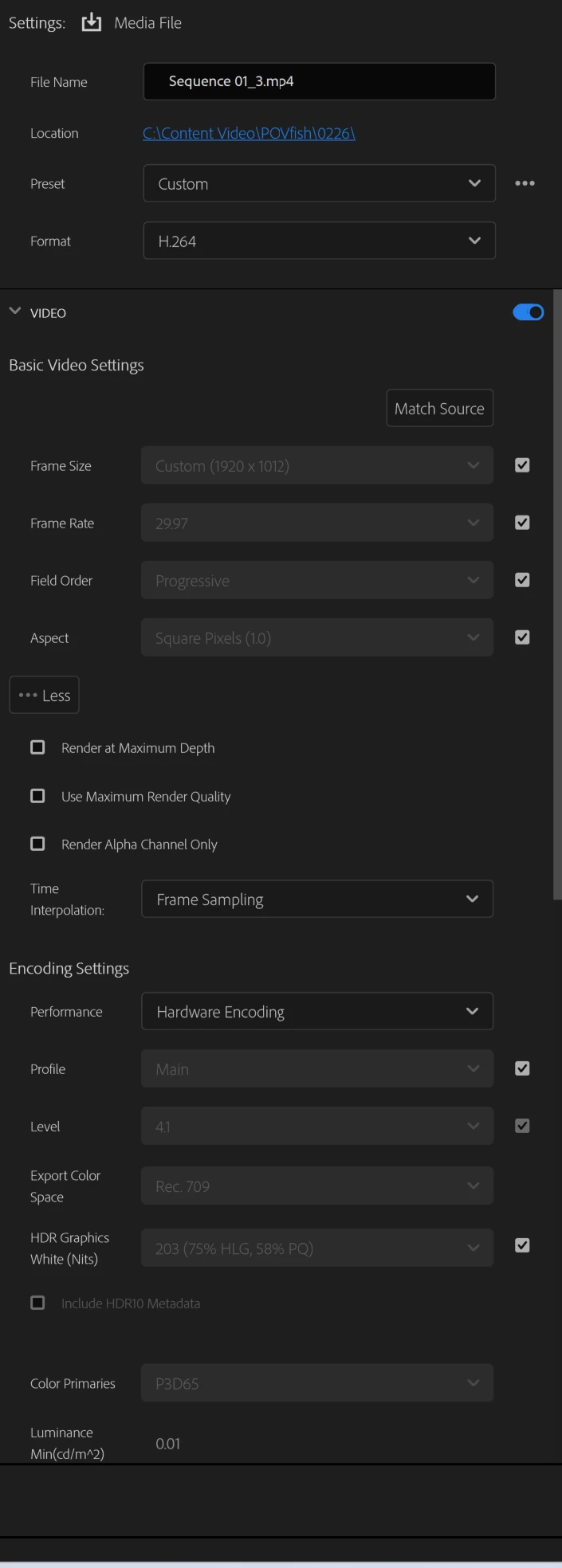
Although your export settings shows 1920x1012 which is not 4K.

Upscaling always means loss of image quality.

But it looks like YT is set to 3D.

Post screenshot sequence settings  (General and VR properties) and screenshot of export settings on the right side of the export tab.

And check if the video is VR is not checked. (export settings > scroll down in the video section.

Community Manager
March 27, 2025

Hi tom_7019,


Welcome to the community. Please share a screenshot of the Sequence Settings & let us know if you have made any changes to the scale parameter for that clip. 


Thanks,

Sumeet

tom_7019Author
Participant
March 29, 2025

Hi Thanks for responding. THis is my sequence preset. Really do not know what I did wrong. Thanks again.