
Export iPhone 12 Pro+ Video HEVC
Hello - I have seen numerious threads on this topic, and all involve some convuluted approach rendering to extremely large unusable formats.
Someone please tell me...
How can I export iPhone 12 Pro HEVC footage in... HEVC - the very same codec that the iPhone uses natively?
Premiere imports it fine
Premiere previews it fine
Premiere exports it and the colors are all washed out.
Here's my workflow:
Import raw footage from iPhone (.MOV format)
Drag into timeline to create new sequence
Add WAV file of music
Mute embedded video audio track
Trim video to align with start/end of new audio track
export
That's it! No fancy cuts - no transitions
We're talking music over a track!
What I've tried:
Tried changing the HEVC tier/profile to High/Main 10 - which allows me to update the export color primaries... except then I can not use hardware encoding, and software encoding immediately fails.
NVIDIA supports it - premiere does not.
Tried exporting to a different format
Took forever - file size was huge, and end file was unusuable by YouTube.
What's even more confusing is I literally had this working a few weeks ago
I exported this video HEVC Tier Main, CBR 40 kbps
https://www.youtube.com/watch?v=5UmorKkZYTM&feature=youtu.be
Updated Premiere to latest version yesterday, and now my videos look like this:
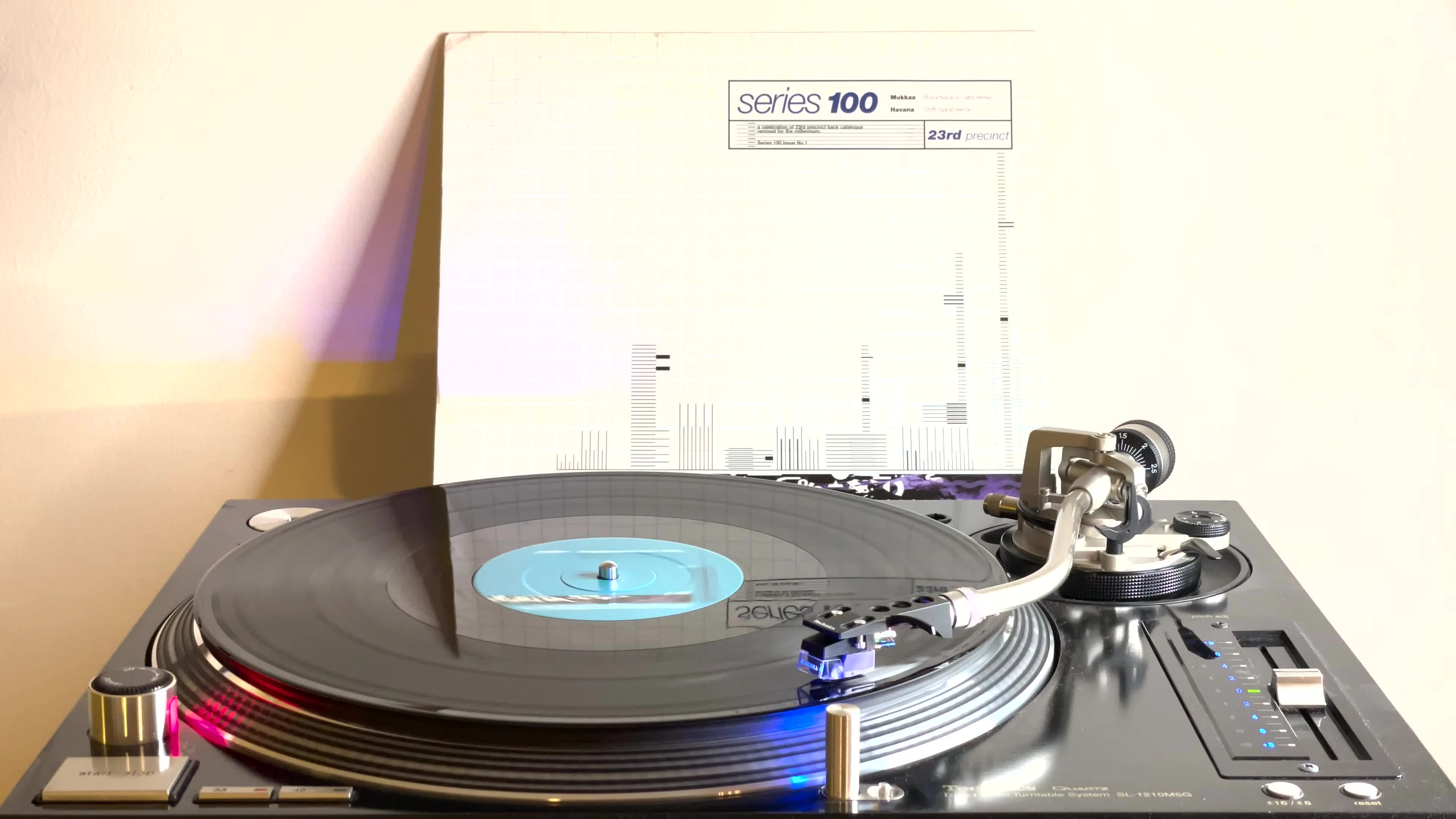
original clip looks like this:
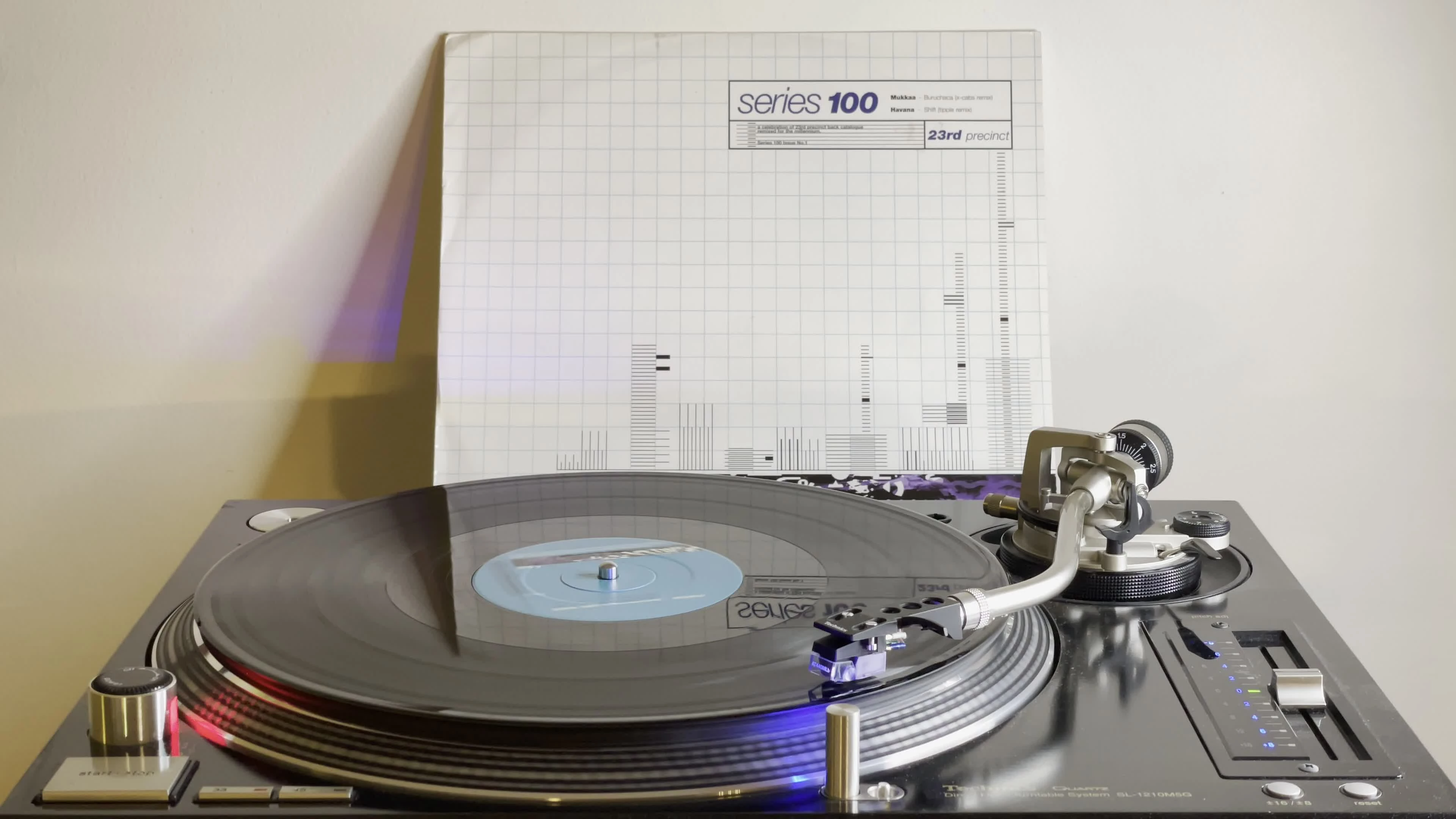
What is going on here?
 AdChoices