
Participant
March 23, 2021
Answered

Exported videos are full of artifacts and glitches

  • March 23, 2021
  • 1 reply
  • 1675 views

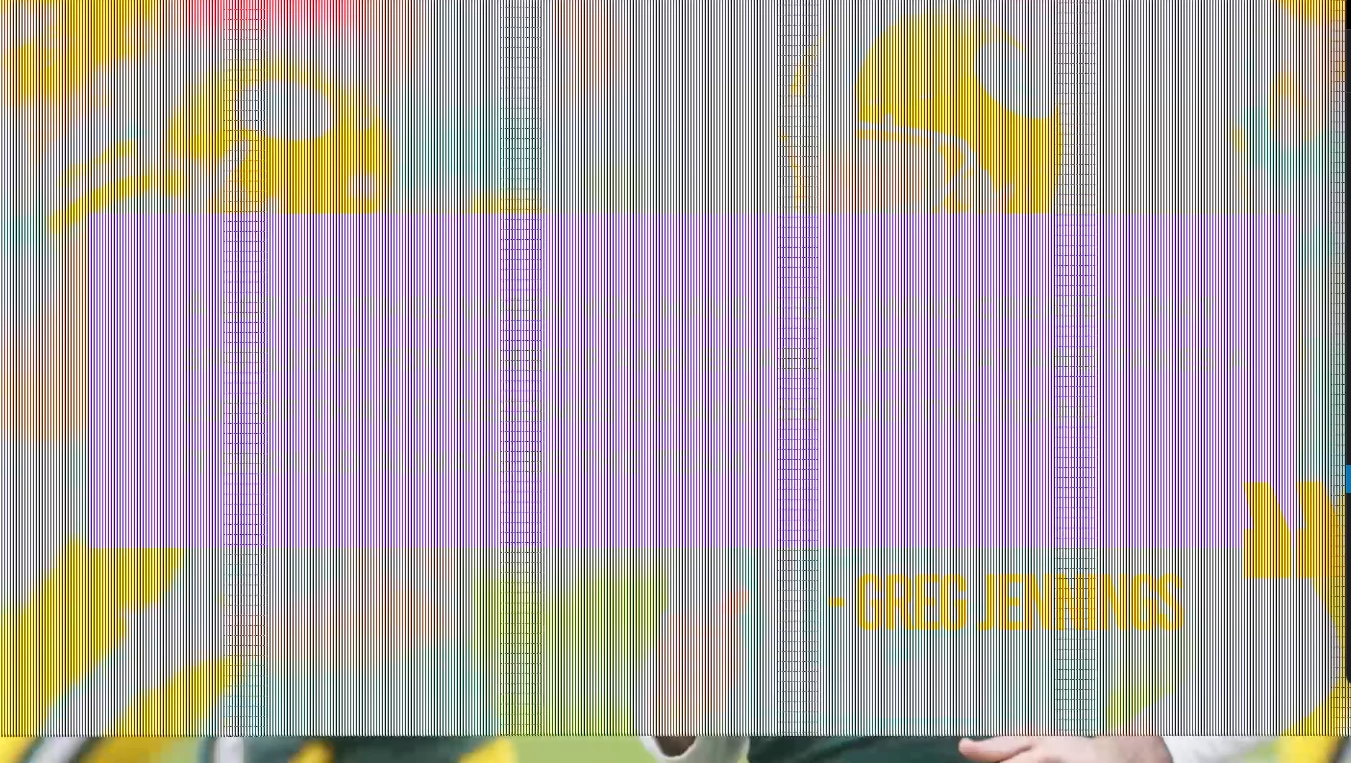
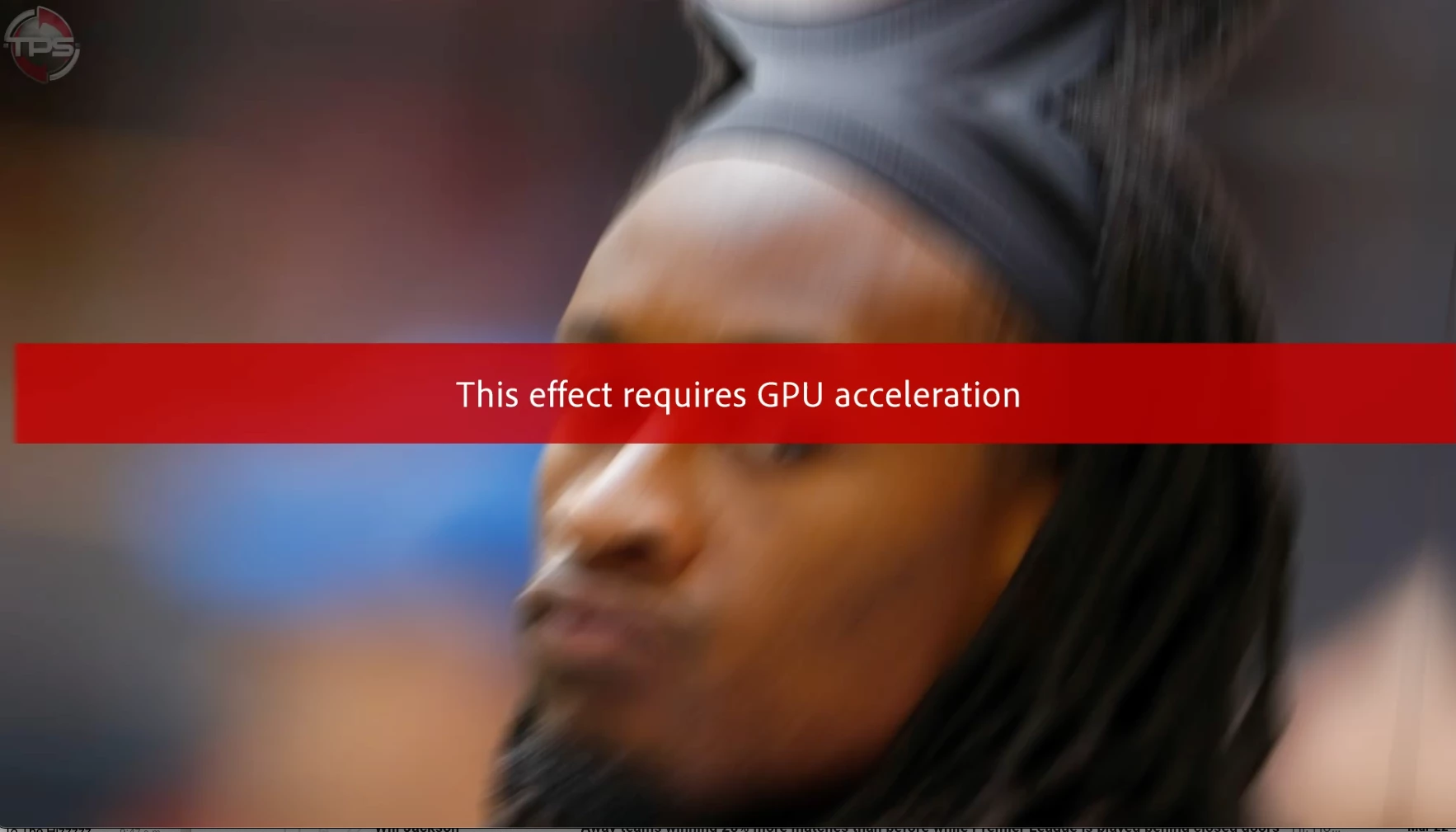
Hey everybody, hope this finds you well. Having a weird exporting issue where while I leave GPU accelation on for my export I get crazy random glicthes in artifacts in the export. Turning off GPU accelartion for the export seemed to remove the glicthes but there are effects that need the GPU on to rneder properly (not get the red bar) I've tried exporting in both Premiere and Media Encoder 
So it looks like I need another fix, any ideas? As far as I can tell its definitly Premiere not working too well with my current GPU but its previously been fine, so i'd like to not have to buy a new one. 

Here's my PC Specs:

Windows 10
Processor AMD Ryzen 5 3600 6-Core Processor 3.60 GHz
Installed RAM 32.0 GB
GPU: AMD Radeon RX 5500 XT

Screenshots: 
Exported Artifacts
Exporting without GPU accelartion 
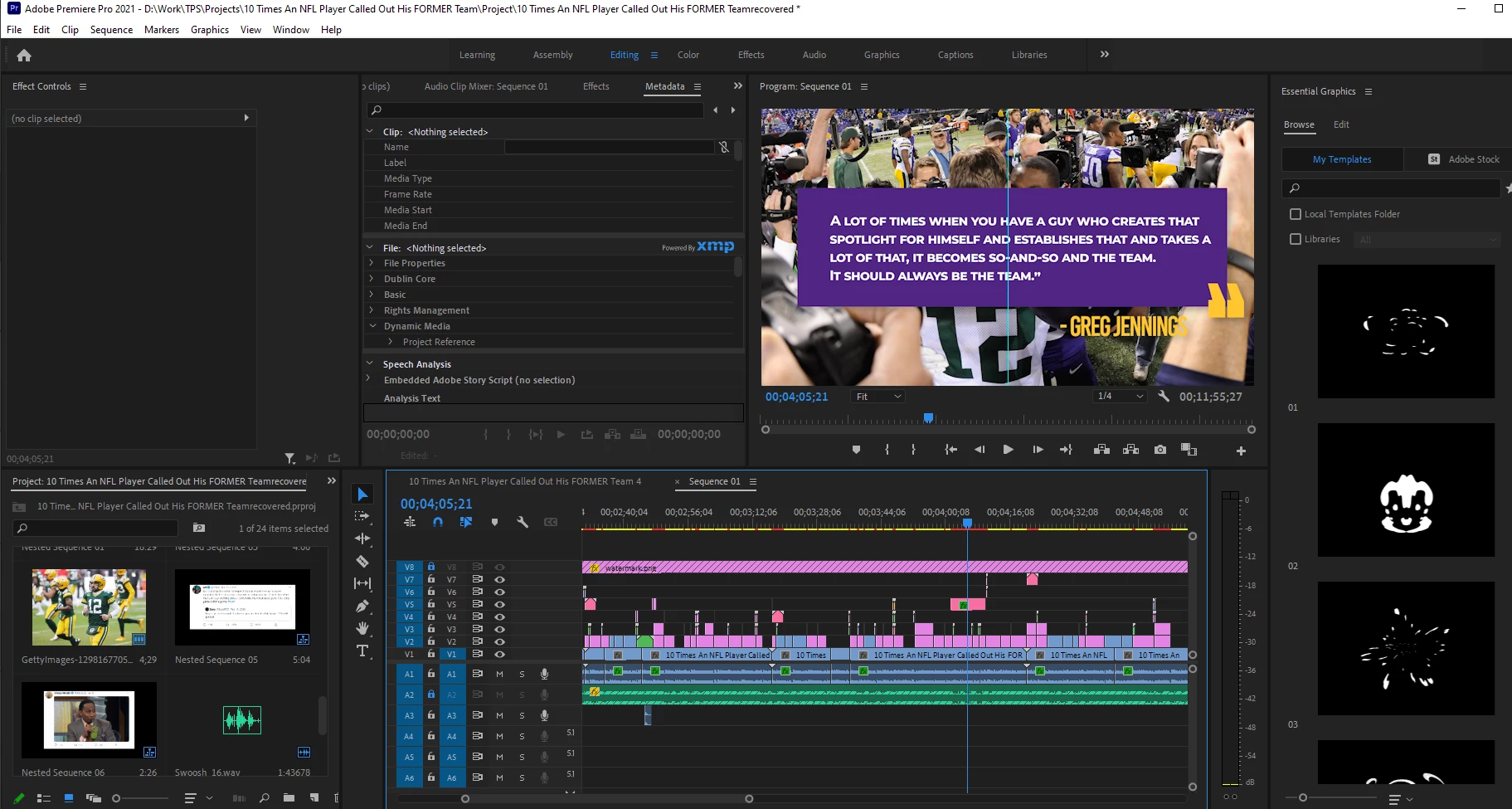
Screenshot of Project at same time of glitch in export. (seems to not be affecting the preview, although I've had a few instances the preview window tends to freeze or go black)
 

This topic has been closed for replies.
Correct answer PeLovejoy

Okay! found a fix for the issue. It seems to be a specific issue with the drivers and the AMD Radeon Software. If anybody else is having this issue, or the issue  of the GPU timeout on export the best workaround I've found is to use the AMD Cleanup Utlity and then using Windows to download the drivers. 

1 reply

Legend
March 23, 2021

these sortof issues usually have 2 possible causes.   Make sure that your graphics card drivers are up to date.  
And try switching to software rendering inthe project settings:  general dialog.


And the other common cause is that your source materials are not constant frame rate.  Screen recordings and material shot on a smartphone are usually variable frame rate.


use mediainfo to determine whether your source is variable or constant frame rate

https://mediaarea.net/en/MediaInfo/Download

if it's variable use handbrake to convert to constant frame rate

https://handbrake.fr
and here's a tutorial on how to use handbrake

https://www.youtube.com/watch?time_continue=34&v=xlvxgVREX-Y

PeLovejoyAuthor
Participant
March 23, 2021

Hey! Thank you for the quick response. All the clips that I've tested seem to be a constant frame rate that matches my sequence settings. The only things I haven't tested were Jpeg images from getty, perhaps those are the issues? although they worked fine before. Another note is that I've tried rendering out smaller sections to test to see if there were specific areas that were issues. However, every export that I've done recently has glicthes/issues at different times. With my most recent test exprort not having any artifacts at all but a skipping repeat glitch that affects the video but not the audio. 

I think the issue must be my GPU in someway but the drivers are up to date. 

PeLovejoyAuthorCorrect answer
Participant
March 27, 2021

Okay! found a fix for the issue. It seems to be a specific issue with the drivers and the AMD Radeon Software. If anybody else is having this issue, or the issue  of the GPU timeout on export the best workaround I've found is to use the AMD Cleanup Utlity and then using Windows to download the drivers.