

Exporting a large video (~4 hours) from Adobe Premiere results in a large, blank video file
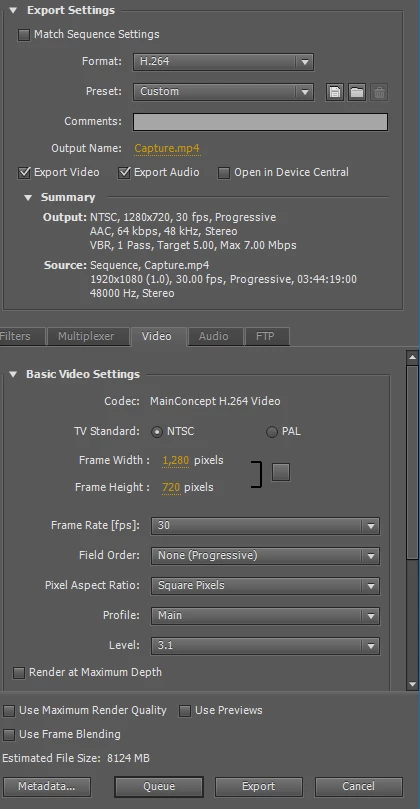
I've been trying to export a large video that's a compilation of mp4 files I'm trying to merge into a single video file. After exporting it, the resulting file is a large, blank video file. When I open it on Windows, the video displays as a black screen with no sound or video, and no way to even navigate through the video footage itself. It's like it's a corrupted video file but Windows doesn't recognize it as such.
I've tried exporting just small, 1-minute-long increments of the video in question, and each one turns out just fine. I've tried doing so with parts of each of the mp4s to make sure one of them isn't messing everything up, but there are no variables there.
I've looked at some similar articles here and made sure that the frame rate is consistent, but that hasn't fixed anything. Two of the mp4 files (a short intro and ending video) have a frame rate of 29.97 and the others have a frame rate of 30, but I can't see how this makes a difference, and shorter clips still work just fine when including samples of each.
As far as I can tell, the only issue is the length, but I've been able to compile other videos of this length before. Any idea on how to figure out the missing link in this particular file?
 AdChoices