Participant
August 19, 2022
Answered

Exporting iPhone Footage From Adobe Premiere Pro Looks Filtered

  • August 19, 2022
  • 2 replies
  • 2365 views

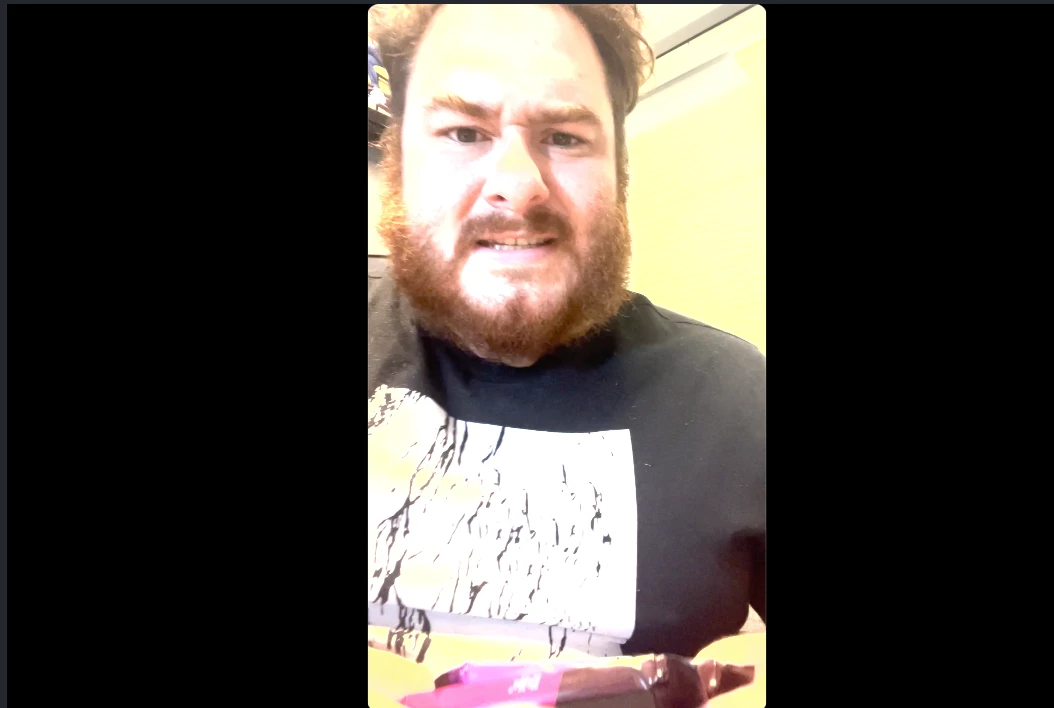
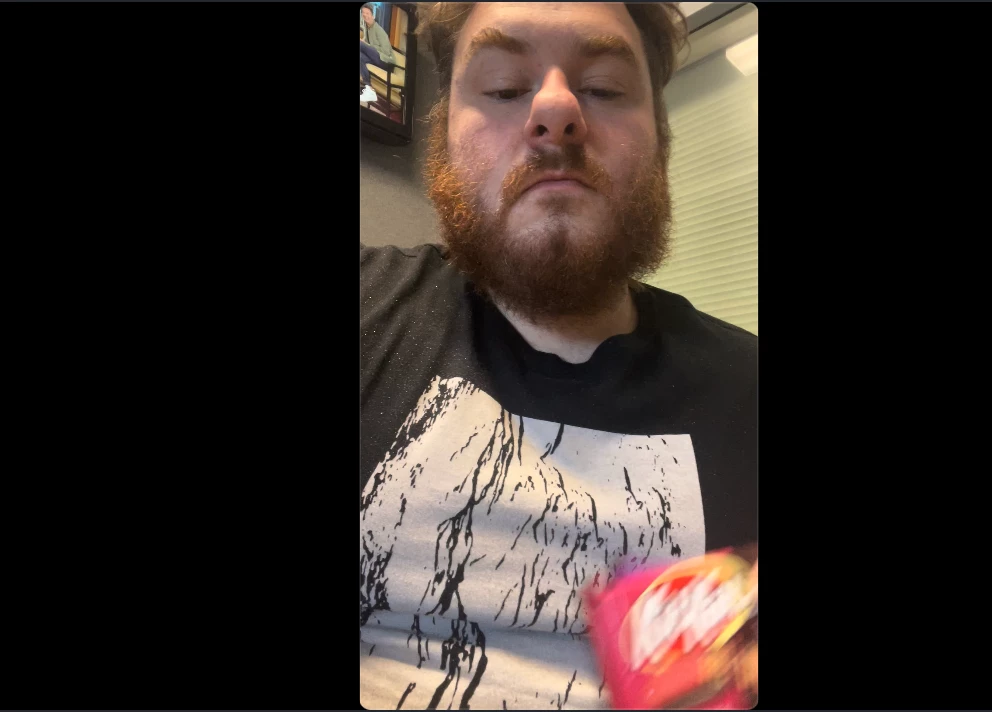
I'm having a problem exporting footage from Adobe Premiere Pro... every export turns ordinary footage from my iPhone into a filtered awful mess. Attached a before and after picture... is this a setting problem? This has now happened three times and is making me second-guess my subscription. 
 

This topic has been closed for replies.
Correct answer R Neil Haugen

Basic Color Management 101, really ... your iPhone clips are shot as HLG, an HDR format. You're using them on a Rec.709 SDR timeline.


Select the clips in the bins, right-click, Modify/Interpret Footage, select the Override option at the bottom in the Color Management section, set it to Rec.709.


And maybe tell your iPhone to shoot SDR/Rec.709 for now. Very few screens/browsers & etc are really working well with HDR yet.


Neil


FAQ:PremierePro 2022 Color Management for Log/RAW Media


2 replies

R Neil Haugen
R Neil HaugenCorrect answer
Legend
August 19, 2022

Basic Color Management 101, really ... your iPhone clips are shot as HLG, an HDR format. You're using them on a Rec.709 SDR timeline.


Select the clips in the bins, right-click, Modify/Interpret Footage, select the Override option at the bottom in the Color Management section, set it to Rec.709.


And maybe tell your iPhone to shoot SDR/Rec.709 for now. Very few screens/browsers & etc are really working well with HDR yet.


Neil


FAQ:PremierePro 2022 Color Management for Log/RAW Media


Everyone's mileage always varies ...
Participant
November 1, 2024

but how do you export in 2100?

R Neil Haugen
Legend
November 1, 2024

Very easily.


Use an HLG working (sequence) space.


Export with the HLG presets ... the ones with HLG in the preset name.


There are actually several different paths to handle media in HDR formats through the app. If you have specific needs, reply with them. We can make sure to match them.

Everyone's mileage always varies ...
Peru Bob
Community Expert
Community Expert
August 19, 2022

Have a look here:
Understanding Color Spaces, HDR, and what that might mean to you
https://www.youtube.com/watch?v=odwptnEhxJs