
Exporting Video in a Color Managed System Yields a Thin Video file in External Players
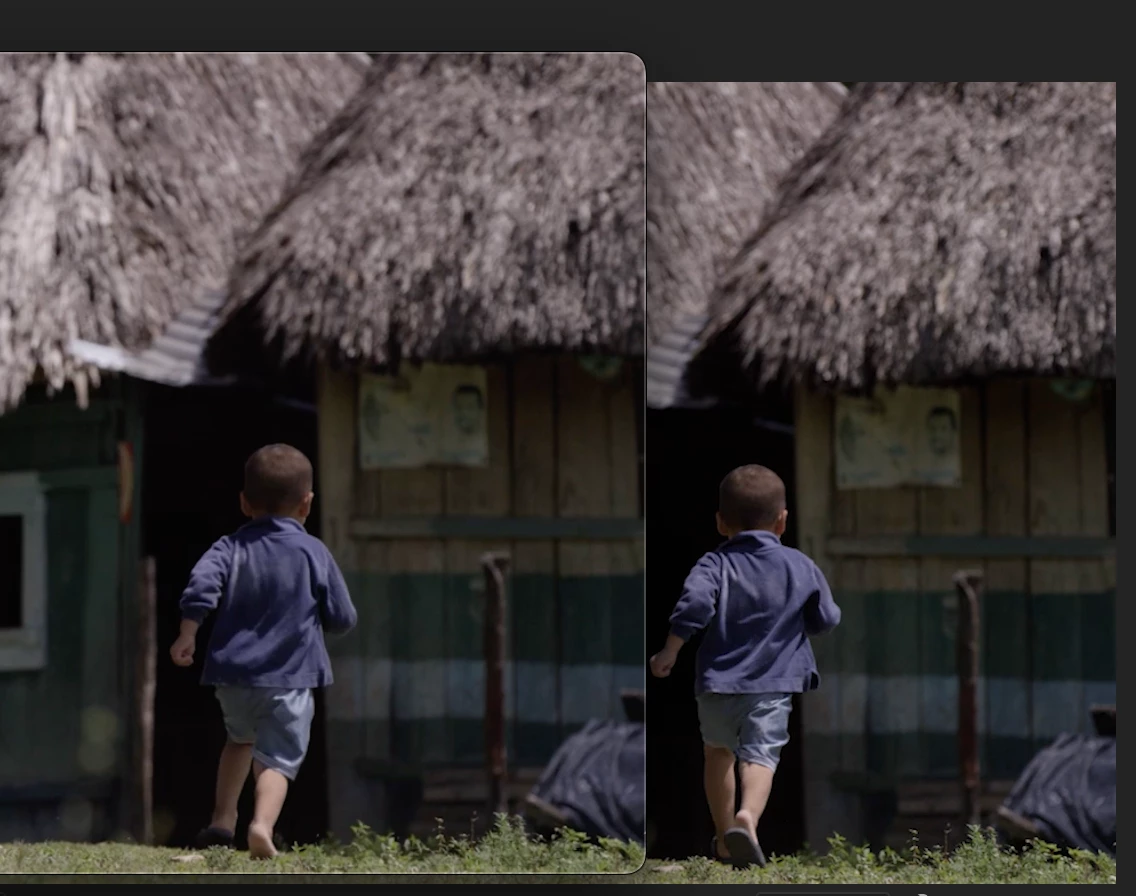
When you export a video in a color manged system, the viewer in Premiere looks great and the exported file does not match the video inside Premiere! It looks thin. The blacks are brighter and the entrie picture lacks contrast. The only way to solve the issue is to add a Contrast Correction LUT in the Export Effects section on the way out. Then the file will more closely resmble the video inside Premiere Pro. In a completely color managed system, I should be able to bring up the exported video file and compare it to the video in the viewer in Premiere and it should match on the same monitor, but we are not getting an accurate export from Premiere. We are getting a completely different contrast. This is an issue in Premiere Pro 2023 AND 2024. I just confirmed it at Adobe MAX, on the Adobe Show flore computer. It is a problem. Even with the new Settings panel in play that was supposed to fix it.
 AdChoices