
Extremely Laggy Performance and Choppy Playback using Proxy Workflow
Hi all.
I've been scouring these forums and the internet at large to find a solution to my issue. While I've come across many similar problems I haven't been able to find a solution that works for my specific conditions.
I've got a feature edit I'm putting together using Premiere's proxy workflow, but am getting significantly choppy playback and laggy UI performance. To the point where editing this way just isn't feasible.
While the raw footage itself (6k-12K BRAW) is obviously not going to play back on my current system smoothly, I don't see why the proxies I've created (1080 ProRes) should create any playback issues.
My best guess at the moment is that the combo of referencing the original media in a 4K timeline and upscaling the proxies to match is just too much for my system to handle.
Been planning on buying a new system anyway, but I'm looking to make the switch to PC and getting a good graphics card at the moment is nearly impossible. But that's a whole other story.
The two options I'm landing on are either I go to a more traditional proxy workflow (which will be a real pain to reconform to the Raw on the tail end when we go to finish) or get my hands on a higher end system while I wait to be able to get the system I actually want.
Obviously neither are ideal, so if anyone can help me find a solution using my current build it'd be much appreciated.
Specs and info are as follows:
2013 Mac Pro
Big Sur Version 11.2.3
3.5 GHz 6-Core Intel Xeon E5
32 GB 1866 MHz DDR3
Dual AMD Firepro D700 6GB
Adobe CC up to date
BRAW Player and plugin up to date
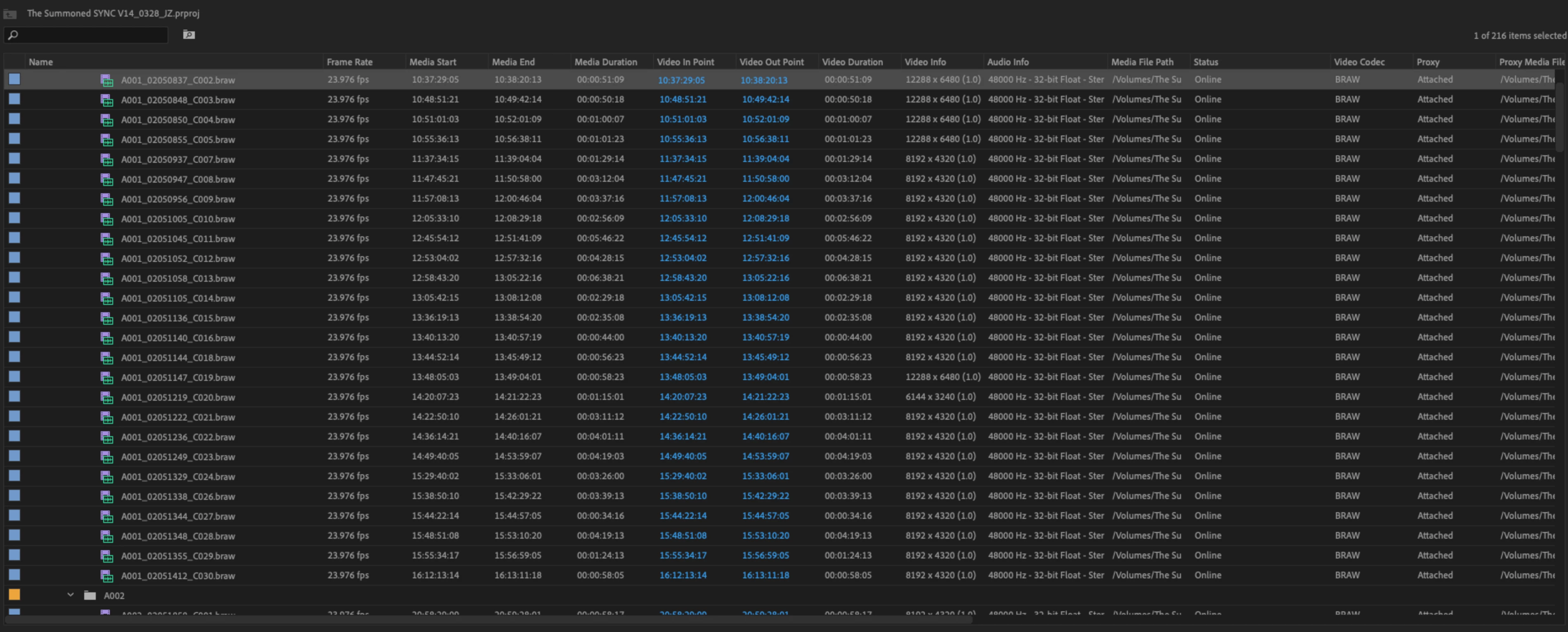
Raw Media is a mix of footage from the Black Magic 12k and 6K. So BRAW clips at 6K, 8K and 12K (obviously not going to play back smoothly on my system)
Proxy media was generated at 1080 (Varying between 2048x1080 for the 12K Cam and 1920x1080 for the 6K Cam) with a mix of Prores 422HQ and 422LT (422HQ was beginning to eat up too much space so codec was switched to conserve space.
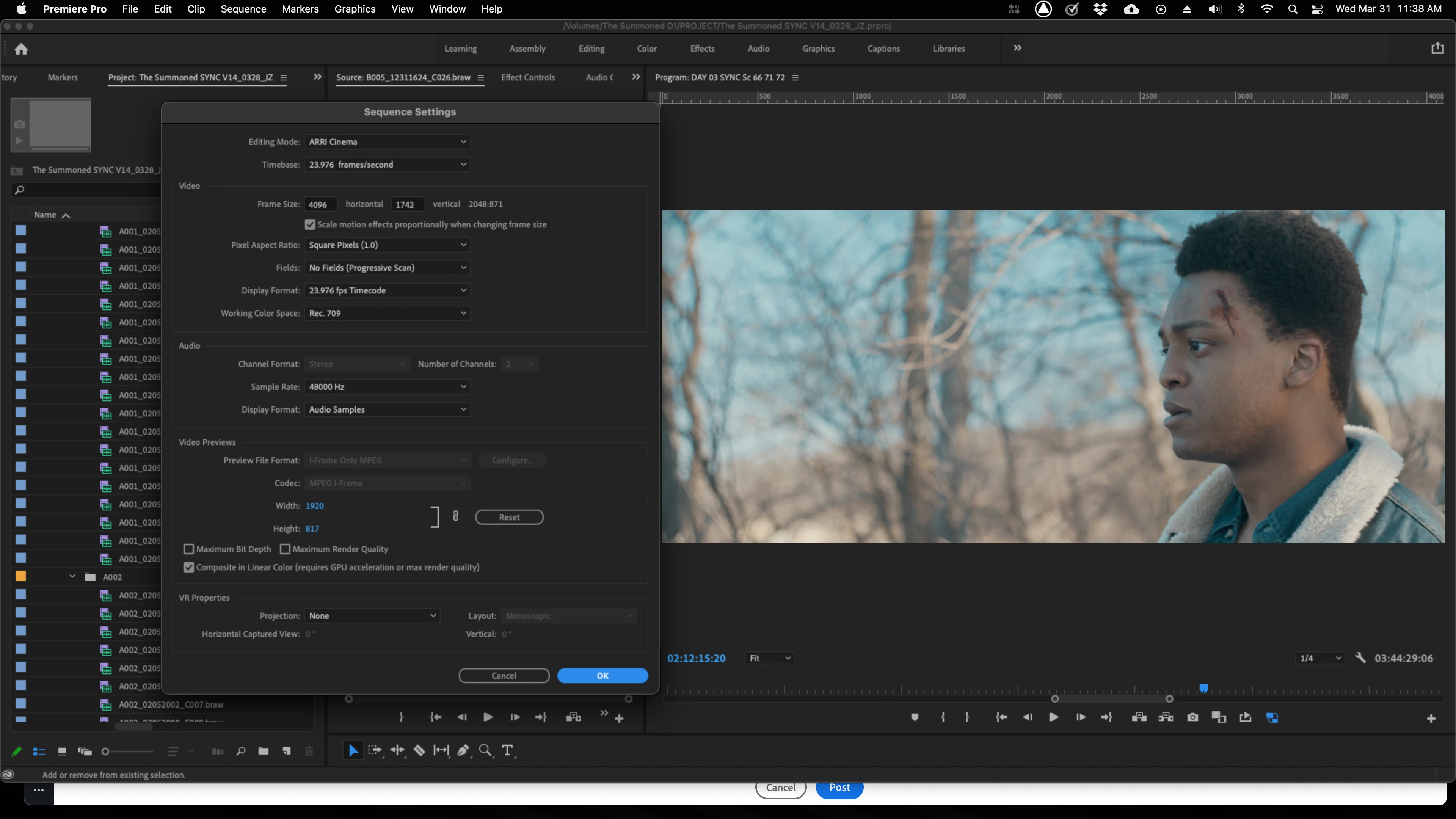
Sequence settings are set to 4096x1742 at 23.976fps and I've experimented with setting resoltion to 1/4, 1/8 and 1/16 all playing back at the same terrible stutter.
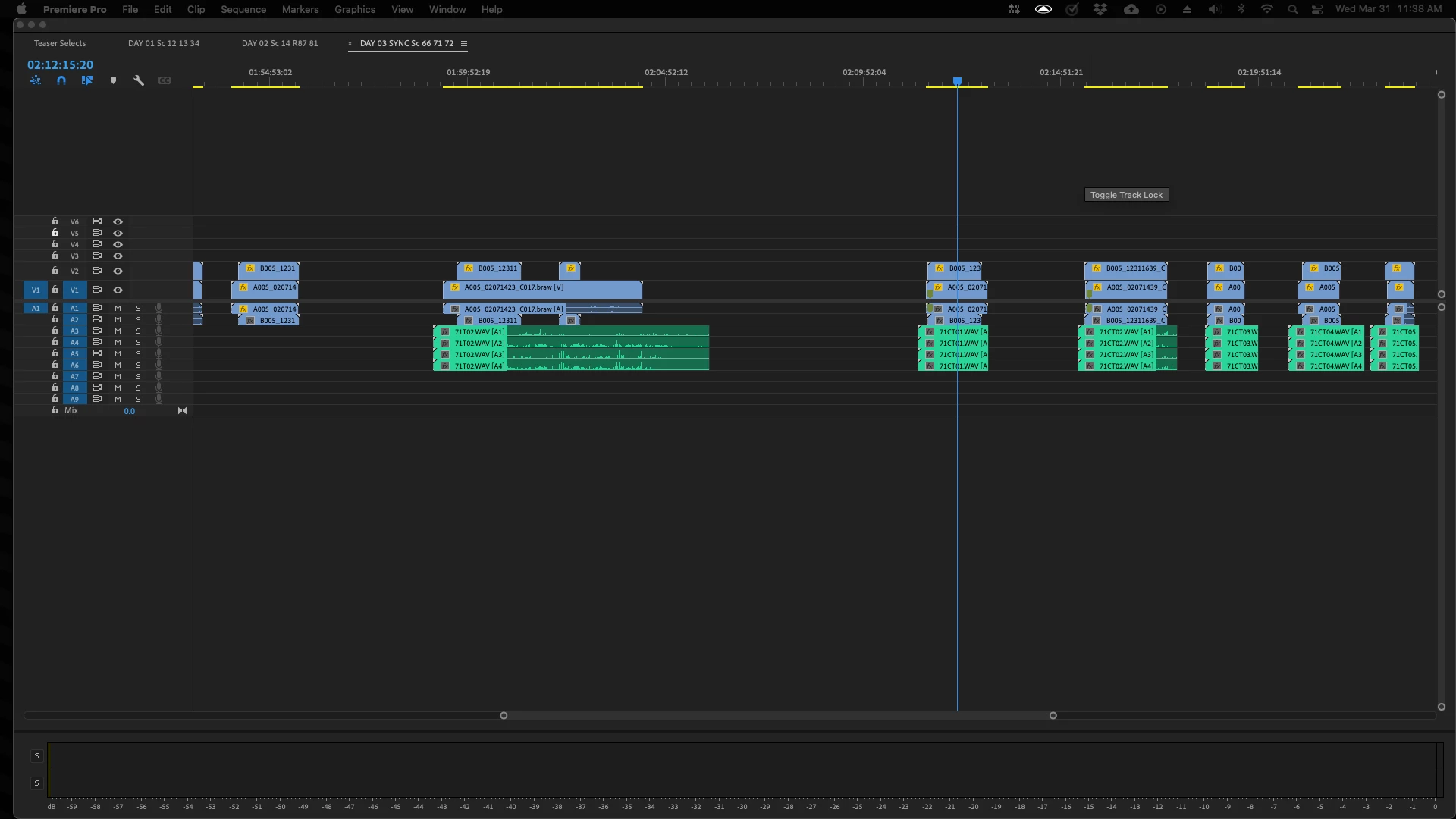
Media is being run off two daisy chained drives. Drive 1 is connected via Thunderbolt 3 to Thunderbolt 2 using an adapter and the second drive is daisy chained via Thunderbolt 3. I've also tried connecting both drivers via USB-C to USB 3 with the same issue.
Thanks for any help you can offer!
 AdChoices