
Feature Request: White Flash in Dark Mode / Windows 11 Explorer Gallery View
Updated to the shiny new Windows 11 today.
It seems Microsoft has finally patched dark mode when launching Explorer in dark mode, it no longer defaults to drawing the window as a white box, before filling it in with the dark mode theme, which was very annoying when trying to work in dark mode.
When doing file->import-> in Premiere it still breifly draws the import dialog box as a white square before filling in with the dark mode theme color, I think PrPro is probably still using the older API. Would be awesome not to be blinded every time I go to import! FWIW Office also still draws the old way as well but hoping that since the main explorer window (Start+E) no longer draws as a blinding white flash anymore, that these things can finally be corrected.
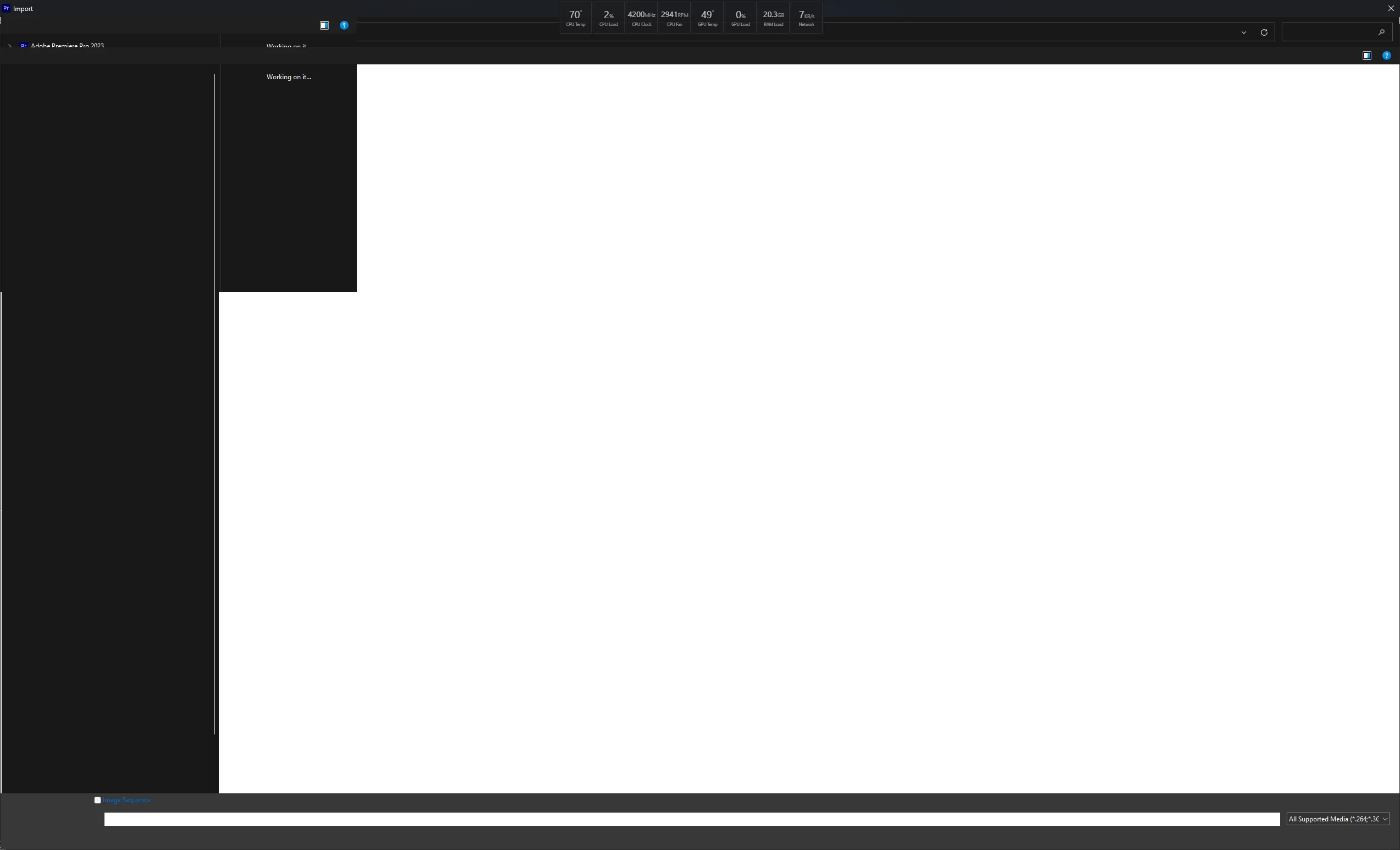
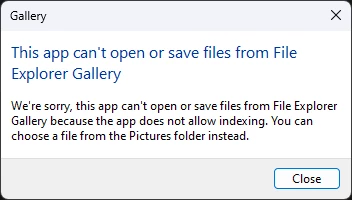
Related but less important Premiere doesn't support the new gallery view. Which I am not sure what that is yet but looks like it may be worth a patch.
 AdChoices