
Question
Following file could not be found during the Project Manager operation
I recently learned about collecting project files into one folder using project manager, however as I tried using it, there is this error message that keeps popping on my screen.
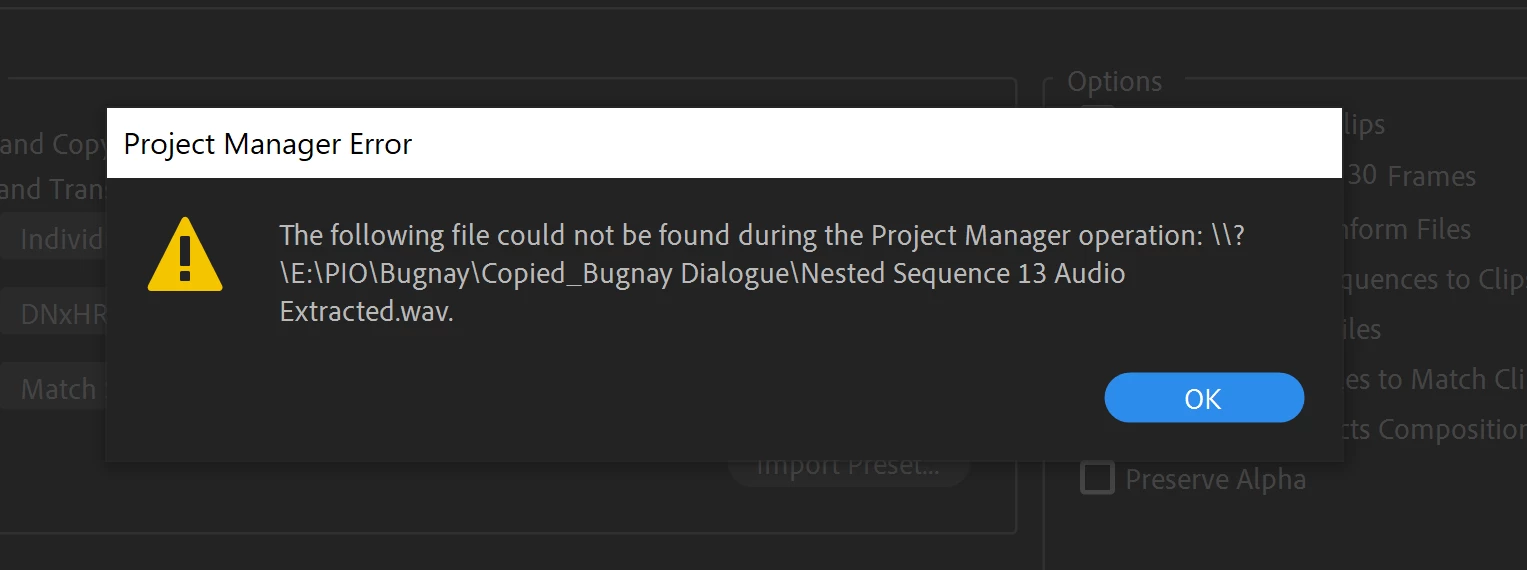
I tried nesting and rendering and replacing the specified file on the project and deleting thereafter (as new sequece has already been created) but then the error message still appears for another audio file.
I've already done my google search however no similar questions have been raised and answered. I'm using the 2019 version of Premiere Pro CC. How can I get this fixed?
 AdChoices