
Fonts in essential graphics are missing
Hello,
Hoping someone out there can help me. I am using the latest version of Premiere Pro (13.1.4).
When I drag an essential graphic into my timeline ex: "Bold Lower Third Right" it shows the font "BebasNeue-Regular" as missing.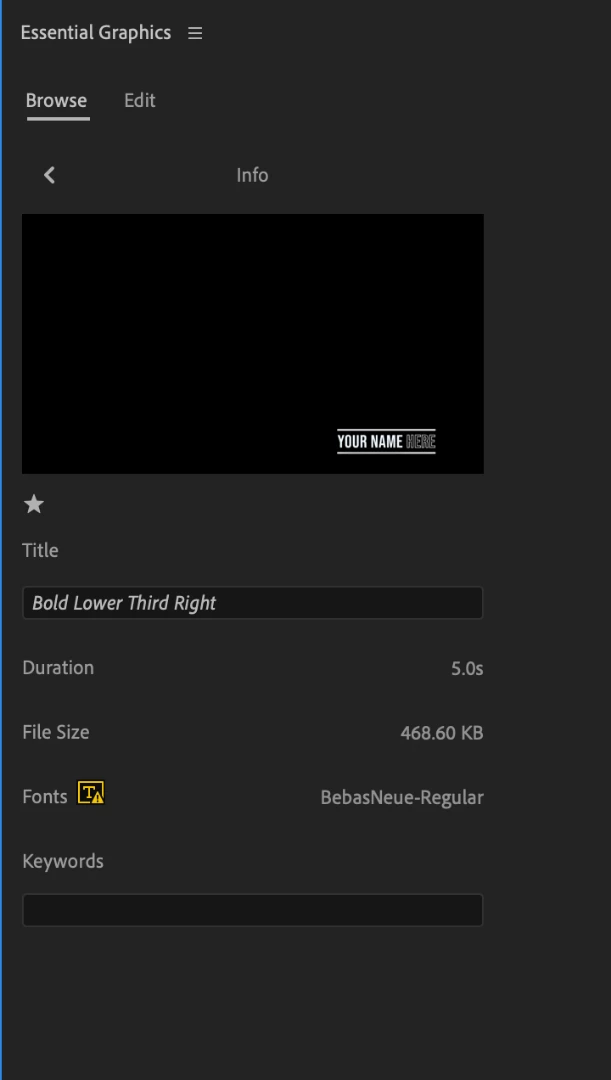
When I go up to my Adobe Creative Cloud, in Fonts and try to sync BebasNeue-Regular, it shows as already synced. As a matter of fact all the Bebas fonts are synced.
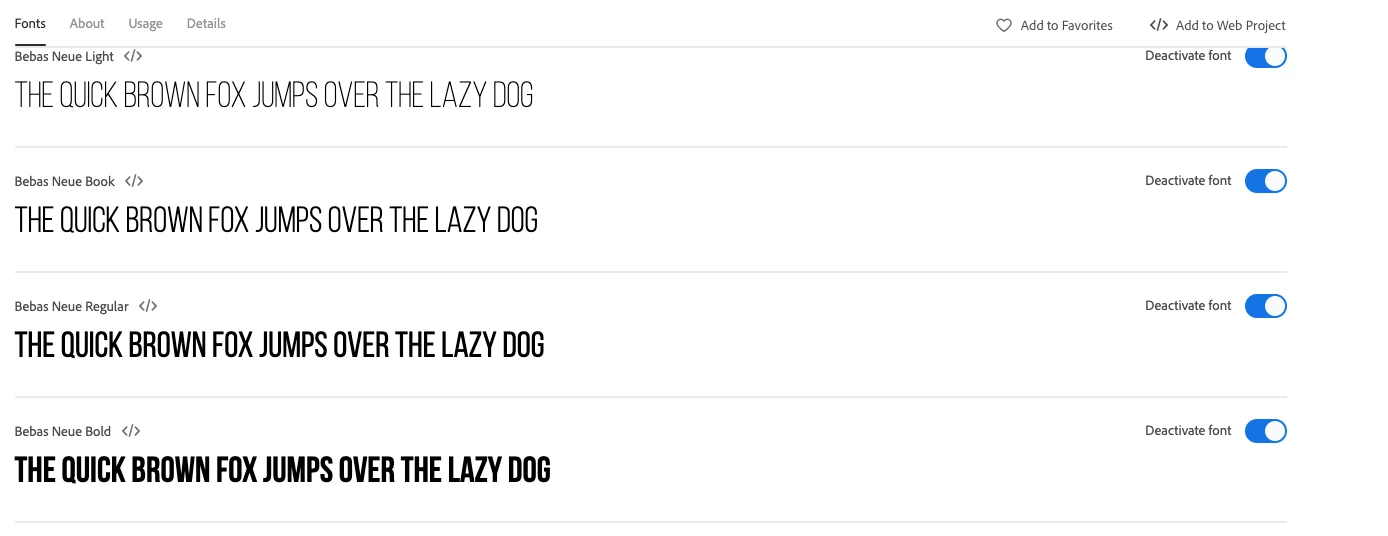
Of course, as you can see, the "Bebas Neue Regular </>" is spelled differently, hence why it won't sync. Now if I drag it into my timeline, and adjust the font in the essential graphics panel, it works, but I shouldn't have to do this. If Premiere Pro is going to supply pre-fabbed essential graphics, should they not sync easily? Maybe they should use the right font spelling? If someone has any idea of how I can easily replace all instances of BebasNeue-Regular with Bebas Neue Regular </>, I would really appreciate the help.
Thanks.
 AdChoices