
Question
Footage in Source and Timeline are not the same | Black Looking Pixleated/Crushed/Posterized??
So I have some footage that, while darker than expected out of the camera, looks just fine when I import it. But as soon as I drop it on the timeline it looks awful.
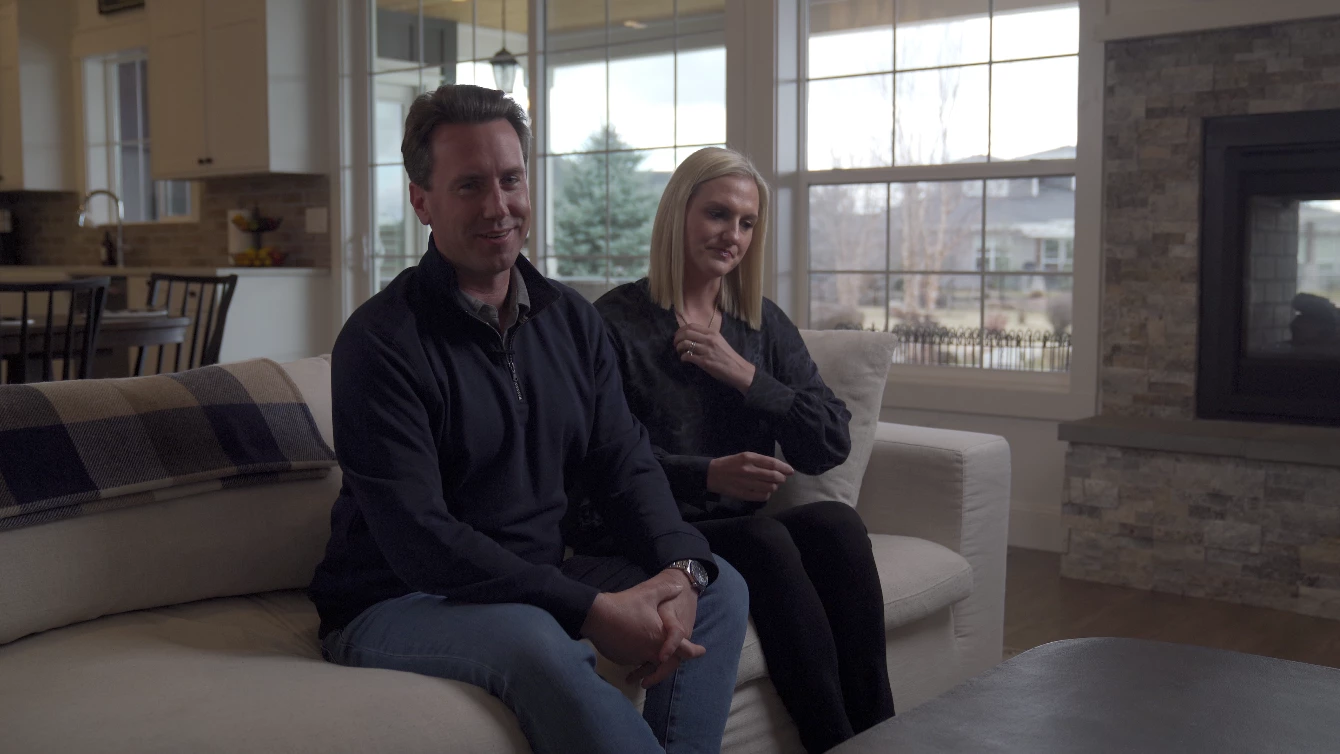
I am not sure what words I'm looking for but if you look around the black pixels in the gentleman's shirt it looks pixelated or even posterized? Not sure what's happening. It was a B camera that I rented from sharegrid. BUT it was the same body as mine, with the same settings, even checked the metadata and it's all the same as my A footage from my camera, which looks amazing. But when it is on the timeline it just looks unusable.
The photos below are from the exact same clip the only difference is one is being viewed in my source monitor and the worse one is on my timeline.'

 AdChoices