
Known Participant
October 21, 2024
Question

Frame io V4 not updating on Premiere Pro 25

  • October 21, 2024
  • 2 replies
  • 1473 views

Hello!

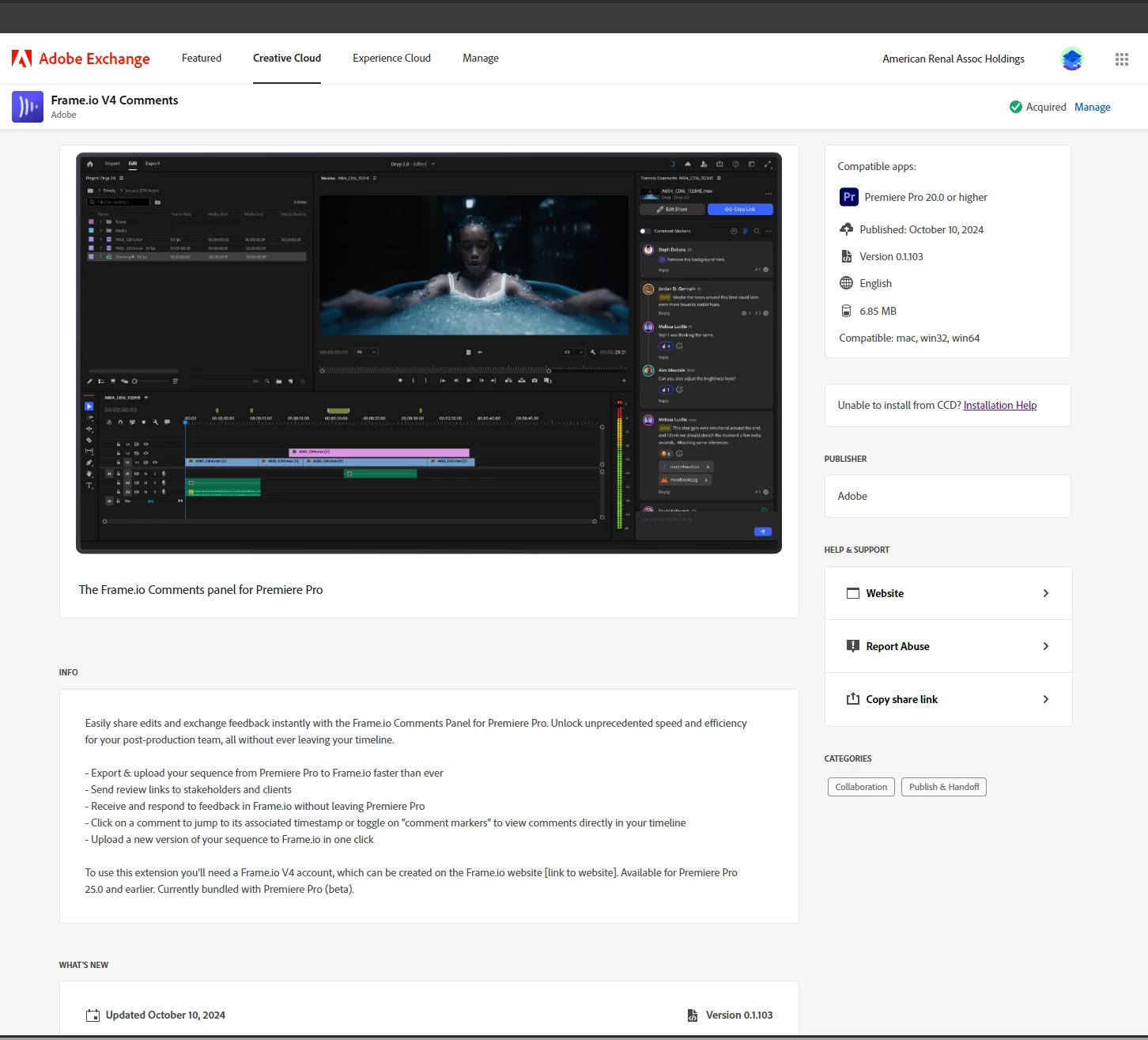
I've updated Frame io to v4 and while it says on  my plugins that it is installed, it does not run on Premiere Pro 25. When I click on manage plugins, nothing happens. I already got in touch with Frame io and they informed me the issue is on Adobe's side? When I go to Window>Extensions in Premiere, it is not there. 
 

2 replies

Known Participant
October 21, 2024

As of this morning, it would not allow me to click on 'manage'. I would click on it and it wouldn't take me anywhere, but it worked just now. 🙂 Looks goodnow, thank you so much.


Kevin-Monahan
Community Manager
Community Manager
January 22, 2025

We have not heard back from you, @Quel_Belle. Are you receiving any updates? Let us know.


Thanks,
Kevin

Kevin Monahan - Sr. Community and Engagement Strategist – Adobe Pro Video and Audio
Known Participant
January 23, 2025

Yes, looks like the problem solved itself a few days after I posted this. Thank you so much!

Patrick Southern
Community Manager
Community Manager
October 21, 2024

Hey @Quel_Belle! If you go to the Creative Cloud desktop app, click on "Stock & Marketplace", select "Plugins" and then "Manage Plugins", what do you see for the Frame.io V4 Comments plugin? Do you see an "Install" button?