
Inspiring
July 30, 2021
Question

Garbled Premiere Pro interface

  • July 30, 2021
  • 2 replies
  • 1833 views

My Premiere Pro, WIndows 10, 15.4.0 (Build 47) is displaying all messed up - unusable. windows all fragmented. Uninstalled Premiere and re-installed, deleted prefs folder; installed latest graphics drivers. Can anyone suggest anything? help!?
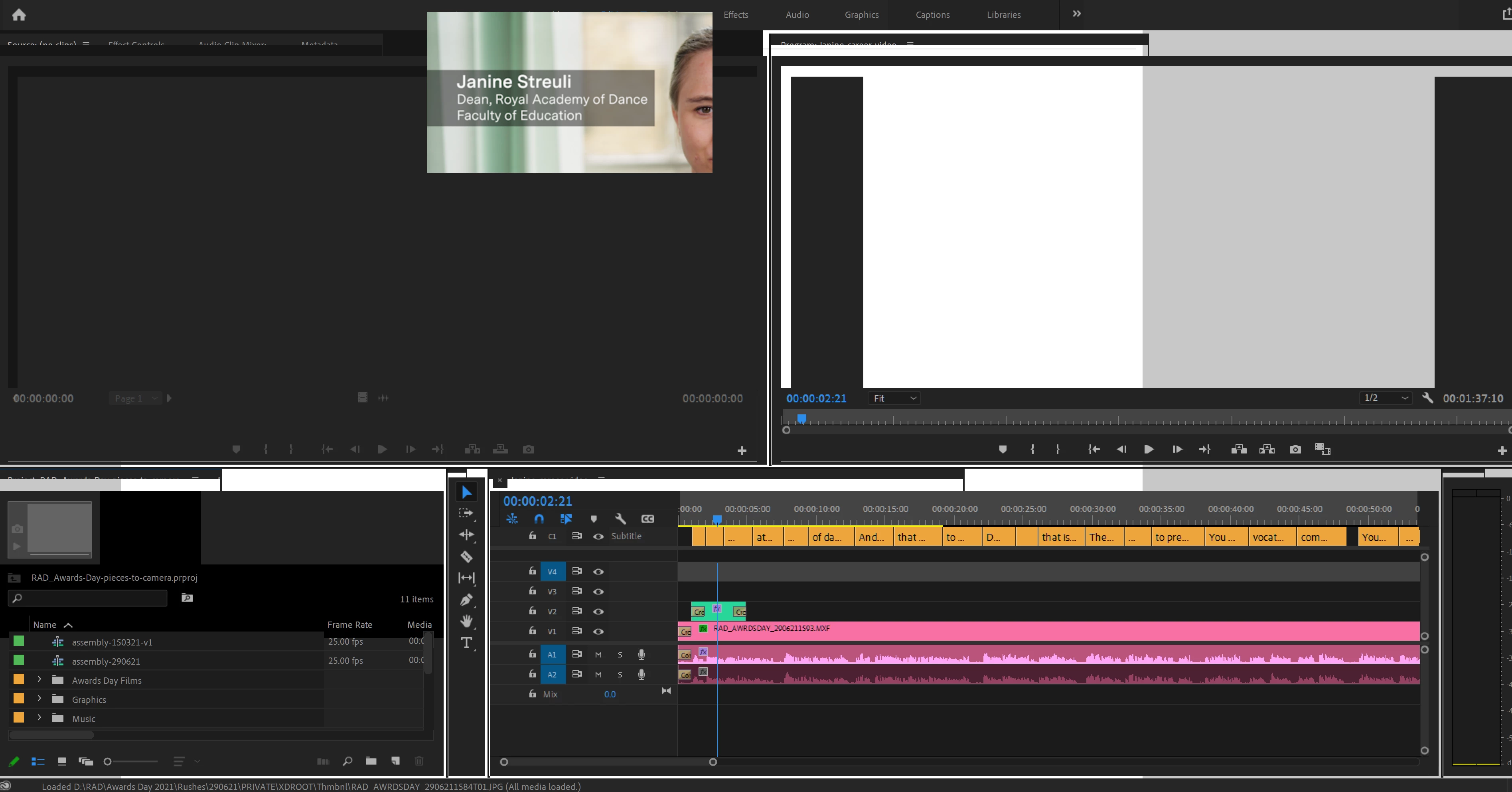
 

This topic has been closed for replies.

2 replies

Peru Bob
Community Expert
Community Expert
July 30, 2021
Inspiring
July 31, 2021

After running the cleaner tool, I am still getting unusable windows within the application. see attached. any ideas? desparate to get this going!

Averdahl
Community Expert
Community Expert
July 31, 2021
quote

desparate to get this going!


By @dkaplowitz


See my answer just abowe this post that starts with "My guess is that the display in the laptop is not using the GTX1080 card..."

Averdahl
Community Expert
Community Expert
July 30, 2021

When uninstalling all files are not removed. I would try some brute force by doing this:

  1. Close Premiere Pro
  2. Go to C:\Users\UserName\Documents\Adobe\Premiere Pro
  3. Delete the subfolder named 15.0 (If you are using verion 15.x that is..)
  4. Launch Premiere Pro


When lauanching Premiere Pro those folder will be recreated and since the Workspaces "live" in those folders there is a chance that any corrupted file is history.


Mind you that if you delete that folder your custom workspaces and custom keyboard shortcuts will be deleted as well, so cutting out the folder (Ctrl+X) and place the folder on the Desktop may be a better solution to step 3 so you can save the files you want.

Inspiring
July 30, 2021

Yes as I said I deleted the prefs folder 

Averdahl
Community Expert
Community Expert
July 30, 2021

Oops, i read it as "resetted the preferences"... My bad.


  1. Has it ever worked, in some version of Premiere Pro? 
  2. What are your complete computer specs?