
Participant
April 28, 2021
Question

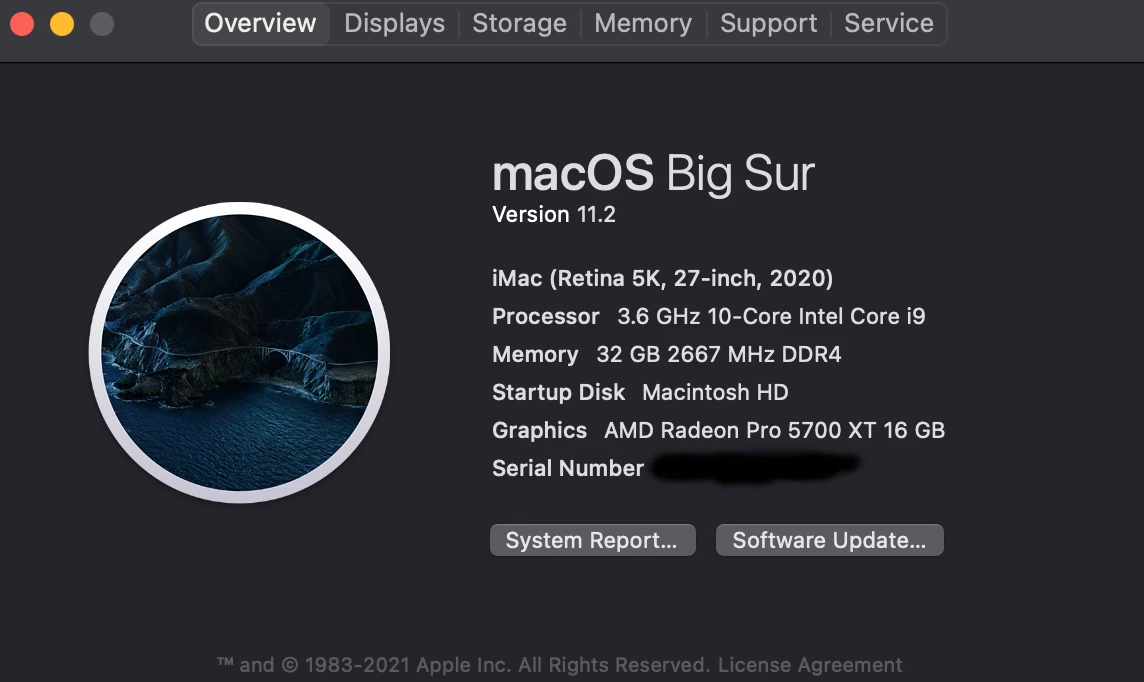
Get my new iMac to render with the GPU?

  • April 28, 2021
  • 3 replies
  • 235 views


Hi Peeps!

I just got a new iMac and want to do some editing in Premiere Pro. My question is, how do I know Premiere Pro is using the GPU and not the CPU when rendering? Do I need to go in and adjust some settings? If so, how?

Thanks guys!
 

This topic has been closed for replies.

3 replies

Ann Bens
Community Expert
Community Expert
April 28, 2021
Community Expert
April 28, 2021

Premiere is largely CPU based. It will use the GPU for certain tasks and in more recent versions it can also further assist with encoding/decoding certain codecs (H264 and H265).


As long as your GPU is selected as the renderer you should be good to go.

You can also ensure that the Hardware Acceleration options are turned on in Preferences > Media


If you're monitoring your hardware usage, you can typically expect high CPU usage (up to 100% during encoding) with a little bit of GPU support. Depending on the situation that could be as low as 5-15%, or it could be as high as 50-60% when encoding to H264/5 with Hardware Encoding.

Participant
April 28, 2021

Bump
???????