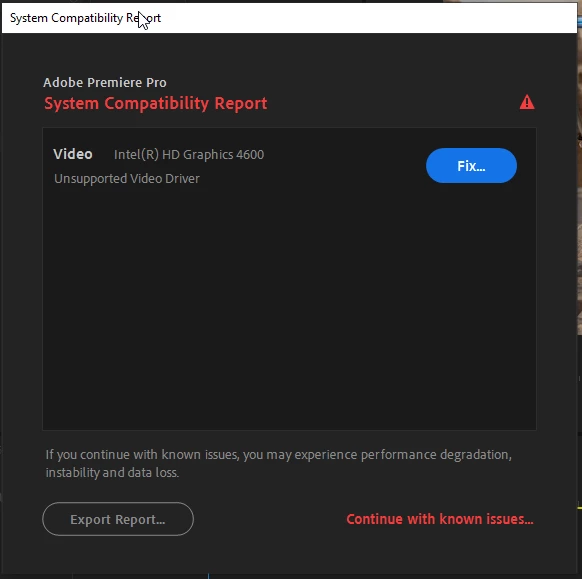
That Intel CPU is officially too old for use with the latest versions of Premiere Pro:
Beginning with the 2019 version, Adobe now officially requires a 6th-Generation or newer Intel CPU in order to run Premiere Pro properly. Unfortunately, you have only a 4th-Generation Refresh CPU, whose mainstream support from Intel itself had ended the day Windows 10 was released way back in 2015. Since then, there have been only security patches to the Intel drivers for these older CPUs, with no more compatibility or bug fixes ever. Therefore, your CPU's program compatibility is permanently "locked" to 2015-era levels.
And why on earth did you get an RTX 2070 SUPER for that obviously underperformance (by today's standards) CPU? Now, if you are planning to upgrade to a newer, more powerful CPU platform in the near future, that's one thing. But if you're going to stick with that nearly 7-year-old CPU platform with no more than 4 cores and 8 threads for years to come, then you have just wasted your money. Even an RTX 2060 (non-SUPER) would be overkill for that CPU, when it comes to Premiere Pro. And this is because the full asking price of that i7-4790K at the time that it was new was only about $330, while the typical RTX 2070 SUPER currently goes for more than $500. Even the RTX 2060 still goes for more than $320, which would have been the performance equivalent of a GPU which cost $600 back in 2014. The best performance match for that CPU, IMHO, would be a non-SUPER GTX 1660.
Hope this teaches a lesson on how to balance the relative performances of the GPU with that of the CPU.


 AdChoices