Taufiqtv
Participant
December 27, 2023
Question

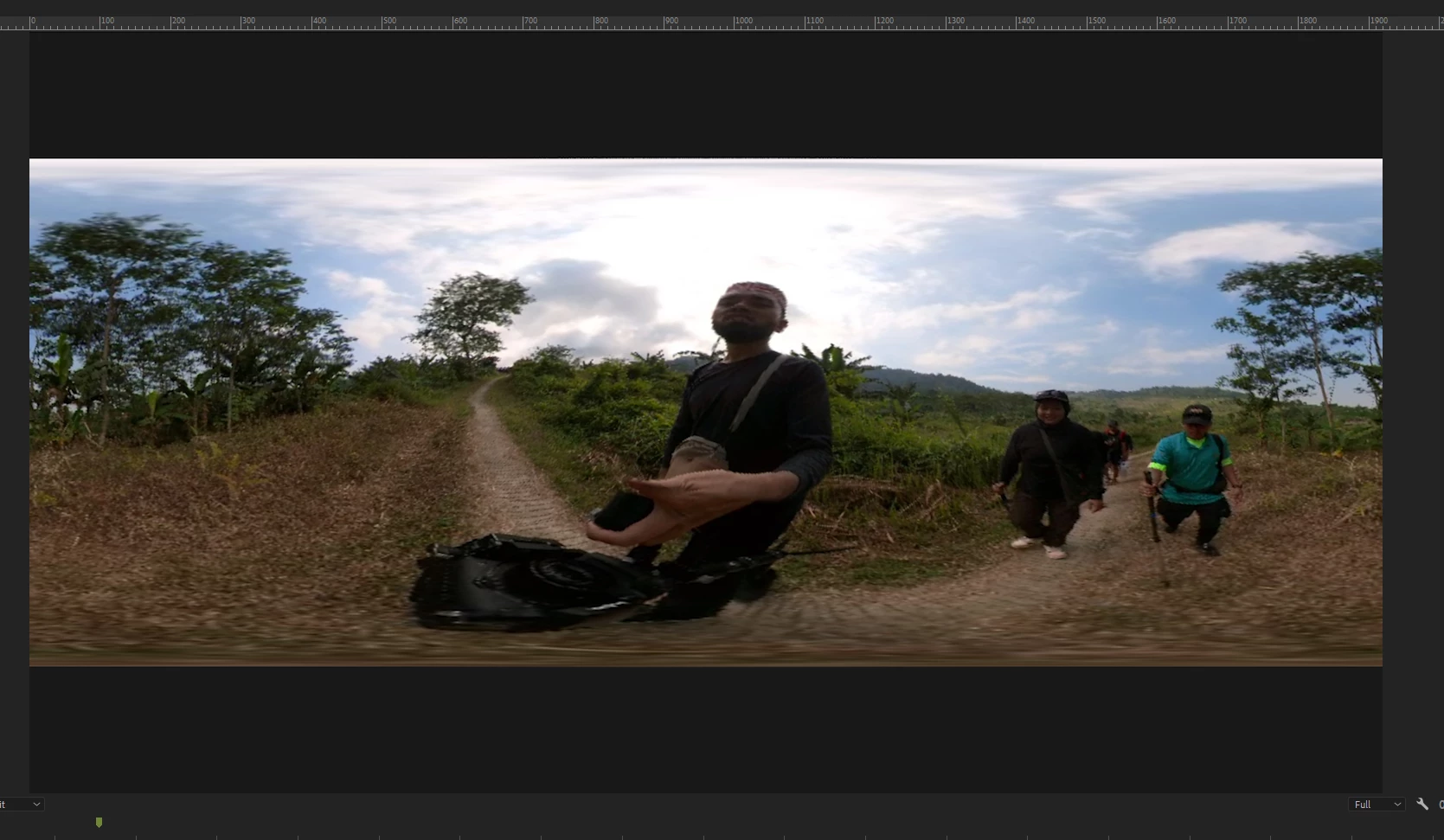
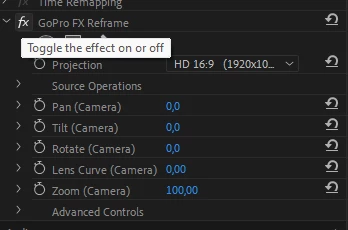
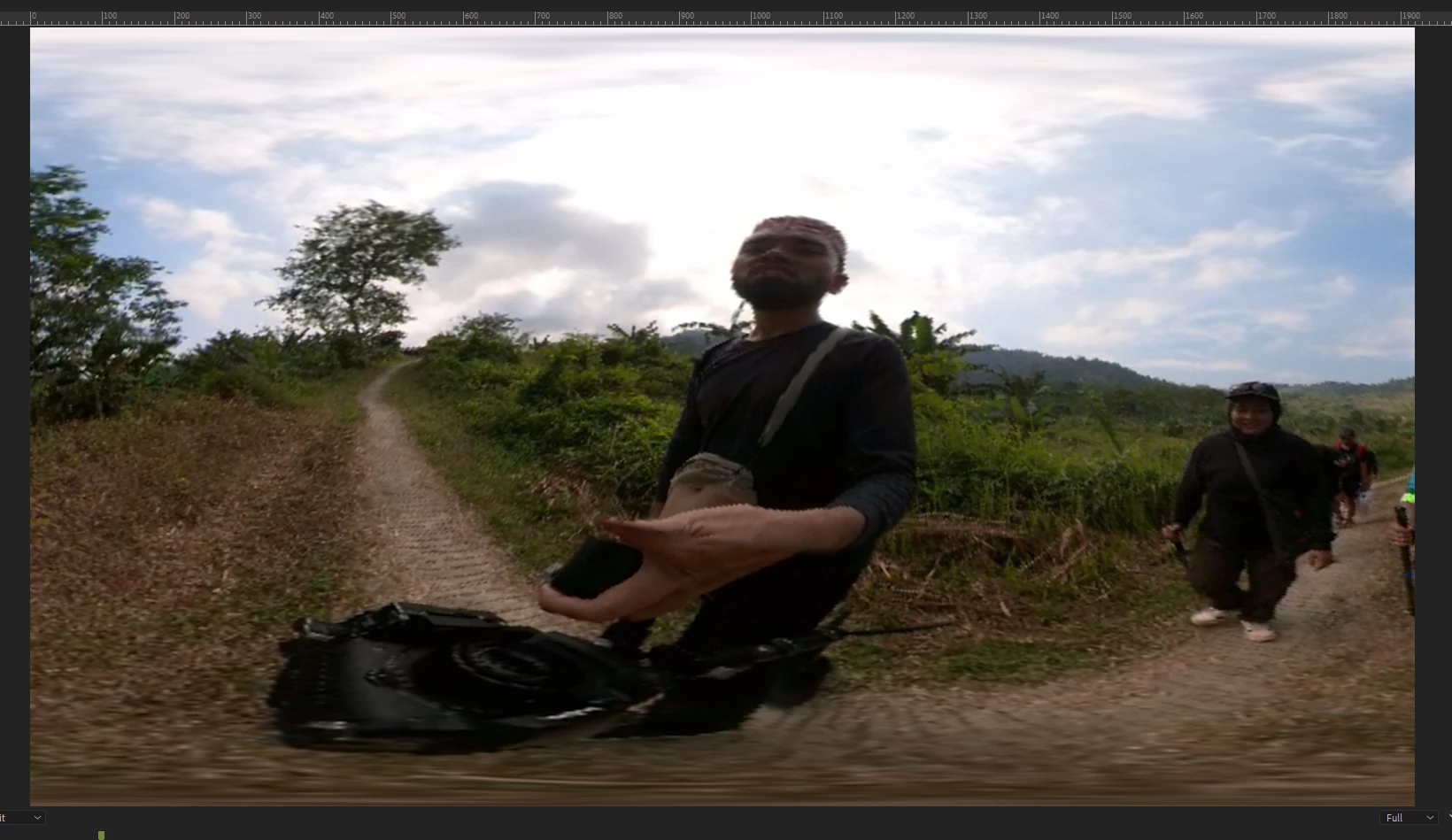
Go Pro Reframe FX not working with Adobe Premiere Pro 2024. Help me please

  • December 27, 2023
  • 2 replies
  • 1710 views
Go Pro Reframe FX not working with Adobe Premiere Pro 2024. Help me please
GoPro-FX-Reframe-Plugin-1.4.0.195
 
 
This topic has been closed for replies.

2 replies

Peru Bob
Community Expert
Community Expert
January 8, 2024

Delete the Media Cache and Media Cache files:
https://community.adobe.com/t5/premiere-pro/faq-how-to-clear-your-media-cache-in-30-seconds-in-premiere-pro-2020/m-p/11017257/thread-id/260446?page=1
Then try pressing Enter to render the timeline and turn the red line above the timeline to green.

If that's not it, you may want to contact GoPro about the plugin.

klos315
Known Participant
January 11, 2024

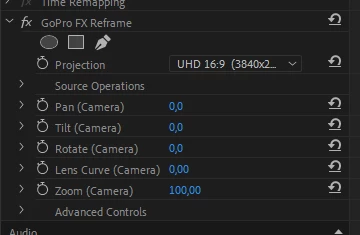
I got the plug in working. Might have been due to the cache clearing or when I changed the Projection drop down menu to UHD 16:9

klos315
Known Participant
January 8, 2024

I am having the same issues with 360 footage in Premiere 2024. The Auto Reframe plugin does not affect the 360 clips at all, whether they are .mp4 or .insv