

Ezad
Inspiring
September 9, 2022
Answered

Graphic Import to Timeline Insert = Blurred

  • September 9, 2022
  • 2 replies
  • 336 views

Hello
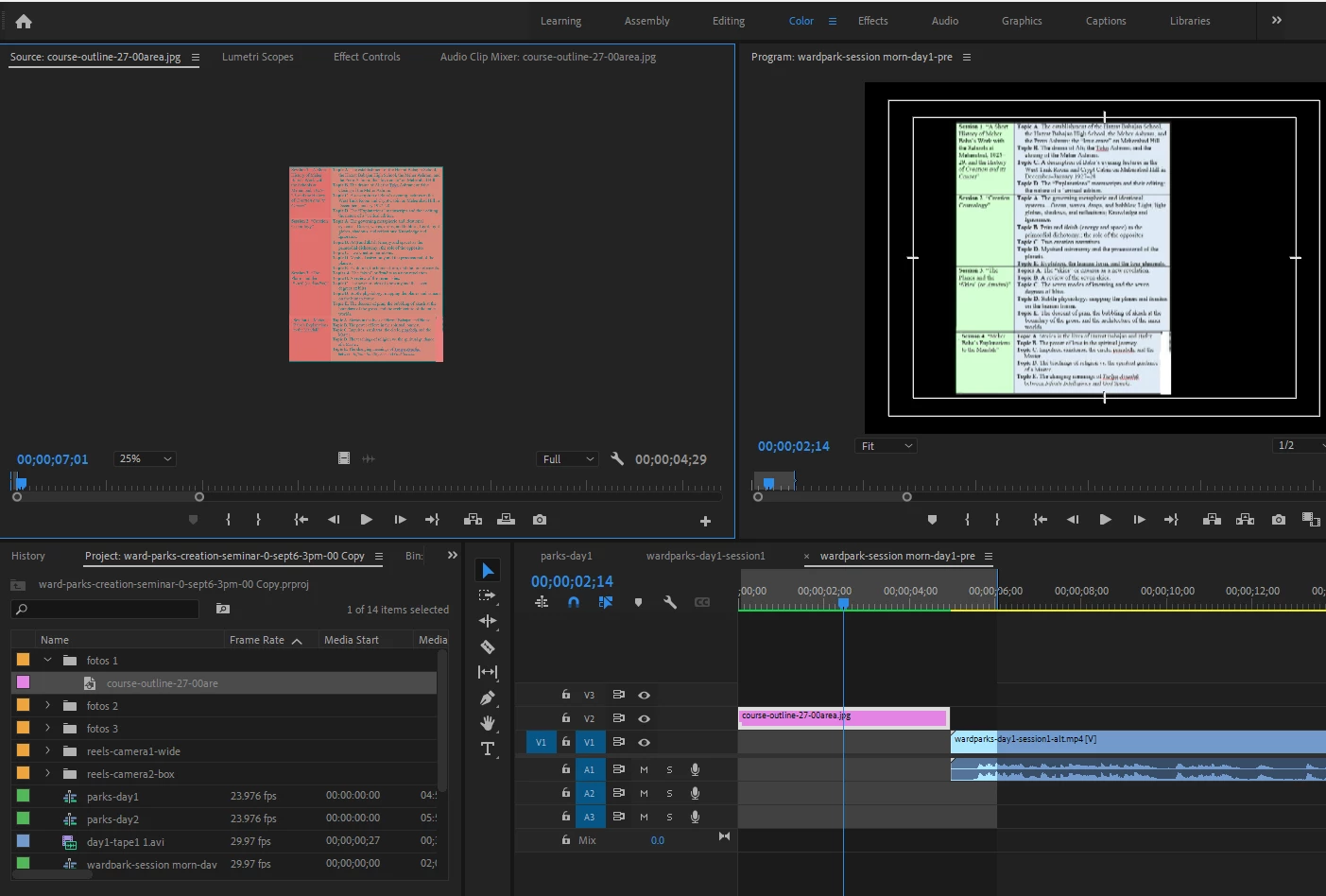
When I inport to insert into Timeline a graphic page with text the page is blurry even though the original is crisp and sharp.
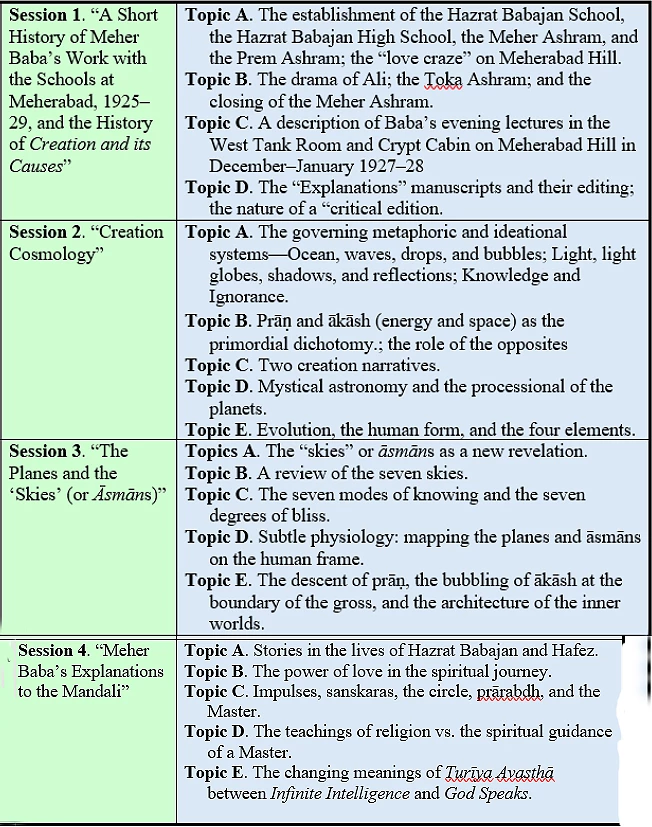
Here attached is my project windows showing the blurring and attached the original photo that I imported.
Also the Source always shows the image with a orange tint do not know how to improve that.
I am using Premiere Pro 2021.
Thanks for any help.


And


;


This topic has been closed for replies.
Correct answer Ezad

Hello
Here what I discovered. I cannot explain how this discovery impacted inserting photos into the timeline.

I have the project showing the original timeline. I inserted several .MOV films into the Timeline.
I then did a few corrections to prepare for a deeper edit and then exported the timeling to .MP4 format.
I then imported the unified film - film.mp4 into a new Timeline. That Timeline had only one film, 60minutes, MP4 format.
When I inserted photos they were blurry. However if I went to the original Timeline if I inserted photos they were 'as is'visually readable.

Thus the issue is the exported MP4. I thought there should be no issue inserting images.
Let me know why this is so. Thanks!

2 replies

Peru Bob
Community Expert
Community Expert
September 12, 2022

What are the pixel dimensions of the image?

What are the sequence settings?

Ezad
EzadAuthor
Inspiring
September 13, 2022

Ezad
EzadAuthor
Inspiring
September 9, 2022

This plays the compromised insert:


https://youtu.be/wrYOzSfLogw