
auliayura
Participant
June 14, 2018
Question

Green screen appearing after rendering from AE (dynamic linking)

  • June 14, 2018
  • 3 replies
  • 2387 views

Hi all!

I'm frustrated by this green screen that appears after rendering from AE via dynamic linking.

So I made an edit of a clip in AE using the dynamic linking from premiere pro.

Once I've finished, I render it inside premiere pro (by pressing enter) and somehow this green corrupt frame in a split second appears (image 1). But even just 1 frame before that the green screen is not visible (image 2).

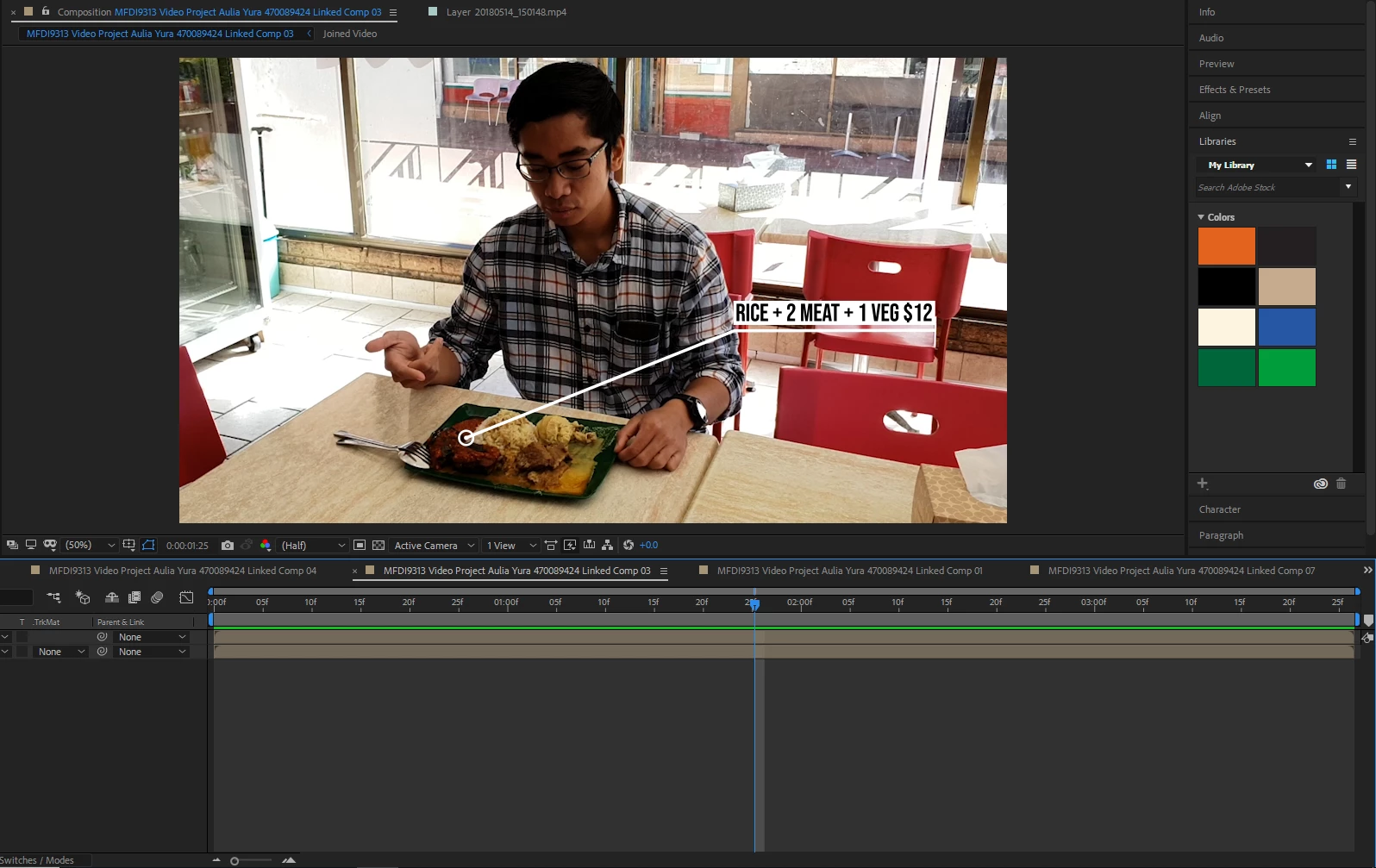
However, this green corrupt frame is not visible in the AE. So I'm confused? (image 3)

Can someone help me fix this? I'm so disappointed that this happens after spending so much time editing in AE.

Image 1: the green corrupt frame.
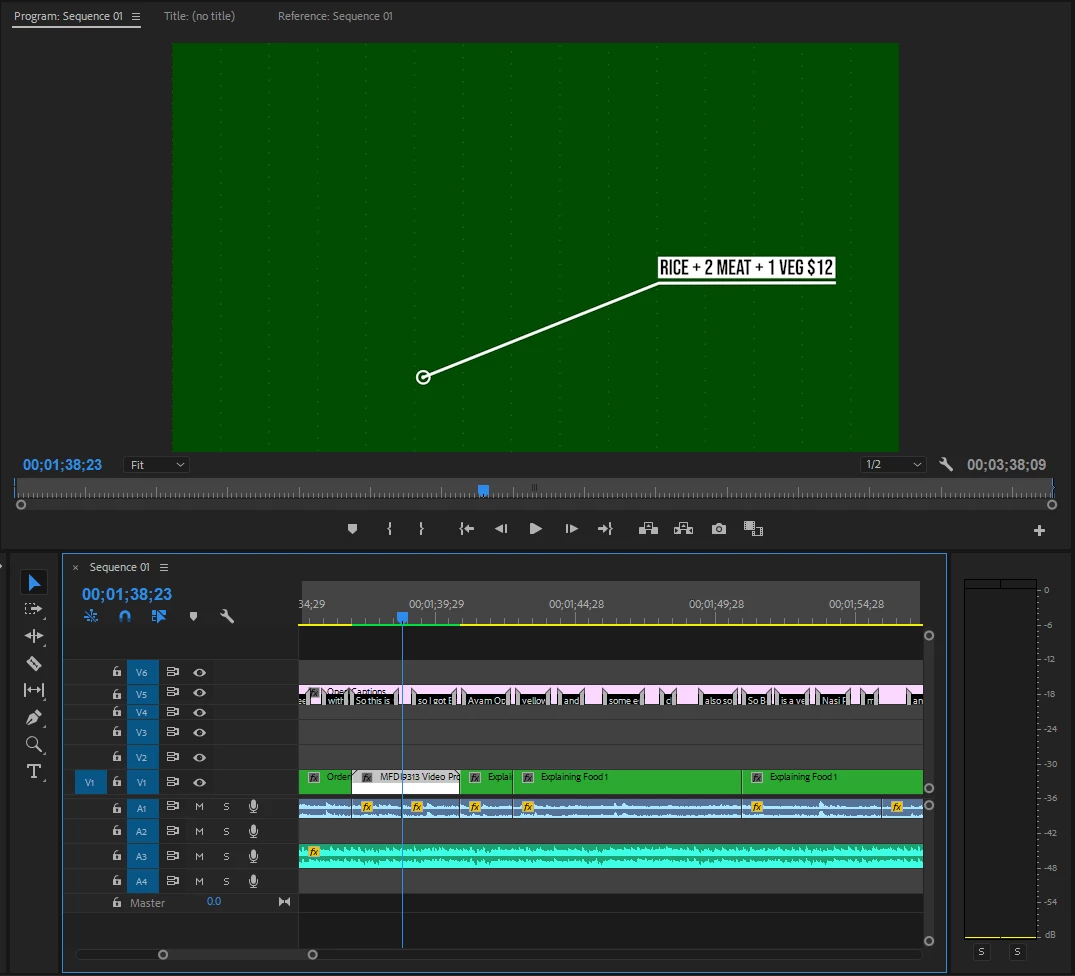
Image 2: literally one frame before that is normal. Same with the next frame after the green corrupt one.

Image 3: inside the AE composition where the green corrupt frame is not appearing unlike inside the premiere pro.
Spec information:

- I'm using Pr and AE CC 2018

- Windows 10 latest build

- CPU: Ryzen 5 1600X

- GPU: GTX1060

- RAM: 16GB

Please help! Thank you

This topic has been closed for replies.

3 replies

Nobitavfx
Participant
March 17, 2023

https://www.youtube.com/watch?v=l85oetptLvg 

this worked for me 

i know im late sorry 

Legend
June 14, 2018

Do you need to create a preview file?  Have you tried exporting yet?

auliayura
auliayuraAuthor
Participant
June 15, 2018

What do you mean with preview file? Yes, I tried to export the composition individually but the green corrupt frame is still there. So, it's not a solution.

Legend
June 15, 2018

You exported the comp from AE?

Ann Bens
Community Expert
Community Expert
June 14, 2018

If its just one clip I would render it to an intermediate format and use that in Pr, instead of wasting time figuring out what is wrong. But that is just me.

auliayura
auliayuraAuthor
Participant
June 15, 2018

Yes, I tried to export the composition individually but the green corrupt frame is still there. So, it's not a solution.

Warren Heaton
Community Expert
Community Expert
March 17, 2023

Try using Shutter Encoder (donation-ware) to transcode the source footage to ProRes 422 LT and then use File > Replace Footage in After Effects to replace it.