
Known Participant
August 5, 2023
Question

Handle HDR10 footage in Premiere Pro

  • August 5, 2023
  • 2 replies
  • 4912 views

Latest version of Premiere Pro.

Running on an SDR monitor

Have 4k HDR10 footage

Want to use Neat Video to reduce grain on some older 4k footage.  

Export losslessish (like ProRes)

Want to then run thru ffmpeg with x265 and reduce the final output.


Problem I'm having is when I open the source in Premiere or play it in my system it has what you'd expect I guess for a washed out look considering SDR monitor with HDR10 footage.
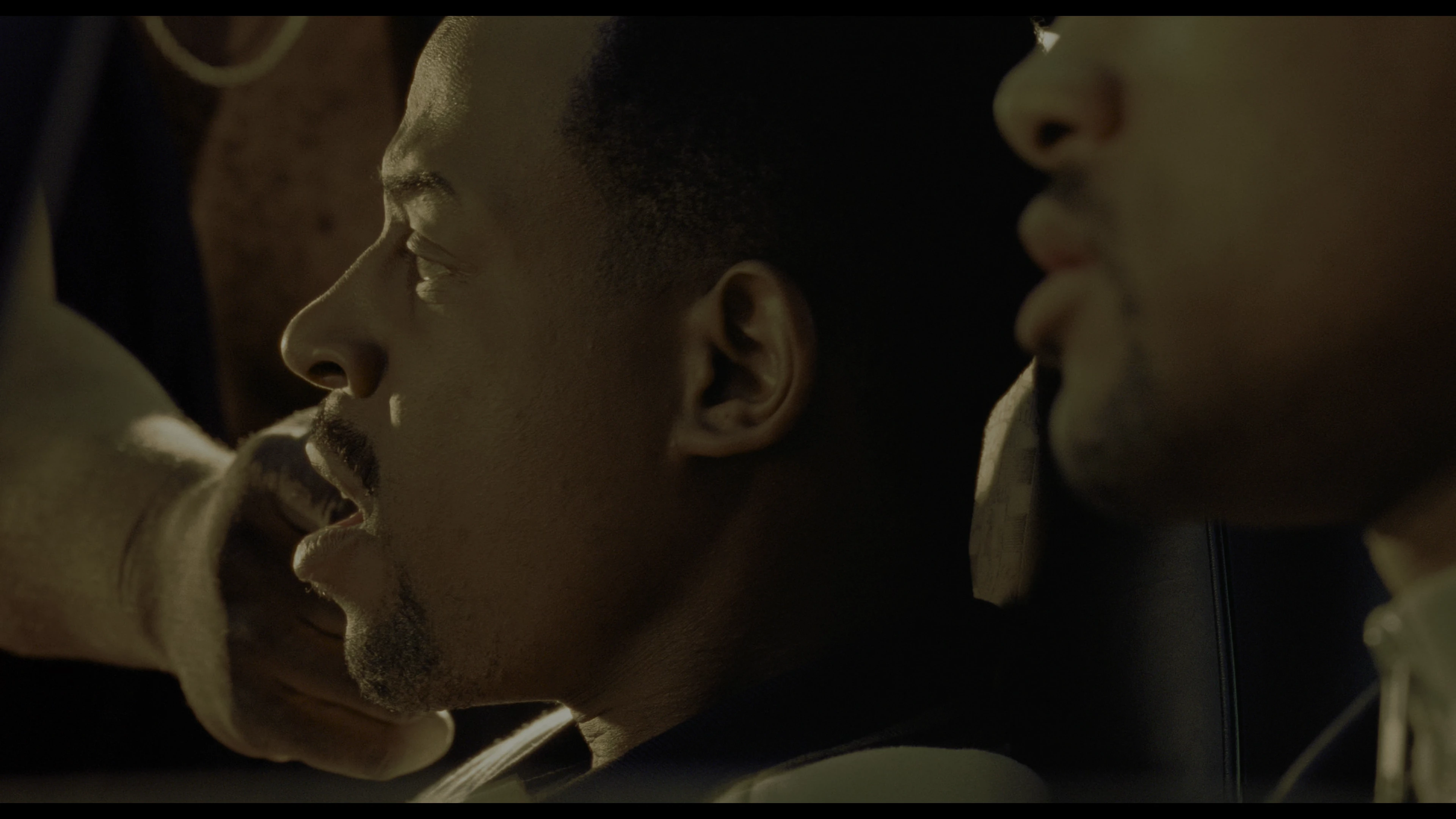
I open the source in Premiere Pro and it comes up as I would expect as Rec 2100 PQ in the sequence.  No matter what format I export in the footage comes out looking like it was converted to SDR
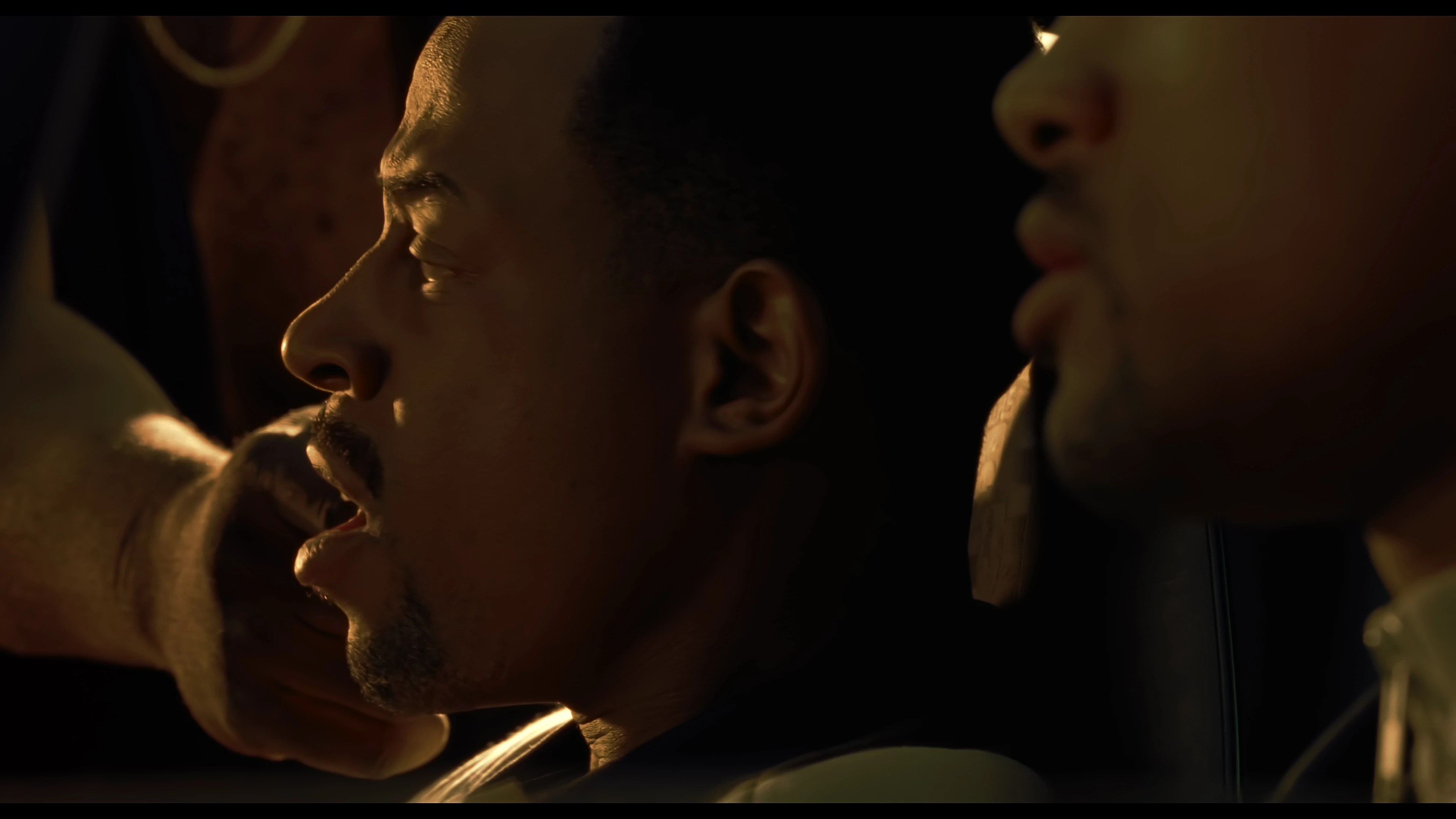
Only way I can get the final output to look at all like the source is to interpret footage on the original import and change the color space to Rec 709 but then the final output is Rec 709.  When I then export the above MXF footage, injecting the HDR10 metadata with ffmpeg it's weird.  Looks the same in VLC in a snapshot.
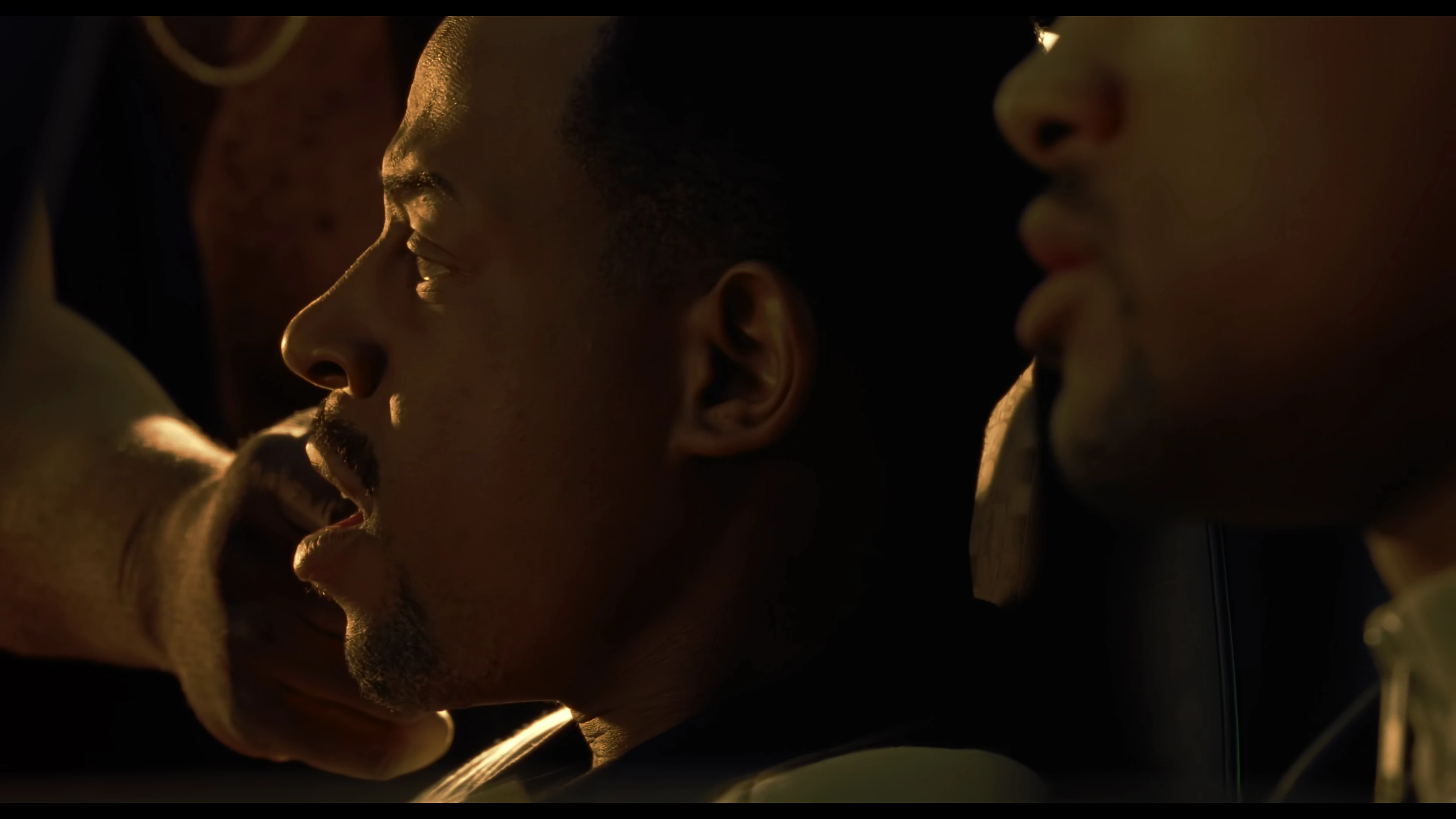
But it's super red on my non HDR screen.  I'm hoping I don't need an HDR screen for Premiere to work to complete this workflow.

For this workflow only wanted to use Premiere Pro to use Neat Video as own it and proving to be a challenge.

This topic has been closed for replies.

2 replies

R Neil Haugen
Legend
August 5, 2023

Several things must match for HDR work:

  • Clip color space be Rec.2100/HLG
  • Sequence color space be Rec.2100/HLG
  • Export preset MUST be one of the included presets, and has HLG in the preset name.


IF those all match, you should get an HLG file out of Premiere.


Modding a preset to HLG, theoretically could work. But has a ton of details that must all be exactly set. Use theirs to start.

Everyone's mileage always varies ...
jriker1Author
Known Participant
August 5, 2023

Thanks for the reply.  Let's start with your first item.  I believe its Rec.2100/PQ but Color Space says YUV in MediaInfo.  Can also share ffprobe info if needed.  So it's HDR10 I know and thought it was Rec.2100/PQ.  Is this accurate?  I attached a MediaInfo dump of the video file info.


R Neil Haugen
Legend
August 6, 2023

Sorry can't edit.  Not sure about my two questions but looks like using that preset may have helped.  Looks like the original, MOV and ffmpeg encoded HEVC look the same. 


There are picky little details it is so easy to miss, and if any one them them isn't set correctly the HDR will not either export or be seen properly if it does.


Hence my recommendation to always start with the correct type of HDR export preset.


As to the questions, well, it depends.


For typical Web YouTube use, leaving the 8bpc set as such will work.


If you need a higher quality to potentially re-edit, then you want the MAX Render Q and 16bpc settings.

Everyone's mileage always varies ...
MyerPj
Community Expert
Community Expert
August 5, 2023

Maybe @R Neil Haugen has some ideas.